
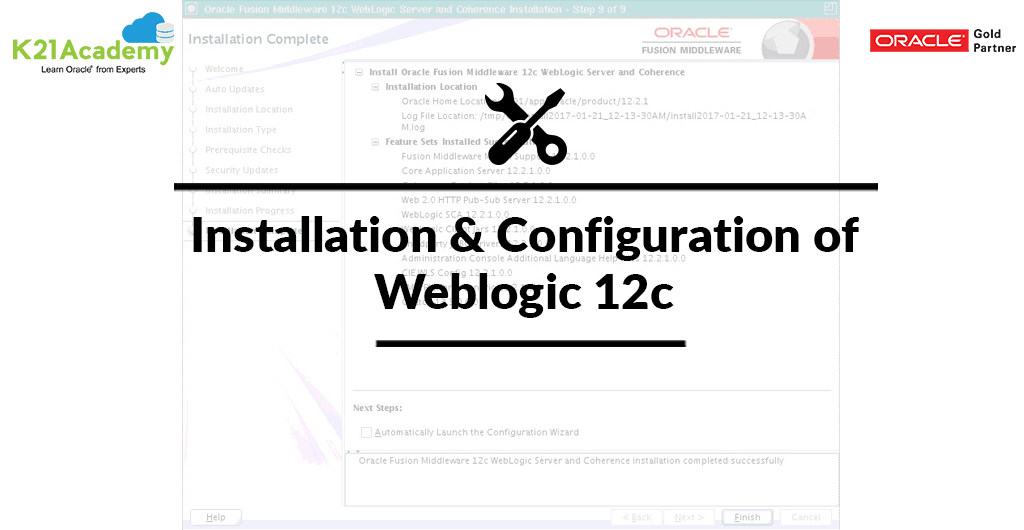



This Blog Post presents a video on a brief overview of Installation & Configuration of Oracle Weblogic 12c.
Things you should know:
- Step-by-Step Instructions to Install WebLogic 12c
- Creating Weblogic Domain 12c
- How to Start/Stop Weblogic Domain Server 12c
- Verifying WebLogic Admin Console 12c
- Creating Managed Server On Weblogic Console 12c
- For the 64 bit operating system, you must install JDK.
If you want to know about Weblogic Domain, then check our blog where we covered Oracle Weblogic Domain. Click Here
Check the Video Below to know more about Installation & Configuration of Weblogic 12c:
High Level Steps for Weblogic 12c Installation:
- Ensure that you start installation from user oracle
- Start WebLogic Installer as cd /stage/oracle/weblogic/12c/usr/java/jdk1.8.0_71/bin/java -d64 -jar fmw_12.2.1.0.0_wls.jar
- On Welcome Page click Next
- Check-in Skip Auto Updates
- Enter Oracle Home: /u01/app/oracle/product/12.2.1 and then Click on Next
- On Installation, type Choose Weblogic Server
- On Prerequisite Checks, wait for the prerequisite checks to complete. If there are failures, correct them and return the checks. If there are no failures, click the “Next”
- Uncheck the security updates checkbox and click on “Next”.
- Click the “Yes” button on the warning dialog.
- If you are happy with the Installation Summary, click the “Install” button.
- Wait for the Installation to complete, then click on “Next” button.
- On the Installation complete screen, uncheck the Automatically Launch the Configuration Wizard and click on “Finish”
So, this is all about Installation & Configuration of WebLogic 12c. Please watch the video to learn in detail.
Stay tuned for my next blog where we will discuss Maximum Availability Architecture.
We offer Oracle WebLogic Training, where we discuss topics like Architecture, File System, JDBC, JMS, HA, Clustering, Security, Patching, Upgrade, Backup, and Recovery etc.
Check this: Administration Server is a WebLogic Server instance that maintains configuration data for a domain and Managed Server is an instance of your WebLogic server that is running on JVM and has its own configuration. Know in detail about Weblogic Admin Server and Managed Server here.
Related Posts
- Oracle Weblogic Server Administration Click here
- Oracle Weblogic Server Administration: Self Study Click Here
- Oracle Weblogic Server (12C/11g) Administration: Step By Step Activity Guide/ Hands-on Lab Exercise Click Here
- [Video] Oracle Weblogic Server: Weblogic Admin Tasks & Tools. Click Here
- Troubleshooting Oracle Weblogic Server: Startup Issue: OutOfMemoryError PermGen Space. Click Here
- [Video] Oracle WebLogic Administration: Weblogic Domain Topology. Click Here
- [Video] Oracle WebLogic Administration: Weblogic Domain Home and Server, Click Here
- Oracle Weblogic Administration: Introduction to Multitenancy, Click Here
- [Video-Blog] Oracle WebLogic Administration: Admin Server and Managed Server, Click Here
- [Video] Oracle WebLogic Administration: Clusters and Dynamic Cluster, Click Here
- [Video] Oracle WebLogic Administration: Data Sources (JDBC) & JMS, Click Here
- [Video] Oracle WebLogic Administration: Machine and Node Manager, Click Here
- Oracle Weblogic Administration: Weblogic 12c Architecture & New Features, Click Here
Next Task For You
Want to move ahead in your career and want to get a higher Earning Job?
Get 7+ Courses for DBAs & Apps DBA in a bundle program and learn from the Industry’s best Experts.


![Microsoft Agentic AI Business Solutions Architect [AB-100] | K21 Academy](https://test.k21academy.com/wp-content/uploads/2025/11/Microsoft-Agentic-AI-Business-Solutions-Architect-AB-100-Exam-Overview1.png)


