
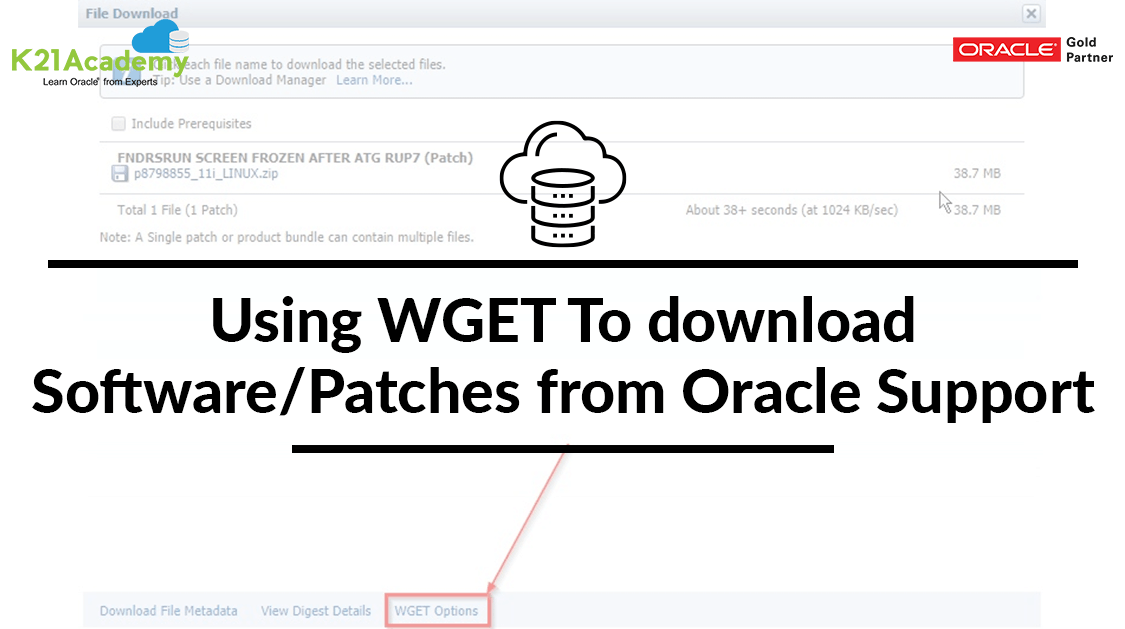



This blog post discusses the steps to download the Software & Patches from My Oracle Support (MOS) using “Wget”.
In the production environment, due to the performance & security reasons, there is a firewall and a systematic policy that doesn’t allow the installation of a browser or the use of GUI. To work around this, we have Wget which enables us to download Software/Patches from My Oracle Support using the Linux Terminal.
Things Good To Know About Wget
- Wget is a free utility for the non-interactive download of files from the web. It supports HTTP, HTTPS, and the FTP protocols, as well as the retrieval through HTTP proxies.
- Wget is non-interactive i.e. it can work in the background while the user is not logged in which allows you to start a retrieval and disconnect from the system, letting Wget finish the work.
- Wget has been designed for robustness over slow or unstable network connections; if a download fails due to a network problem, it will keep retrying until the whole file has been retrieved.
Steps To Download Software & Patches Using The Wget Script
For this, you will need another computer with GUI and browser-enabled.
1. Log in to MOS (oracle support) & search for the software or patch whose Wget script you want.
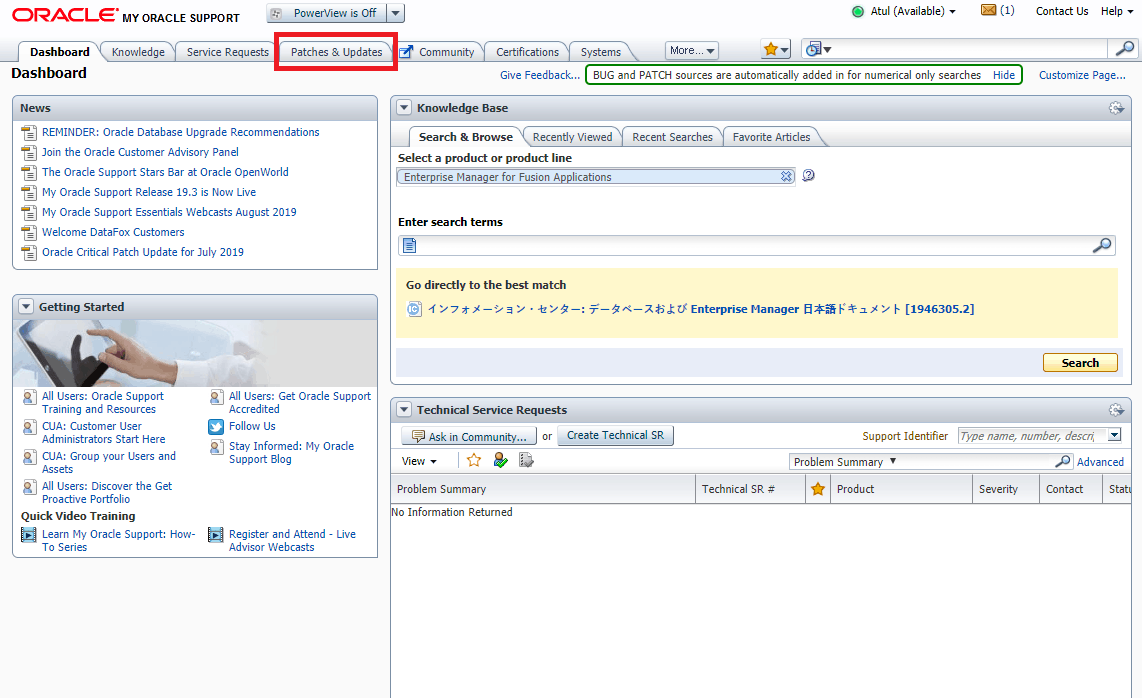
2. Select the software or patch you want to download
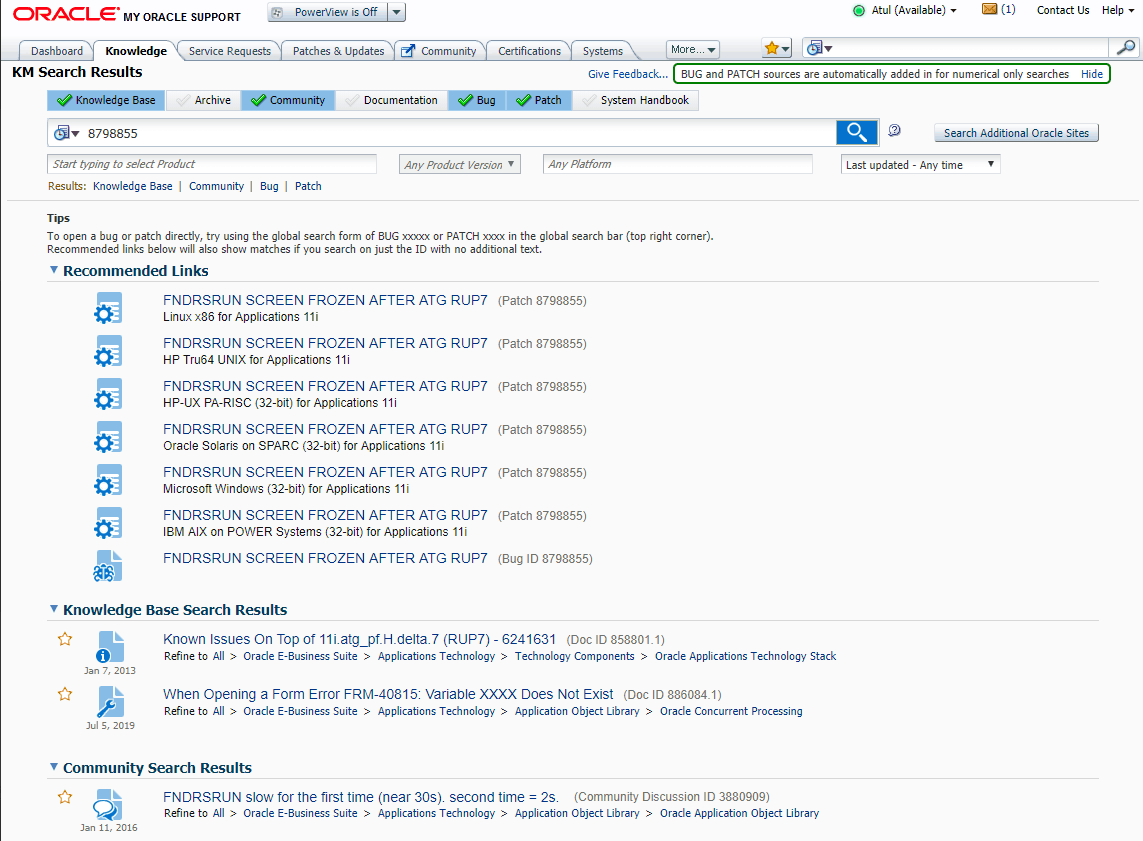
3. Click on the ‘Download’ button.
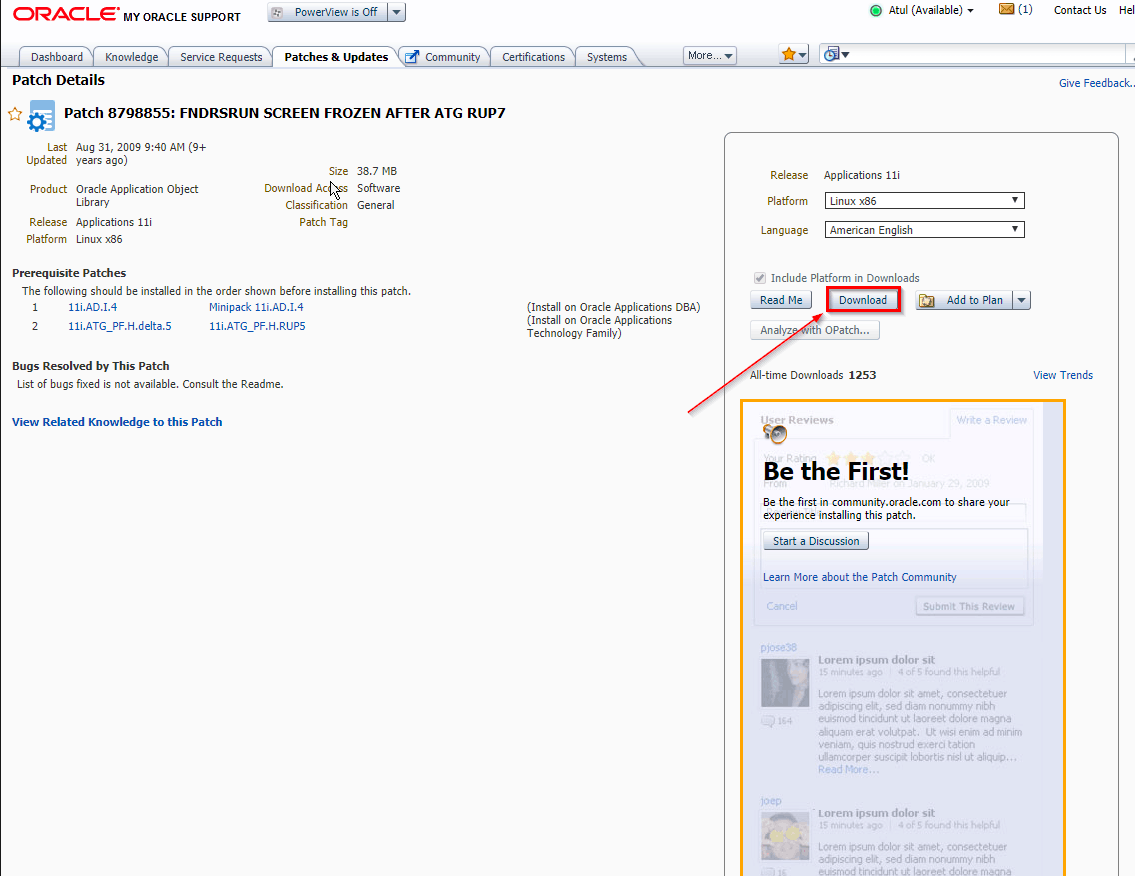
4. Click on “WGET Options”.
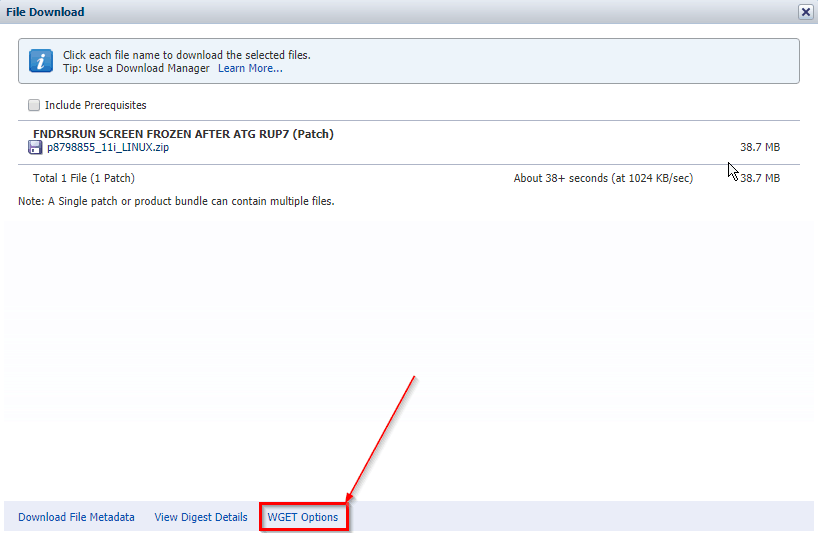
5. Click on the “Download.sh” button to download the script.
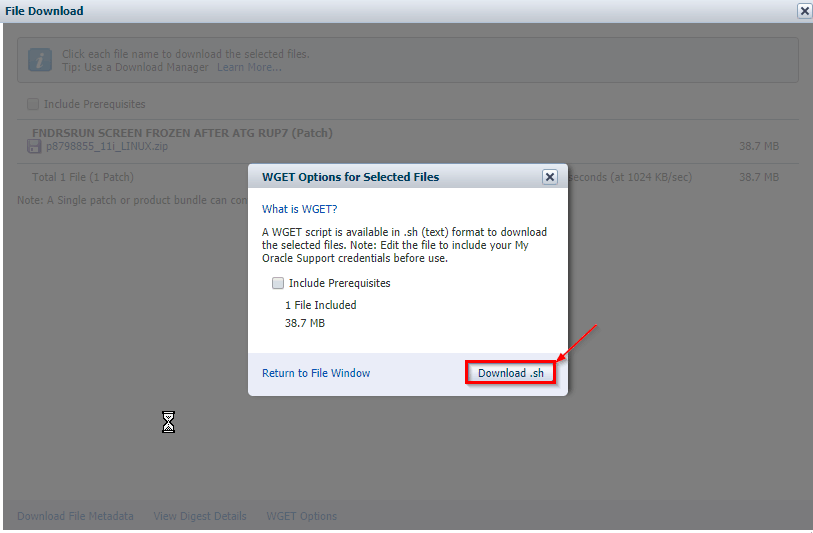
6. Once you have downloaded the Wget script, copy it to the source environment where you want to download the software or patch.
7. Run the script and when it asks for the username & password, enter the My Oracle Support (MOS) username & password.
# SSO username and passwor
SSO_USERNAME=EXAMPLE@ORACLE.COM
SSO_PASSWORD=password
Now, the WGET script will execute and download the software/patch.
I hope you find this blog useful in terms of downloading the software or patches to your machine using the command line. If you have any doubts or facing any issue, please post it in the comments section.
Related/Further Readings
- Recommended Browsers for Oracle E-Business Suite Release 12 [Doc ID 389422.1]
- Oracle E-Business Suite Release 12.2 Information Center (Doc ID 1581299.1)
- Oracle E-Business Suite Release 12.2.9 Readme (Doc ID 2495027.1)
- Oracle E-Business Suite 12.2.9 Now Available
- [Troubleshooting] Forms Issue: FRM-92050 failed to connect to server:forms/servlet
- Oracle E-Business Suite (EBS) 12.2.9 Now Available & Its Upgrade Steps
- Oracle AppsDBA (R12.2) Training: Step by Step Activity Guides/Hands-On Lab Exercise
- Oracle AppsDBA (R12.2): Install | Patch | Clone | Maintain
Next Task For You
Begin your journey towards becoming an Apps DBA by joining our FREE Masterclass on How To Become an Oracle Apps DBA (R12) & Earn A Lot More In 2020.
Click on the image below to register for the FREE Masterclass now!

![Microsoft Agentic AI Business Solutions Architect [AB-100] | K21 Academy](https://test.k21academy.com/wp-content/uploads/2025/11/Microsoft-Agentic-AI-Business-Solutions-Architect-AB-100-Exam-Overview1.png)


