



This blog discusses the symptoms, the root cause (502 Bad Gateway), and the fix of this prevalent issue.
Before moving into the Issue & its Fix, Lets first understand what is the Error 502 Bad Gateway & Overview of Load Balancer
What Is a 502 Bad Gateway Error?
A 502 Bad Gateway Error is a general indicator that there’s something wrong with a website’s server communication. It is just a generic error, it doesn’t actually tell you what exactly is the issue with your website. When this happens, your website will serve an error web page to your site’s visitors.
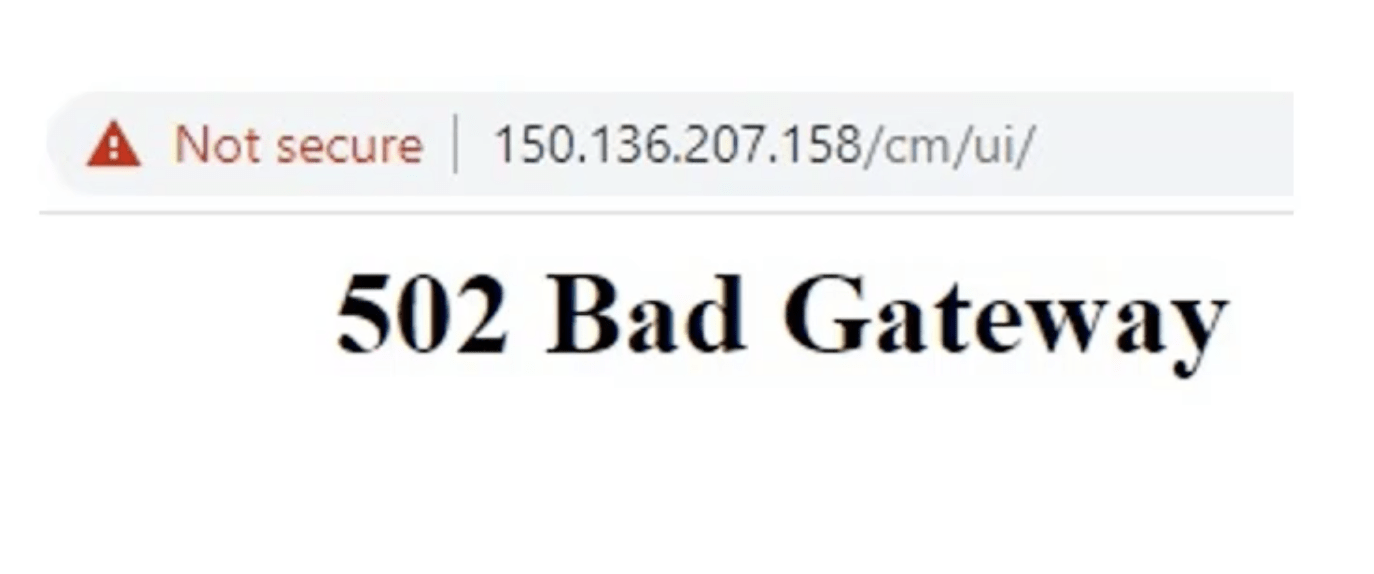
When we host an application that is accessible on the cloud and it shows this error, that means the load balancer that is front-ending the application is accessible but there is a problem with the backend application. That problem might be due to firewall issues or the application services are not available.
Check Out: Our previous blog post on EBS Cloud Manager. Click here
Overview Of Load Balancer In Oracle Cloud (OCI)
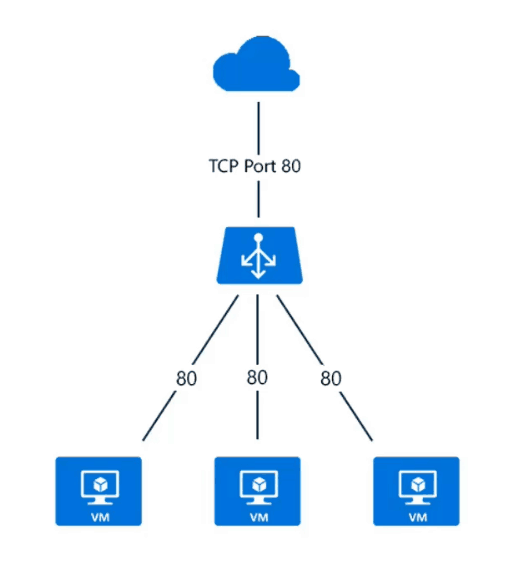
Load Balancer provides automated traffic distribution from one entry point to multiple servers in VCN or Load balancer automatically distributes traffic to list healthy backend servers based on
- Health Check Policy
- Load Balancing Policy
Where Health Check Policy is a test to confirm the availability of backend servers & a load balancing policy tells the load balancer how to distribute incoming traffic to the backend servers.
Read More: About Oracle Zero Downtime Migration. Click here
Type Of Load Balancer In Oracle Cloud (OCI)
1)Public Load Balancer: To accept traffic from the internet, you create a public load balancer. The service assigns it a public IP address that serves as the entry point for incoming traffic. You can associate the public IP address with a friendly DNS name through any DNS vendor.
2)Private Load Balancer: To isolate your load balancer from the internet and simplify your security posture, you can create a private load balancer. The Load Balancing service assigns it a private IP address that serves as the entry point for incoming traffic.
(Note: If you are just starting on Oracle Cloud or new to Oracle Cloud Infrastructure (OCI), then I would suggest you check our previous post on Oracle Cloud Infrastructure (OCI) which covers the basic concepts i.e. Region, AD, Tenancy, Compartment, VCN, IAM, Compute, Storage Service, etc)
To create a minimal system with a functioning load balancer, you must:
- For a public load balancer, create a VCN with an internet gateway and a public regional subnet.
- For a private load balancer, create a VCN with at least one private subnet.
- Create at least two Compute instances, each in a separate availability domain.
- The next Step, Create a load balancer.
- After that, Create a backend set with a health check policy.
- Add backend servers (Compute instances) to the backend set.
- Create a listener, with optional SSL handling.
- Update the load balancer subnet security list so it allows the intended traffic.
To know more on What Is Load Balancer In Oracle Cloud (OCI) & How To Create
Load Balancer Network Architecture
We have taken an example of EBS Cloud Manager that was hosted on OCI. This application was showing the same 502 error when accessed on the browser using the public IP. Let’s see what are the important factors here and what might be causing this issue with our application.
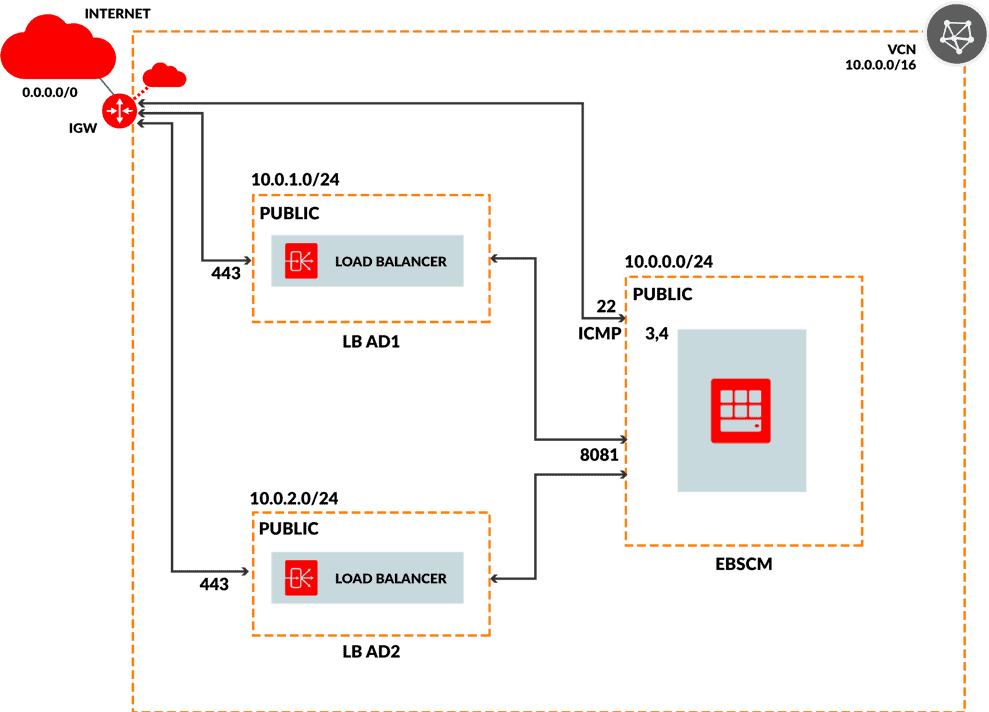
As shown in the above load balancer architecture, the main components are the load balancer, the backend set, and the connection between the load balancer and the backend set.
Since we are able to access the IP and it is showing the error, we can conclude the load balancer is forwarding the request to the backend server. But, since we are not able to access the backend server there are few more things we need to check which are is the backend server up and running? or the backend server is able to listen to the dedicated port or not, and is there a firewall issue.
Read More: About EBS Cloud Manager. Click here
Issue & Fix
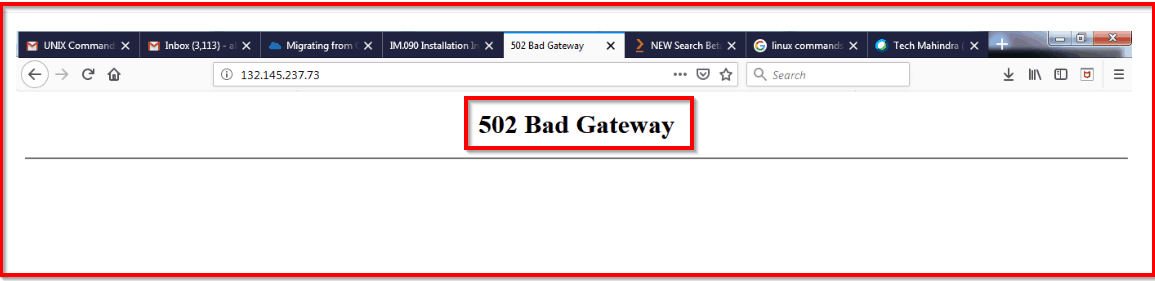
Once the Load Balancer is fully configured, While testing its functionality by navigating to its Public IP address on a web browser, some of the trainees are facing below error
“502 Bad Gateway”
Read More: About Oracle Database 18c. Click here
Cause:
It could be through a number of reasons:
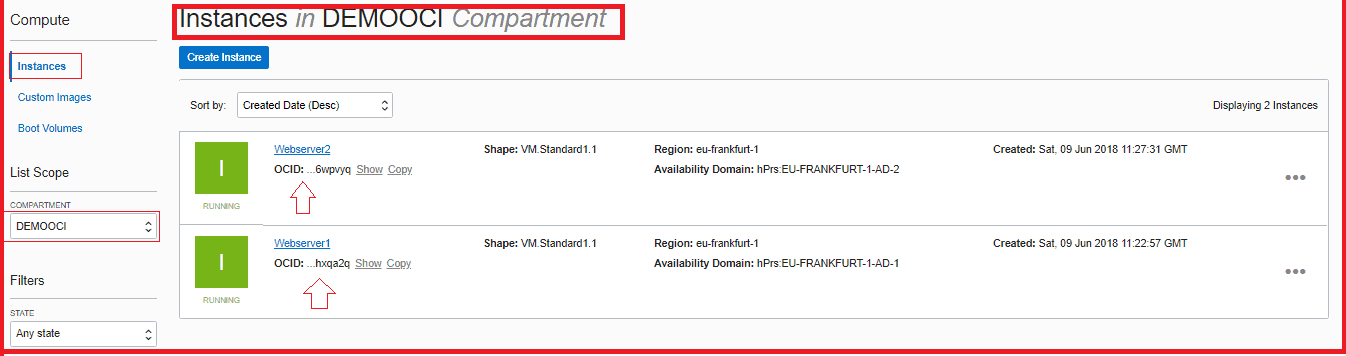
1) First Check, If your Compute Instance (Web servers) is Up & Running or not.
Also Check: Our blog post on Oracle Clone. Click here
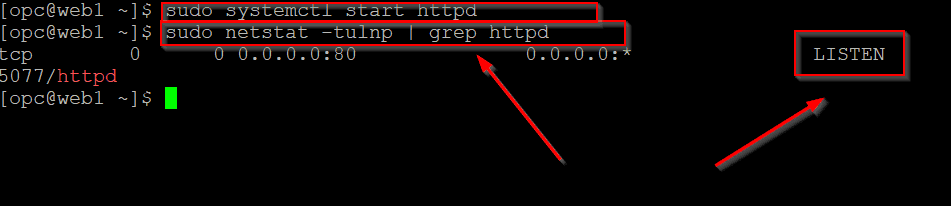
2) Check if the Httpd server is Up or not
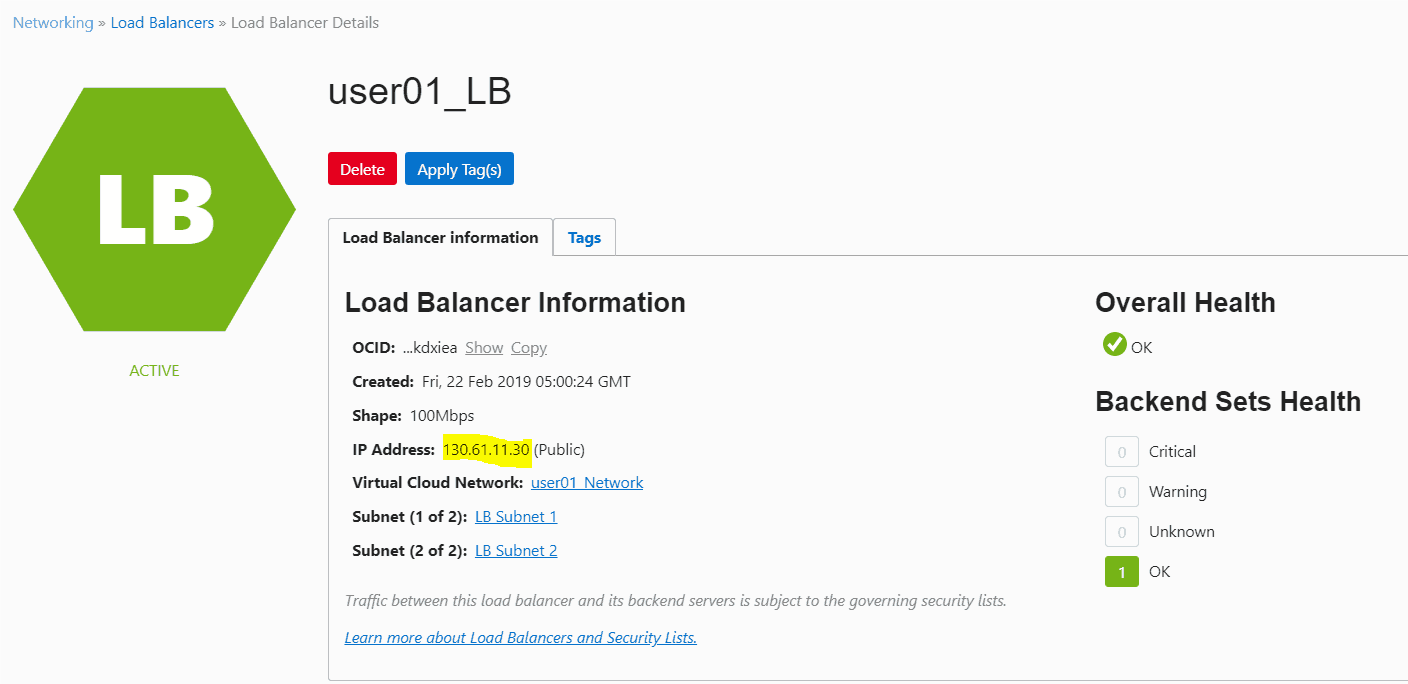
3) Make Sure the Health of the Load Balancer Should be OK
4) The issue is also caused by there being no healthy backend servers available during the time period in which the errors occur.
Post your doubts in the comment box below!
Stay tuned for the more informative blogs!
Also Check: Our blog post on Oracle EBS R12 On Cloud. Click here
Related/Further Readings
- [Video] Oracle Cloud Infrastructure (OCI) | Compute CPU & Memory
- [Video 3 of 5] Oracle Cloud: Create VCN, Subnet, Firewall (Security List), IGW, DRG: Step By Step
- [Video 4 of 5] What Is Load Balancer In Oracle Cloud (OCI) & How To Create: Step By Step
Begin Your Cloud Journey
Begin your journey towards becoming an Oracle Cloud Expert and earn a lot more in 2024 by joining our FREE CLASS. You will also know more about the Roles and Responsibilities, Job opportunities for OCI Architects, Admins in the market, and what to study Including Hands-On labs you must perform to get the Higher Paying jobs.
Click on the below image to Register for Our FREE Class on MASTERING ORACLE CLOUD FOR DBAs, APPs DBAs, ARCHITECTS & SYS ADMINS


![Microsoft Agentic AI Business Solutions Architect [AB-100] | K21 Academy](https://test.k21academy.com/wp-content/uploads/2025/11/Microsoft-Agentic-AI-Business-Solutions-Architect-AB-100-Exam-Overview1.png)


