
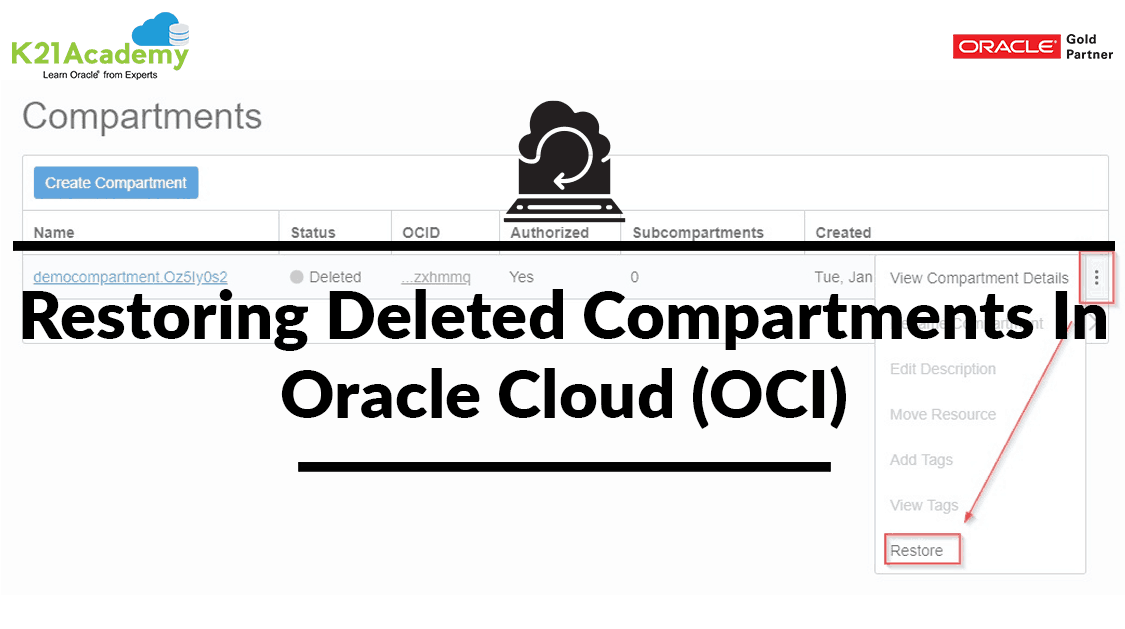



Previously, it was not possible to get the deleted compartments back in Oracle Cloud Infrastructure (OCI). With the recent update, now you can restore your deleted compartment.
A compartment is a logical container, to organize and control access to the Oracle Cloud Infrastructure (OCI) Resources (Compute instances, Databases, Block Volumes and Virtual Cloud Networks (VCNs)). It created within that compartment and you impose some policies(restrictions on access to the resources) to that compartment.
- To know more about Compartment and Policy in Oracle Cloud (OCI) click here.
Note: Oracle displays the deleted compartments in the compartment list for the number of days specified in your Audit Retention Period setting(90-365 days).
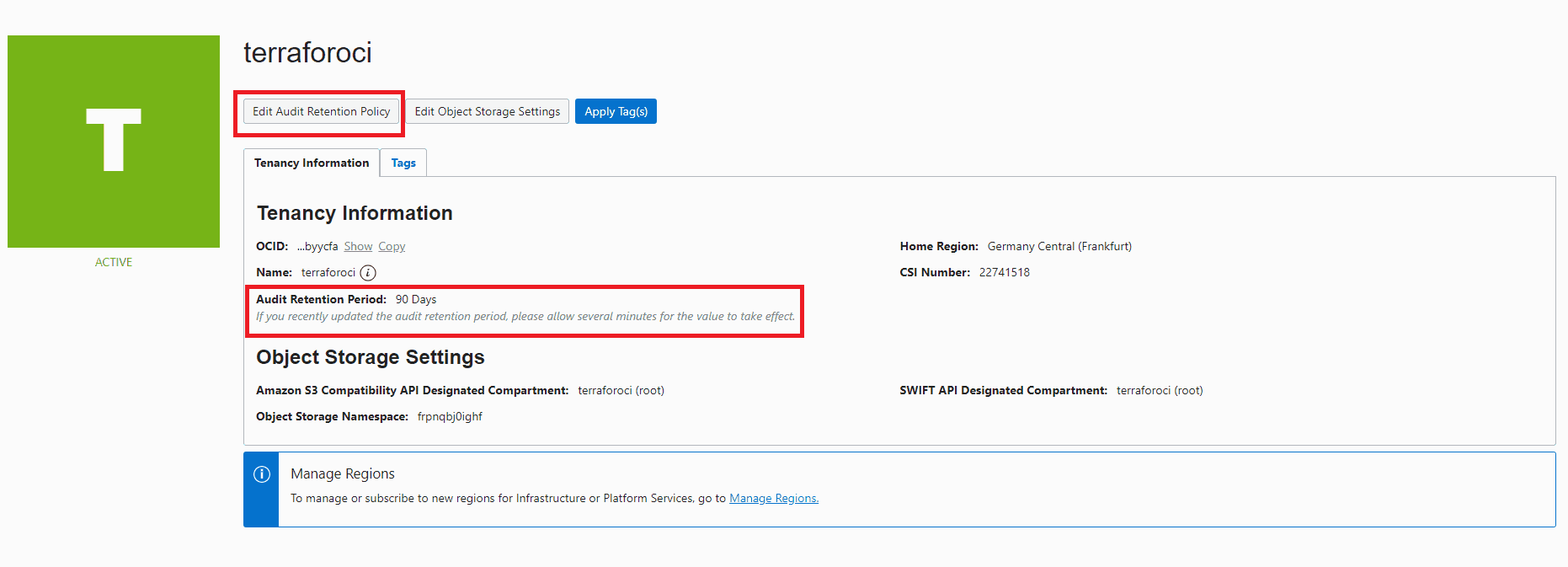 Restoring The Deleted Compartments
Steps To Restore The Deleted Compartments.
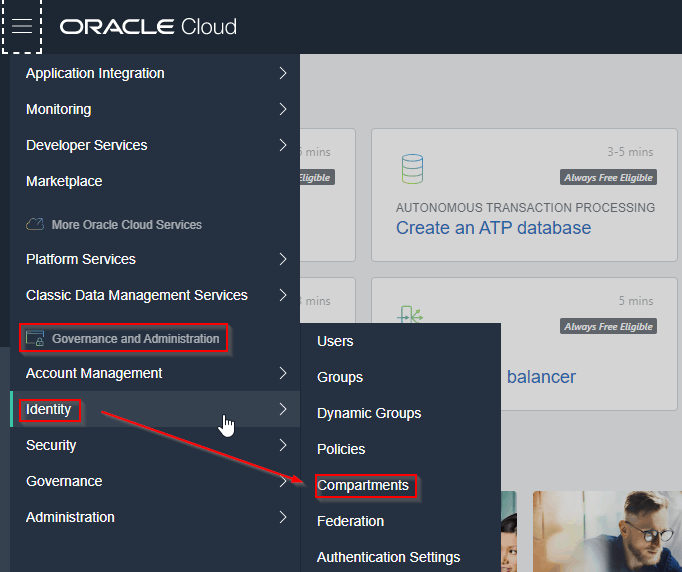
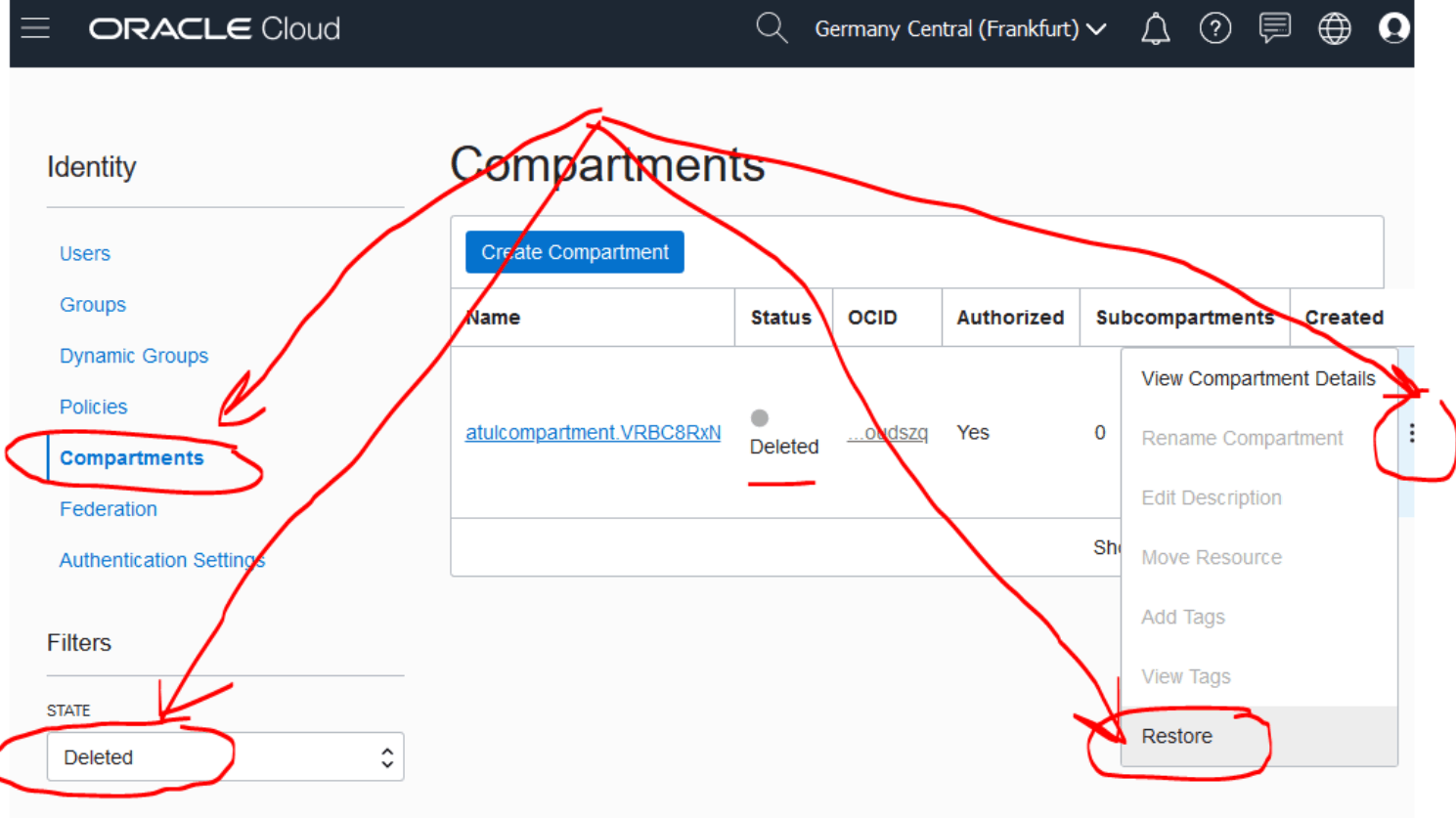
- Open the navigation menu. Under Governance and Administration, go to Identity and click Compartments.
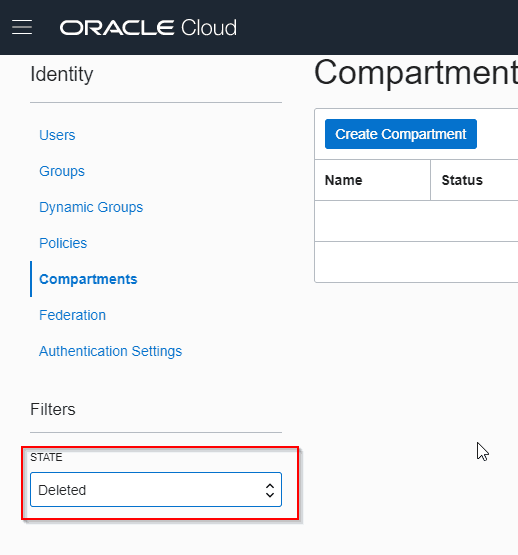
- In, State select Deleted.
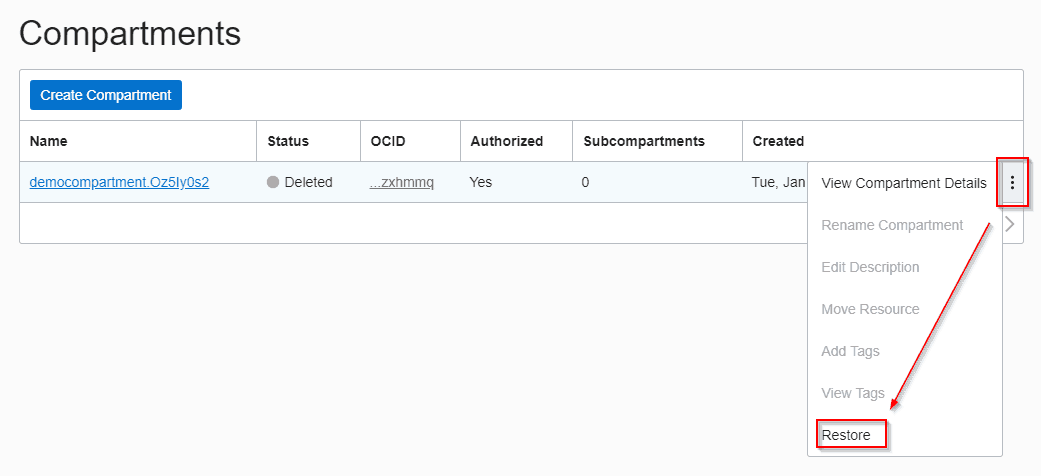
- Click the Actions icon (three dots), and then click Restore of the compartment that you want to recover.
- At the prompt, click OK.
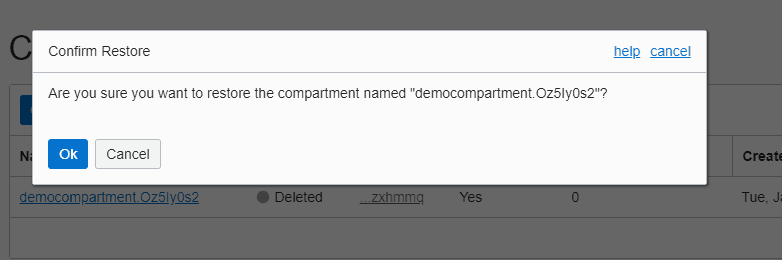
Note: The name of the compartment which you want to restore will be different in the compartment list. This is because it was appended with a string of characters and the restored compartment name will be the same as the name of the compartment after deletion.
Eg: democompartment — > democompartment.Oz5Iy0s2 — > democompartment.Oz5Iy0s2
(before deletion) (after deletion) (after restoring)
Note: All policies refer to the deleted compartment will be now pointed to restored compartment name.
Conclusion
According to a new update in Oracle, it is possible to restore the deleted compartments in OCI. In this blog, I have covered the steps to restore the deleted compartments and hope that it will help you to understand the whole process. If you find this blog helpful then share it with your friends.
Related/Further Readings
Begin Your Cloud Journey
Begin your journey towards becoming an Oracle Cloud Expert and earn a lot more in 2024 by joining our FREE CLASS. You will also know more about the Roles and Responsibilities, Job opportunities for OCI Architects, Admins in the market, and what to study Including Hands-On labs you must perform to get the Higher Paying jobs.
Click on the below image to Register for Our FREE Class on MASTERING ORACLE CLOUD FOR DBAs, APPs DBAs, ARCHITECTS & SYS ADMINS


![Microsoft Agentic AI Business Solutions Architect [AB-100] | K21 Academy](https://test.k21academy.com/wp-content/uploads/2025/11/Microsoft-Agentic-AI-Business-Solutions-Architect-AB-100-Exam-Overview1.png)


