
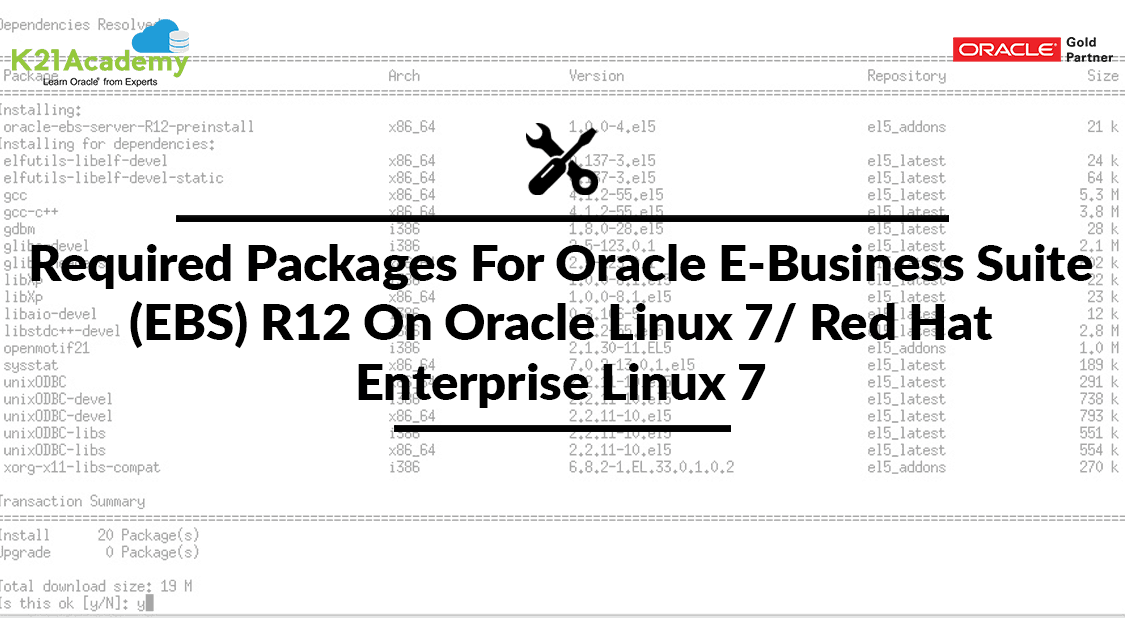



This post covers what all packages are required (RPM’s) for Oracle E-Business Suite (EBS) R12 On Oracle Linux 7 or Red Hat Enterprise Linux 7.
If you are new to Oracle E-Business Suite, then I would suggest you check our previous post where we have covered in detail about Oracle E-Business Suite R12.2 Architecture. and also check what all operating system is supported by Oracle E-Business Suite (EBS)R12.
Required Packages
Below are the required packages needs to be installed on your Oracle Linux 7 or Red Hat Enterprise Linux 7 before installing Oracle E-Business Suite (EBS)R12 on it.
Note: Customers on Exadata (Database Machine, Cloud Machine, Cloud Service) should not install the packages listed below as the system already contains all required packages and settings needed to run the Oracle Database.
Packages Need to be Installed In Application Tier
- compat-libstdc++-296-2.96-144.0.2.el7.i686
- openmotif21-2.1.30-11.EL7.i6861
- xorg-x11-libs-compat-6.8.2-1.EL.33.0.1.i386
- libXrender-0.9.8-2.1.el7.i686
- perl-File-CheckTree-4.42-3.el7.noarch
Packages Need to be Installed In Database Tier
- compat-libcap1-1.10-7.el7.x86_64
- compat-libstdc++-33-3.2.3-71.el7.x86_64
- elfutils-libelf-devel-0.158-3.el7.x86_64
- libaio-devel-0.3.109-12.el7.i686
- libaio-devel-0.3.109-12.el7.x86_64
- xorg-x11-utils-7.5-13.1.el7.x86_64
Also Read: Our blog post on Edelivery Oracle. Click here
Packages Need to be Installed In Database Tier & Application Tier
- binutils-2.23.52.0.1-16.el7.x86_642
- compat-libstdc++-33-3.2.3-71.el7.i686
- gcc-4.8.2-16.el7.x86_64
- gcc-c++-4.8.2-16.el7.x86_64
- gdbm-1.10-8.el7.i686
- gdbm-1.10-8.el7.x86_64
- glibc-2.17-55.el7.i686
- glibc-2.17-55.el7.x86_64
- glibc-common-2.17-55.el7.x86_64
- glibc-devel-2.17-55.el7.i686
- glibc-devel-2.17-55.el7.x86_64
- libgcc-4.8.2-16.el7.i686
- libgcc-4.8.2-16.el7.x86_64
- libstdc++-devel-4.8.2-16.el7.i686
- libstdc++-devel-4.8.2-16.el7.x86_64
- libstdc++-4.8.2-16.el7.i686
- libstdc++-4.8.2-16.el7.x86_64
- libXi-1.7.2-2.1.el7.i686
- libXp-1.0.2-2.1.el7.i686
- libXp-1.0.2-2.1.el7.x86_64
- libXtst-1.2.2-2.1.el7.i686
- libaio-0.3.109-12.el7.i686
- libaio-0.3.109-12.el7.x86_64
- libgomp-4.8.2-16.el7.x86_64
- make-3.82-21.el7.x86_64
- redhat-lsb-4.1-24.0.1.el7.x86_64
- sysstat-10.1.5-4.el7.x86_64
- util-linux-2.23.2-16.el7.x86_64
If your Application tier & Database tier is on same machine, then these pacakages needs to be installed in same machine only.
Read More: About Oracle Workflow Notification Mailer. Click here
You can also directly install all the required packages for Oracle E-Business Suite (EBS) R12 on Oracle Linux 7 or Red Hat Enterprise Linux 7 by using below command, make sure yum is configured on your machine.
yum install oracle-ebs-server-R12-preinstall

Alternatively, on the Database tier & Application tier, you can install the following pre-install rpm available via ULN for both Oracle Linux 7 or Red Hat Enterprise Linux 7
If you like the blog don’t forget to share with your friends, colleagues who are working on Oracle E-Business Suite R12 & post your comments if you have any doubts regarding packages required for installing Oracle E-Business Suite (EBS) R12 on Oracle Linux 7 or Red Hat Enterprise Linux 7.
Related/Further Readings
- [Video] Oracle Apps DBA (R12.2) Installation
- Oracle E-Business Suite (EBS) R12.2 Supported O.S. & Version: Certification Matrix
- Oracle AppsDBA (R12.2) Training: Step by Step Activity Guides/Hands-On Lab Exercise
Next Task For You
We cover Oracle E-Business R12.2 Architecture & concepts in our Oracle Apps DBA For Beginners Training along with the Installation, Patching, Cloning, and Troubleshooting and also, Database upgrade to 19c and much more including the hands-on labs you must perform to upgrade your skills and get a good job with a high package.
Begin your journey towards becoming an Apps DBA by joining our FREE Masterclass on How To Learn Oracle Apps DBA (R12) & It’s New Features.


![Microsoft Agentic AI Business Solutions Architect [AB-100] | K21 Academy](https://test.k21academy.com/wp-content/uploads/2025/11/Microsoft-Agentic-AI-Business-Solutions-Architect-AB-100-Exam-Overview1.png)


