



Integration Cloud specialist is responsible for planning, coordinating, and supervising all activities related to the integration of enterprise information systems.
This blog post will go through some quick tips, including Q/A and related blog posts on the topics that we covered in the Oracle Integration Cloud Day 7 Live Session, which will help you gain a better understanding and make it easier for you to
This week’s Day 7 Live Session we started with Module 9: Visual Builder Cloud Service where we covered topics like VBCS Overview & Features, Business Object, Import Business Objects, Export Business Objects, Service Connections, Visual Builder Security
We also covered hands-on, Lab 30, Lab 31, Lab 32, out of our 30+ extensive labs.
On Day 6 we covered Managing & Monitoring Errors, Versioning, Promoting Your Code, Administering Integrations, Import/Export Integrations
On Day 4 and 5 we covered OIC Connectivity Agents, Agent Set Up, JDK Installation, Agent Groups, Agent Architecture, Agent Framework, ATP Database, ATP Adapter
Visual Builder Cloud Service
Oracle Visual Builder is the Software development PaaS (Platform as a service) service. Oracle Visual Builder provides an easy way to create and host web and mobile applications in a secure Cloud environment. The Visual Builder Cloud Service is the open-source standard that helps to develop, deploy and collaborate in the Oracle Cloud. It provides the development that is browser-based and mainly focuses on visual techniques of development that helps to create interfaces, business logic, and objects. With drag and drop UI creation, visual logic definition, and declarative business object creation, development is streamlined.
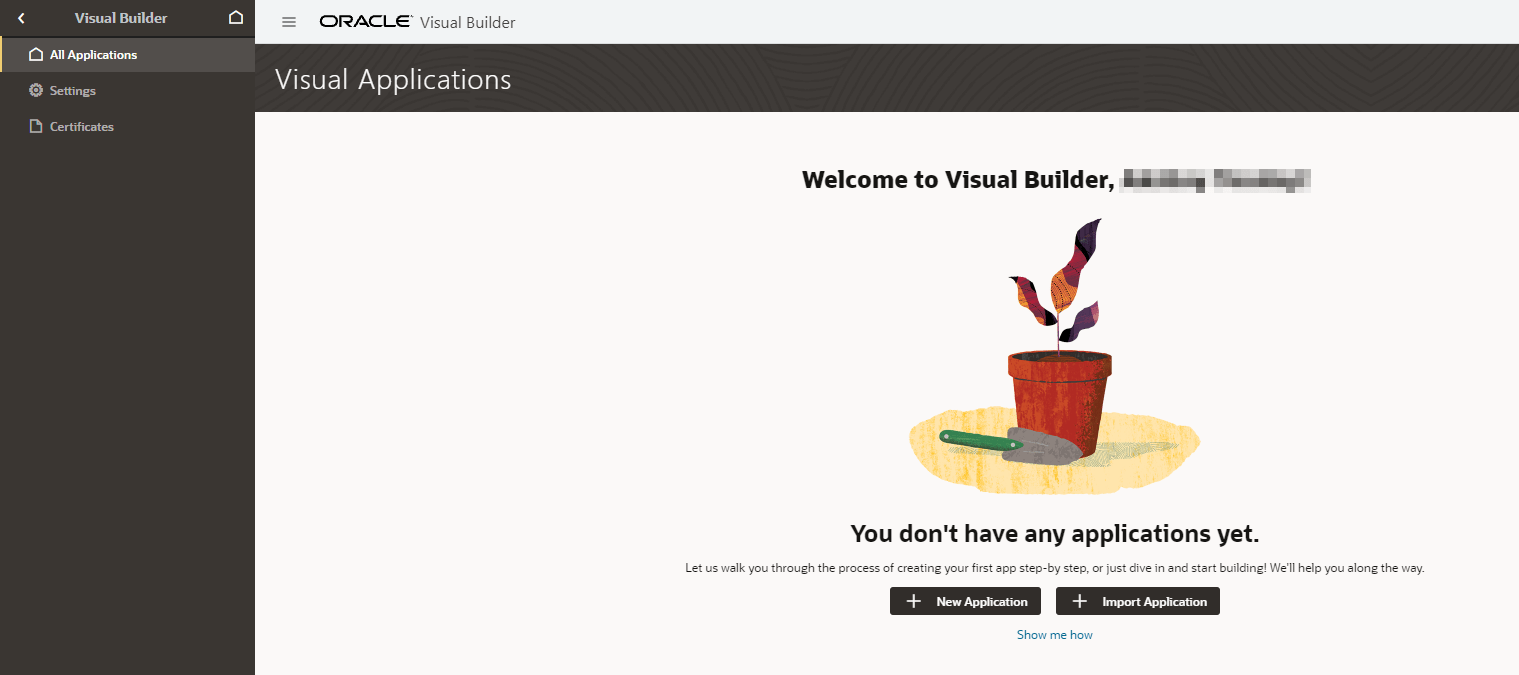
Question 1: Why is VBCS important?
Answer: The new technologies in the Cloud are the key steps for developing interfaces for your applications and getting different customers to implement your new solution. Sometimes, the developers face many issues in maintaining new and emerging technology.
This new Oracle Visual Builder Cloud Service helps to lift up these bars with the help of a new experience in a visual development environment that helps to accelerate and make creation easy both in mobiles and Web applications with zero installation.
Question 2: What are the features of VBCS?
Answer: There are many features that visual builders may have to build mobile and Web Applications but the most important features are:
- Nothing to Install: To run a visual builder, all you need is a browser and there is no need to download or install any software, and that way you can start immediately.
- Add Functionality: You can write the advanced custom codes by using JavaScript, HTML 5, and CSS.
- Visual Development: There is a feature of Drag & Drop of the components and also to set the properties on the live design surface and what you see is the same as you get at the time of execution.
- Your Data: Define new objects to store data related to your application. Replace spreadsheets with multi-user web applications.
- REST Services: Pick from the catalog of REST services, or invoke the other REST services with just a few clicks.
- Mash-Up: Create a unified application that consumes services from multiple sources in combination with your own data objects.
- Access Anywhere: Published applications are available in the Cloud from any desktop or mobile device.
Business Objects
A business object is a resource, such as an invoice or purchase order, similar to a database table; it has fields that hold the data for your application. Like a database table, a business object provides the structure for data used with business processes. Business objects are stored in a database. Business objects store data that can be used in your application that are not provided by an external API (via service connections). Endpoints to create, read, update, and delete data via REST API. Business rules such as object triggers (e.g. send an email when data is inserted).
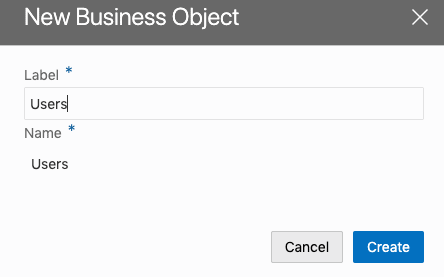
Question 3: Can we Import and Export the Business Objects?
Answer: Yes the Business Objects can be imported and exported as well.
Oracle APEX
Using APEX, developers can quickly develop and deploy compelling apps that solve real problems and provide immediate value. You won’t need to be an expert in a vast array of technologies to deliver sophisticated solutions. Focus on solving the problem and let APEX take care of the rest.
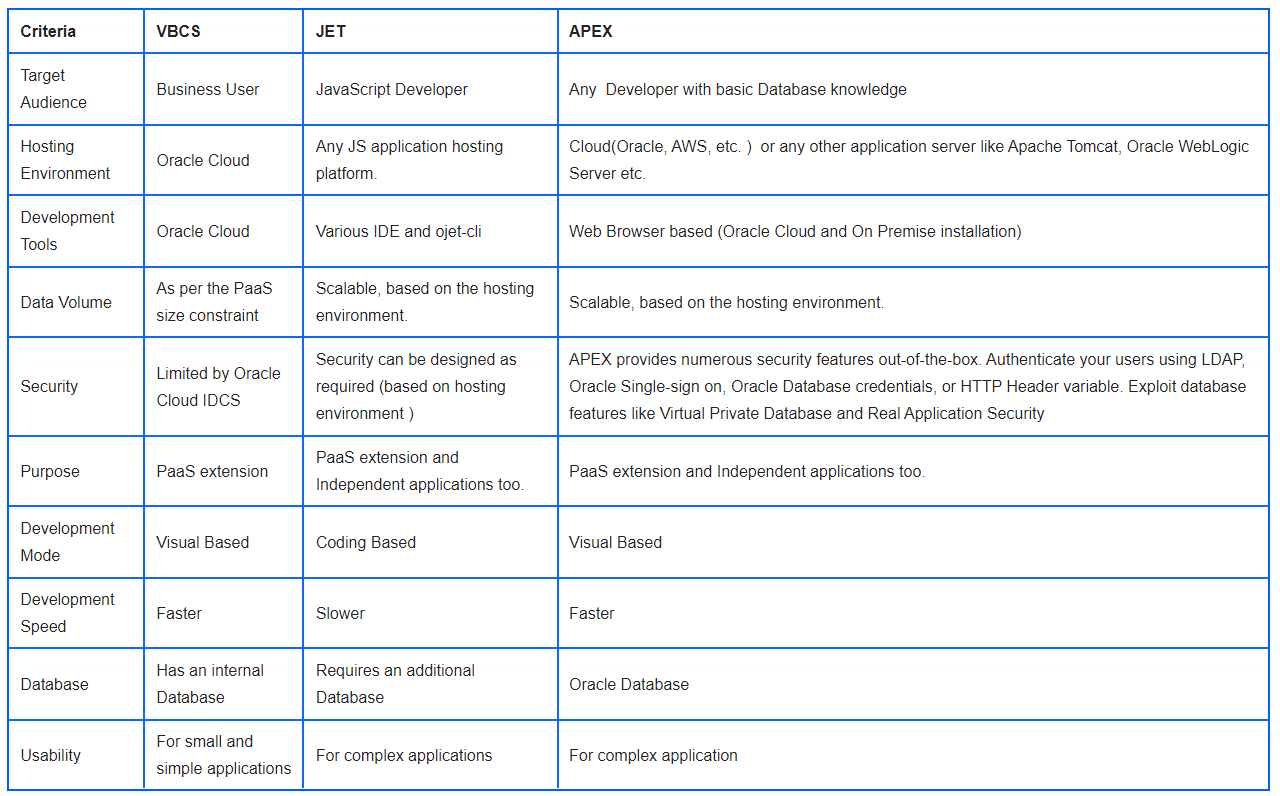
Question 4: What is the difference between VBCS, JET, and APEX?
Answer: This table below elaborates the difference between VBCS, JET, and APEX
Question 5: How to create VBC Instance in Oracle Cloud?
- Create QuickStart Instance
- Create a custom Instance
Method 1: Steps To Create A New Instance Using QuickStart:
1. On the Visual Builder Page, click on QuickStart on the top right corner
2. You will see a create instance page where you can name the new instance and can see a description of the features of the QuickStart instance. Type the instance name in the Instance Name field and click on create.
3. Once the services are created, an instance will be available on the Visual Builder console.
Method 2: Create A New Custom Instance
1. Click on Create instance on the instance page.
- Instance name.
- Write a description of the instance.
- Specify the notification email
- Select your compute region where you want to perform the installation.
- Define tags for the service instance.
3. Click Next.
4. Verify your selections and click on Create.
5. Once the services are created, an instance will be available on the Visual Builder console.
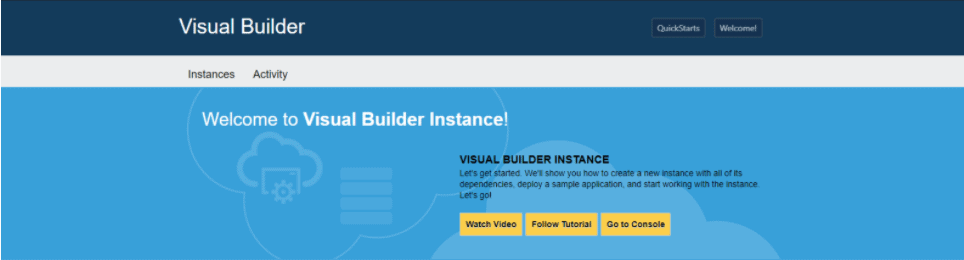
Read more about Visual Builder InstanceQuestion 6: Can you brief me about VBCS Billing?Answer: Two payment models are available:1. Pay As You Go: good when accessing VBCS from time to time. Can be terminated at any time2. Monthly Flex: good when need to run VBCS 24/7. Requires commitment, can’t be terminated at any time
When you create an Oracle Cloud account, initially you will get 30 days free trial period. At the end of that period (or earlier), you can upgrade to a billable plan. To upgrade, go to account management and choose to upgrade promotional offer, you will be given choice to go with Pay As You Go or Monthly Flex:
As soon as you upgrade to Pay As You Go, you will start seeing the monthly usage amount in the dashboard. Also, it shows hourly usage of VBCS instance, for the one you will be billed:
Click on the monthly usage amount, you will see a detailed view per each service billing. When the VBCS instance is stopped (in the case of Pay As You Go) — you will be billed only for hardware storage (Compute Classic), this is a relatively very small amount.
Question 7: How is Visual Builder licensed?
Answer: Visual Builder is licensed based on the sizing of the server that is used to deploy and run your applications. Pricing is per OCPU-allowing your server to scale to support a larger user base as needed.
Question 8: What’s the difference between classic and visual applications in Visual Builder?
Answer: Classic applications use a closed architecture where developers don’t have direct access to the code of the application – this was the only option available in older versions of VB. Visual applications use an open architecture that makes it easier for developers to achieve more complex scenarios on both the UI and the backend side with direct access to the code. We recommend that developers only create visual applications going forward.
Question 9: Can we do a file upload using VBCS?
Answer: Yes, we can upload files in VBCS
Question 10: Does VBCS allow multi-language support?
Answer: Yes, VBCS allows multi-language support
Question 11: As an Oracle SaaS customer, what makes VB an attractive addition to the portfolio?
Answer: VB empowers business users to enrich the Oracle SaaS experience through a visual development experience. Several features of VB are of particular interest to our SaaS customers. First, the built-in services catalog exposes standard and custom SaaS objects automatically discovered and presented to VB users to include in applications. User identities can be passed from the VB application to SaaS so that the SaaS data is securely accessed only by users with the appropriate permissions.
Quiz Time (Sample Exam Questions)!
With our Oracle Integration Cloud Training Program, we cover 150+ sample exam questions to help you prepare for the OIC 1Z0-1042 Certification.
Check out one of the questions and see if you can crack this…
Ques: You can host web and mobile applications using Visual Builder?
A. True
B. False
The right answer will be revealed in my next week’s blog.
Here is the answer to the question shared last week (Scroll down at the end of this post for the question).
Ques: Which file is downloaded when you export an Integration?
A. IAR
B. JAR
C. PY
D. JDK
Answer: A
Explanation: An IAR file is always downloaded whenever you export an Integration and the IAR file is used to import the Integration as well
Feedback Received
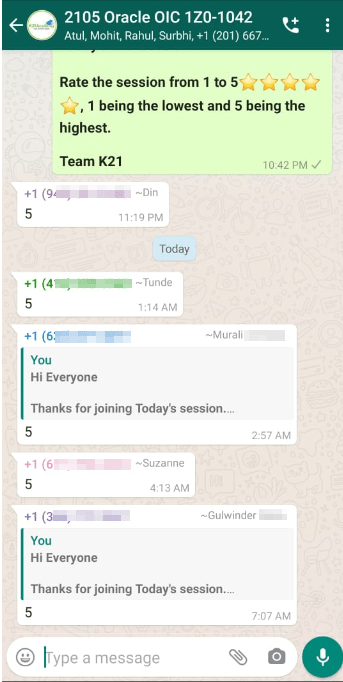
Here is some positive feedback from our trainees who attended the session
To know more about the OIC 1z0-1042 certification, do check this blog on 1Z0-1042-21 Oracle Cloud Platform Application Integration Specialist
Related Links/References:
- Oracle Integration Cloud (OIC) For Beginners Overview
- 1Z0-1042-20 Oracle Cloud Platform Application Integration 2021 Specialist
- OIC Step By Step Activity Guides/Hands-On Lab Exercise
- Oracle Integration Cloud (OIC) Instance Edition, Message Pricing, and License Types
- OIC vs SOA CS
- SOAP vs REST API’s
- Process large files in OIC
- [Recap] Day 6: OIC Administrating, Monitoring, Versioning & Code Promotion [Oracle Integration Cloud] [1Z0-1042]
Next Task For You:
Begin your journey towards becoming an Oracle [1Z0-1042] Certified Cloud Integration Expert by joining our FREE Masterclass.


![Microsoft Agentic AI Business Solutions Architect [AB-100] | K21 Academy](https://test.k21academy.com/wp-content/uploads/2025/11/Microsoft-Agentic-AI-Business-Solutions-Architect-AB-100-Exam-Overview1.png)


