






This post covers Sneak Peek of Step by Step Hands-On Guides that you must perform in order to learn Oracle Unified Directory (OUD) from Beginner to Expert.
We use these same guides in our Oracle Unified Directory Training where you get to learn things like Install & Configure, Start/Stop OUD/ODSM, Consoles in OUD: ODSM, WLS, EM and Managing Users & Groups, Manage Password Policies, Backup & Recovery and much more.
Here’s the Sneak Peek of What You will do on your Dedicated Machine for Oracle Unified Directory (OUD) to get better Job in Identity & Access Management.
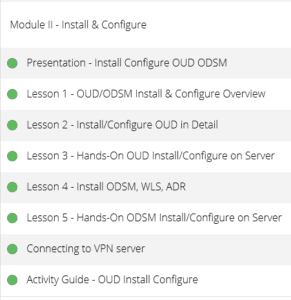
1. Lab Activity Guide I: Install & Configure
We start with Install & Configuration of OUD/ODSM in detail, covering WebLogic Server (WLS), Application Development Runtime (ADR), and OUD Software. In this guide, we also learn how to configure these components

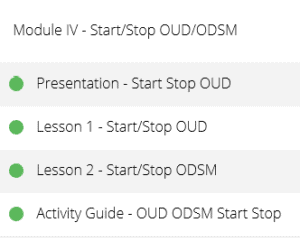
2. Lab Activity Guide II: Start/Stop OUD/ODSM
We then learn Start/Stop Services for both OUD & ODSM services in detail including How to access ODSM for OUD.
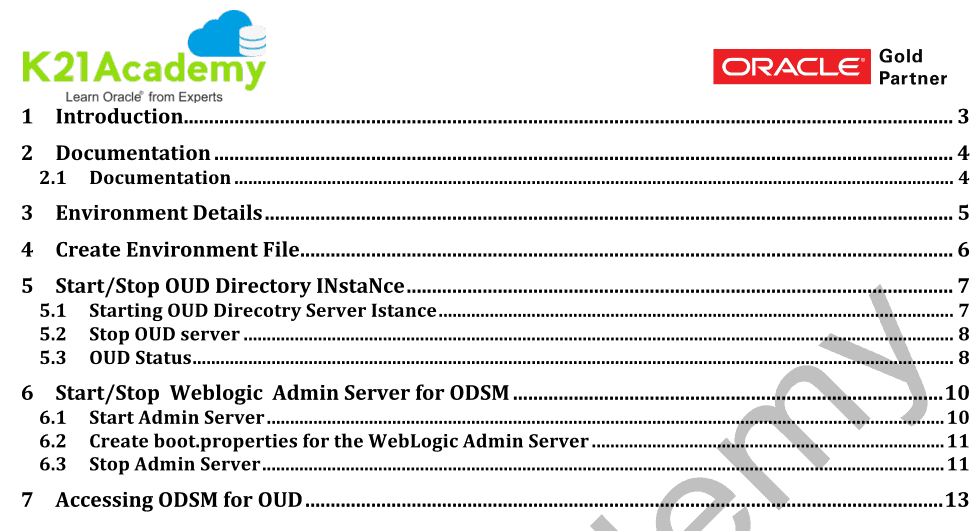
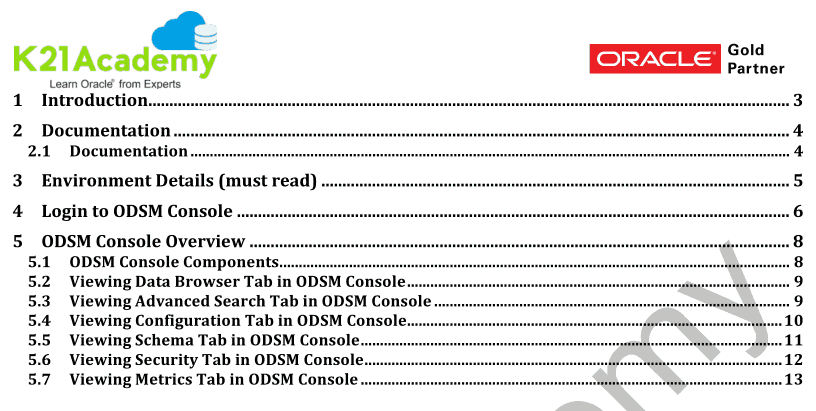
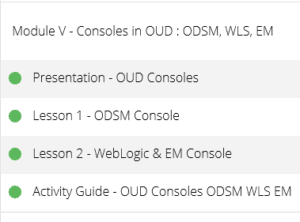
3. Lab Activity Guide III: Consoles In OUD: ODSM, WLS, EM
We then learn about Consoles in OUD: ODSM, WLS, EM. How to login to ODSM Console, ODSM Console Overview, Viewing Advanced Search, Schema, Security and Metrics Tab in ODSM Console. We also look at importnat things in Weblogic Console like Servers, Cluster, Node Manager etc.
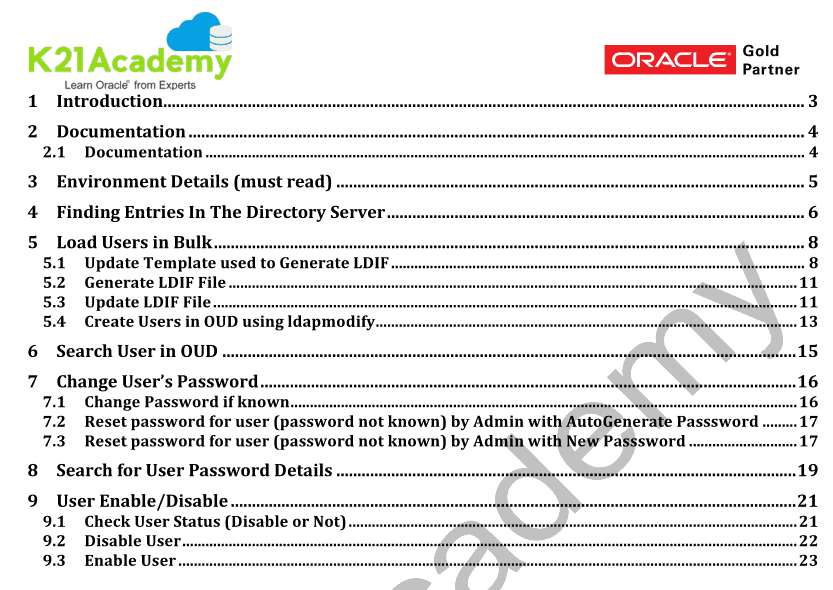
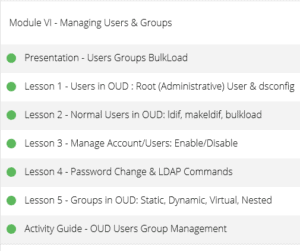
4. Lab Activity Guide IV: Managing Users
The primary use case of OUD (apart from Proxy & Replication) is storage of Users & Groups. In this Activity Guide in OUD Training, We learn about in Managing Users, How to load users in bulk, LDIF File, Generate & Update of LDIF File, and Creating Users in OUD Using LDAPMODIFY or LDAPADD command. We also cover Search User, Changing User’s Password, Reset Password, and Enable/Disable of Users.
Directory: – Directories are used to store the information which is accessible over the network using LDAP i.e. Lightweight access protocol over secure (LDAPS) and non-secure channel (LDAP).
LDAP: – LDAP is Lightweight directory access protocol which is used to access and manage the directory information over the network.
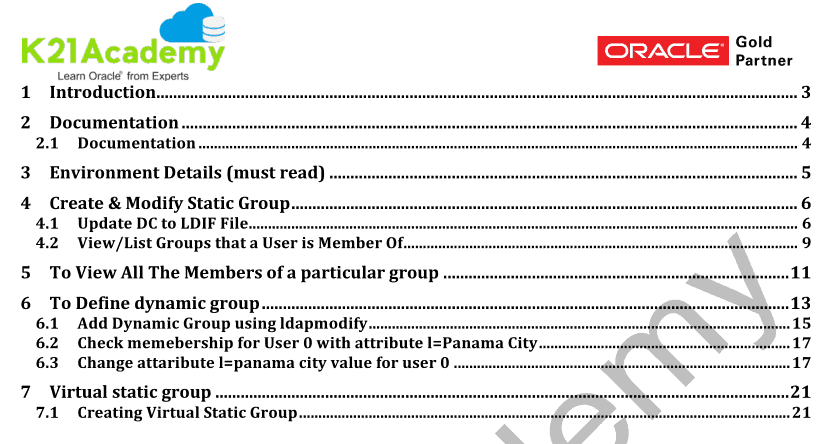
5. Lab Activity Guide V: Managing Groups
Now, we learn about Managing Groups: How to create/modify/View the Groups & Members. In this, we will learn three Different Groups:
- Static Group
- Dynamic Group
- Virtual Static Group
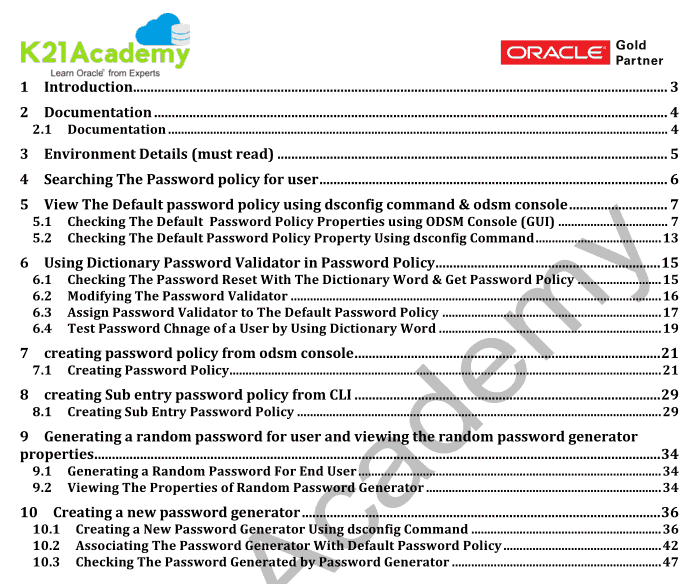
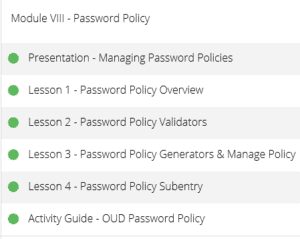
6. Lab Activity Guide VI: Managing Password Policies
We then learn about managing the Password Policy For User, Checking The Default Password Policy Properties by using dsconfig (CLI) & ODSM Console (GUI). We also work on Password Validator and Assigning Password Policy to Users.
dsconfig : The dsconfig command enables you to create, manage, and remove the base configuration for a server instance.
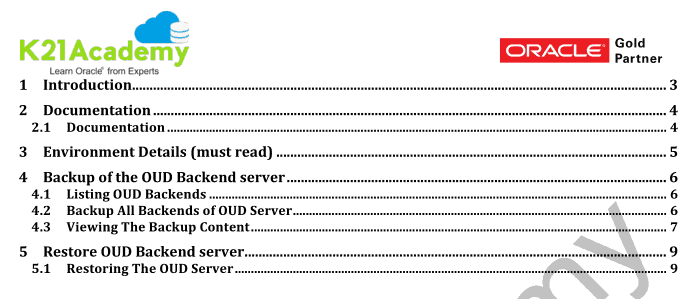
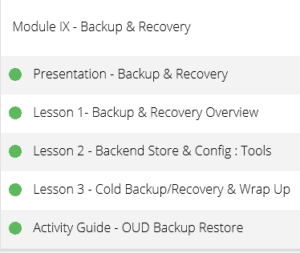
7. Lab Activity Guide VII: Backup & Recovery
We then learn about Backup of the OUD Server, Viewing the Backup Content and also working on Restoring of the OUD Server.
Here are some of the reasons why our students think we are the best Oracle Training institute
- Live Instructor-led Online Sessions
- Unlimited FREE retake for next 3 Years
- Training Material with Hands-on Lab Exercises (7 Step by Step Activity guides + Bonus Guides)
- Recording of Live Interactive Session for lifetime Access
- Dedicated Machines to Practice
- Email & WhatsApp Support
- Help in CV Preparation
- 100% Money Back Guarantee (If you attend sessions, practice and don’t get results, We’ll do full REFUND, check our refund policy)
K21 Academy OUD Course Insight:
Click here to register: https://k21academy.com/oud/
Have queries? Contact us at contact@k21academy.com or if you wish to speak then share your phone number and country code and a convenient time to speak.

![Microsoft Agentic AI Business Solutions Architect [AB-100] | K21 Academy](https://test.k21academy.com/wp-content/uploads/2025/11/Microsoft-Agentic-AI-Business-Solutions-Architect-AB-100-Exam-Overview1.png)



