






This post covers Sneak Peek of Step by Step Hands-On Guides that you must perform in order to learn Oracle Fusion Middleware (FMW) from Beginner to Expert. These are same Activity Guides that We use in our Oracle Fusion Middleware Training and if you are managing a team of Apps DBAs/FMW Admins or starting to Learn Oracle Fusion Middleware.
What is Oracle Fusion Middleware?
Oracle Fusion Middleware of Suite of Products from Oracle that provides infrastructure to deploy & run Business Applications. In layman terms, anything that is not Operating System or Database or ERP/CRM (like Fusion Applications, E-Business Suite, Siebel, Peoplesoft, JD Edward etc) is Oracle Fusion Middleware.
Products that are part of Oracle Fusion Middleware includes
- Oracle WebLogic Server
- Web Tier (OHS & OTD)
- Oracle SOA Suite
- Oracle Business Intelligence Enterprise Edition (OBIEE)
- Oracle WebCenter Suite (Portal & Content)
- Oracle Data Integrator (ODI)
- Oracle Identity & Access Management (OAM, OID, OUD, OIG, OVD etc)
What Things To Learn In Fusion Middleware?
You If you need to clear Job Interview or looking for best training in Oracle Fusion Middleware then you should look for Training Institute that covers at least following skills (and lots of Hands-On)
First thing you should begin with Architecture & Concepts, difference between Java & System Components, File System and Important Files (like Middleware Home, Domain Home, Instance Home, Oracle Home, Common Home, Coherence Home etc)
Then you should know Start/Stop, Deployment/Undeployment/Re-Deployment of Applications, Patching, Integration with Identity Management (OID/OUD/OAM etc), Backup & Recovery, and Troubleshooting.
Then you learn Advanced Topics (this will set you apart from other Fusion Middleware Admins like) High Availability (HA) & Disaster Recovery (DR) Setup, SSL Configuration, Configuring Load Balancer, Cloning from Prof to Test and Performance Tuning.
Here’s the Sneak Peek of What You should do (or will do on your Dedicated Machine for Oracle Fusion Middleware (FMW) to get better Job when you register in our Oracle Fusion Middleware Training )
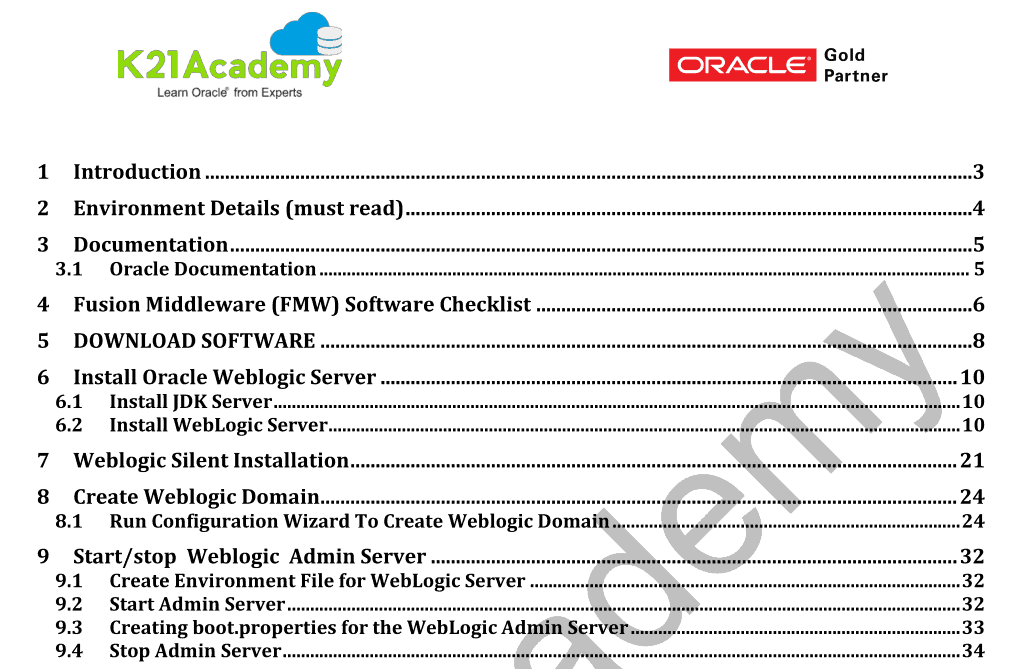
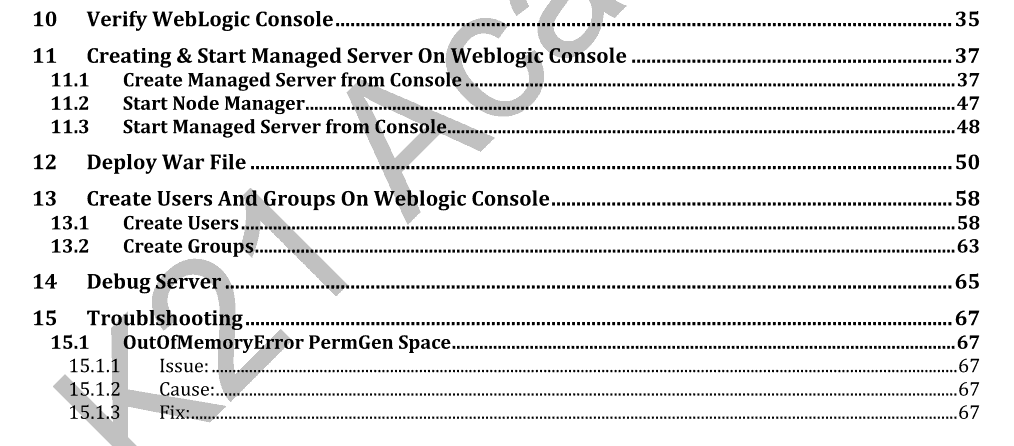
1. Lab Activity Guide I: WebLogic Server
WebLogic is the most important component of Oracle Fusion Middleware for all Fusion Middleware products of type Java Components uses WebLogic.
We start with Install & Configuration of WebLogic Server in detail, covering WebLogic Server (WLS) Domain Overview, WebLogic Server – Admin & Managed & JVM, WebLogic Directory Structure, File System, Consoles and WebLogic Start/Stop.
2. Lab Activity Guide II: Web Server (OHS)
We then cover Hands-On for Oracle Web Tier component i.e. Oracle HTTP Server (OHS) Concepts & Architecture, OHS Installation & Configuration, OHS File System & Log Files and OHS High Availability.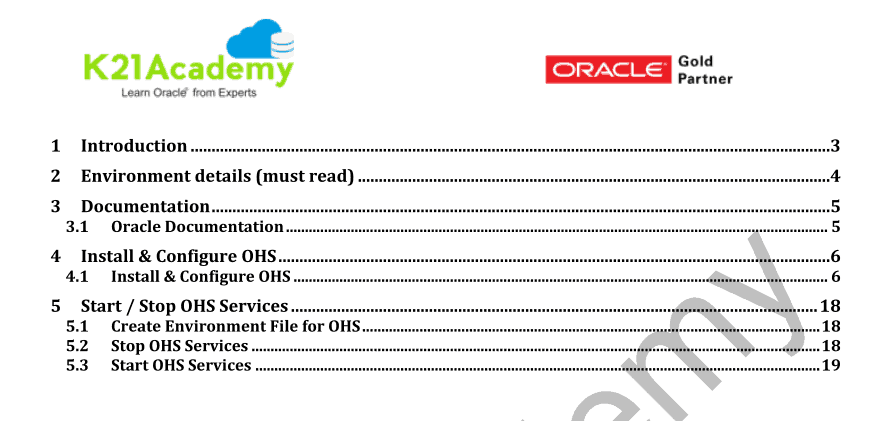
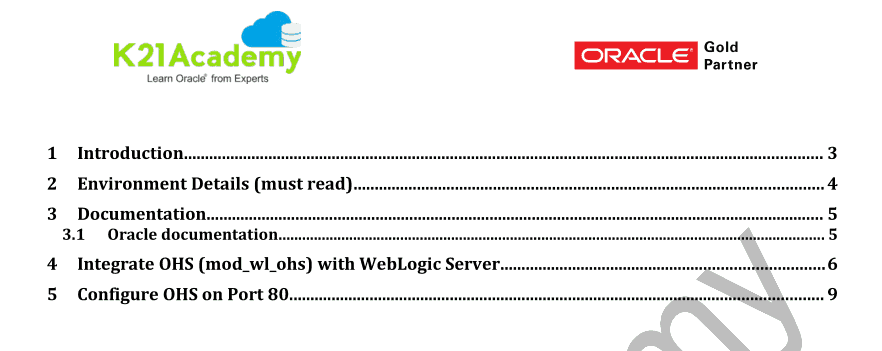
3. Lab Activity Guide III: OHS WebLogic Integration
In production deployment, End-User connects to Web Server (OHS) and OHS forward this request to Application deployed on WebLogic Server using then mod_wl_ohs (check high-level understanding on my blog here)
In this Hands-On Activity Guide of Training, We configure OHS Integration with WebLogic as Proxy, Hands OHS Integration with WebLogic as Proxy. We also learn How to Configure OHS to listen on port 80 (Note: Any port configuration on value < 1024 needs special Configuration)
4. Lab Activity Guide IV: Install & Configure Oracle SOA Suite
Oracle SOA Suite is most commonly used middleware component after WebLogic. In this activity guide, we cover how to Install & Configure Oracle SOA Suite including steps to SOA Schema using RCU and Configure SOA Domain.
Note: Oracle SOA Suite requires Database as dehydration store & metadata services. You get pre-installed Database on the dedicated machine to practice.
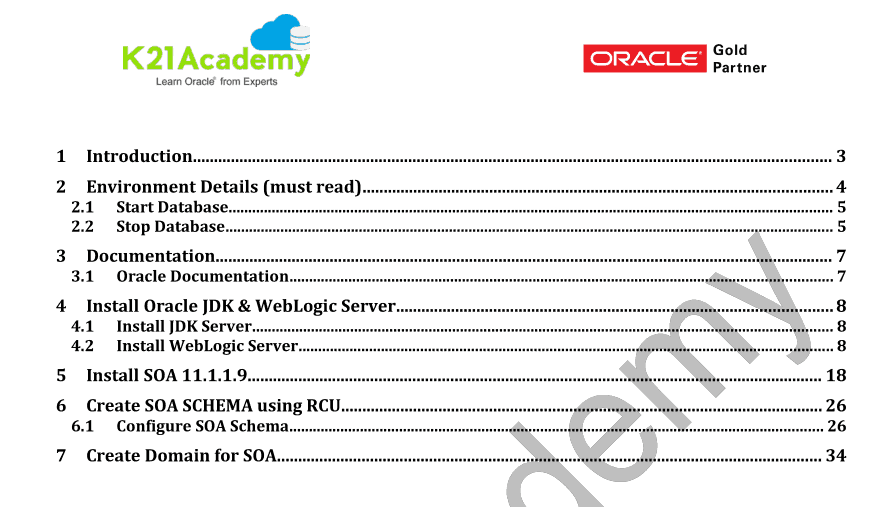
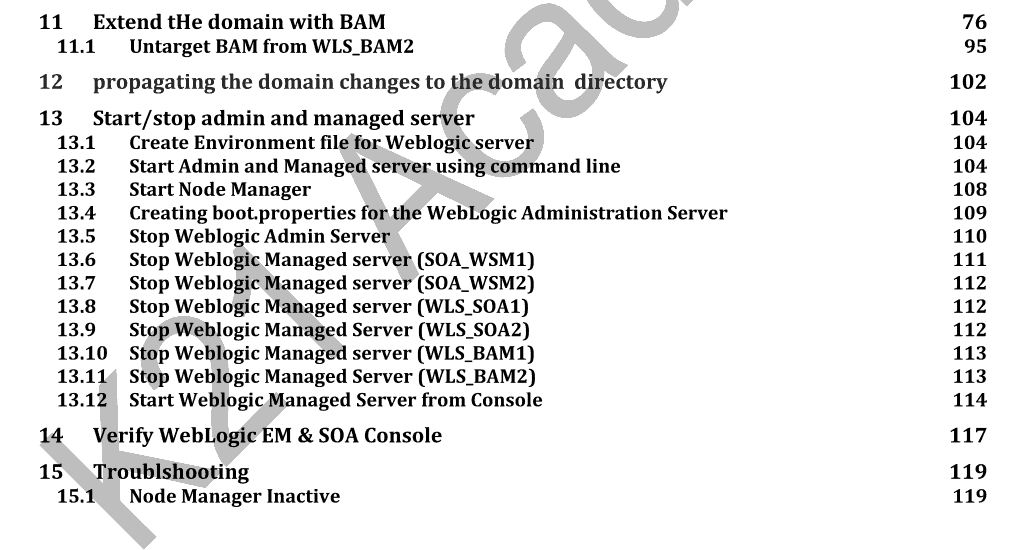
5. Lab Activity Guide V: SOA Start/Stop & Consoles
Now, we learn about SOA Start/Stop Admin & Managed Server, Consoles in SOA Domain i.e. WebLogic Admin Console, SOA FMW Control, SOA Infra, B2B, BAM Consoles.
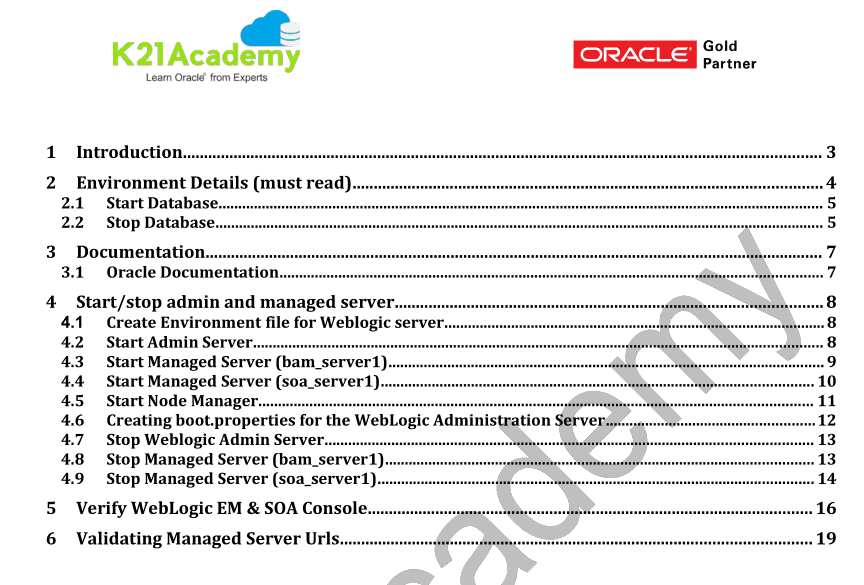
6. Lab Activity Guide VI: Oarcle SOA Composite Deployment
Oracle SOA developers, develop Web Services and then package then in SAR (SOA Archive) file aka SOA Composites. You as FMW Administrator, deploy these developed SOA Composites on Oracle SOA Suite installed in previous Activity Guide. We then learn about Deploying Composites in SOA, Performance Tuning in SOA
We then learn about Deploying Composites in SOA using Enterprise Manager or JDeveloper.
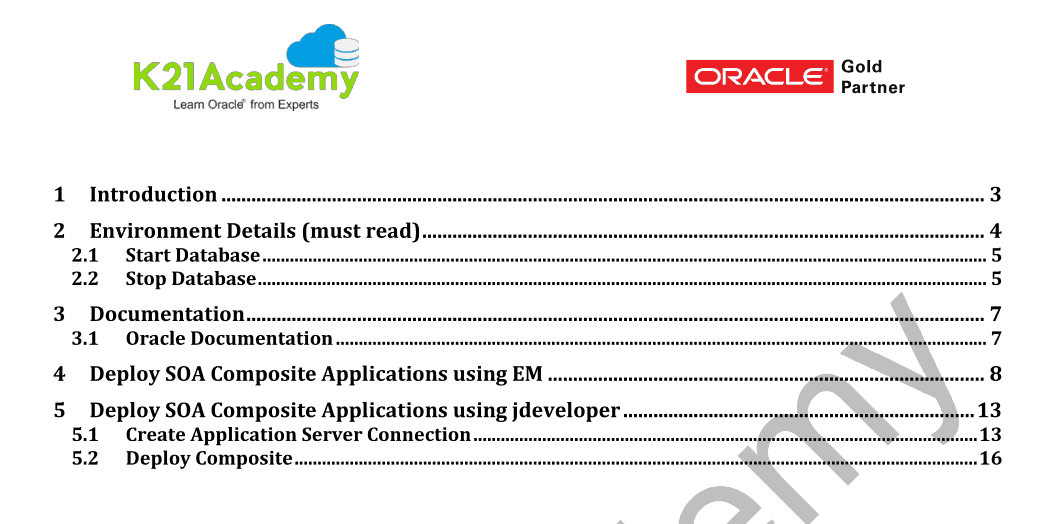
7. Lab Activity Guide VII: HA & DR
We then learn about HA Concepts – AA, AP, Cluster, Singleton Service, State Replication, Oracle Reference/Enterprise Architecture, Disaster Recovery A/P & A/A, Hands-On Deploying SOA in HA, Pack & Unpack in WebLogic Domain & Coherence Config.
This is one of the important deployments and used in production setup.
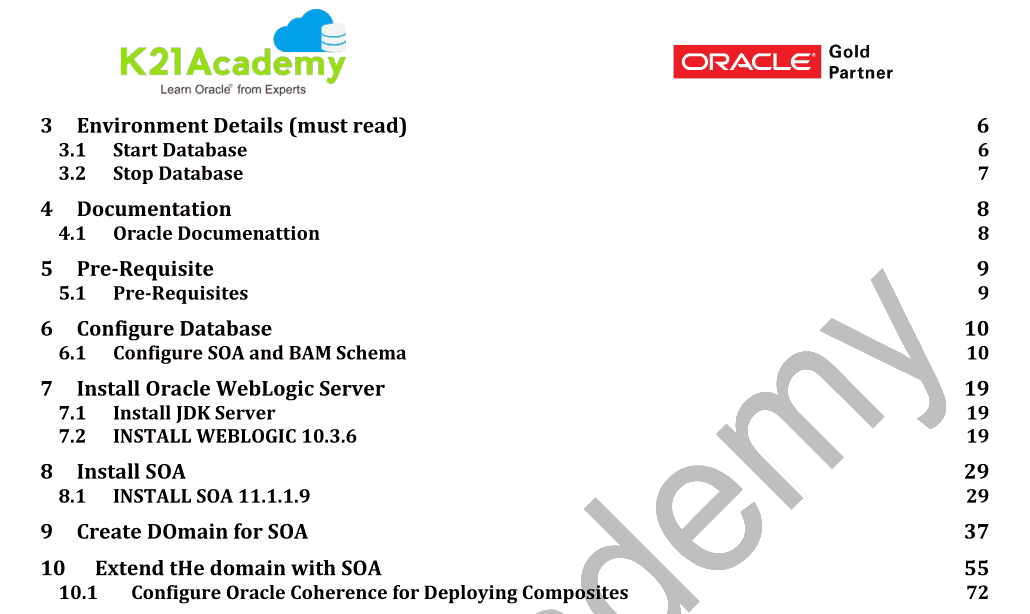
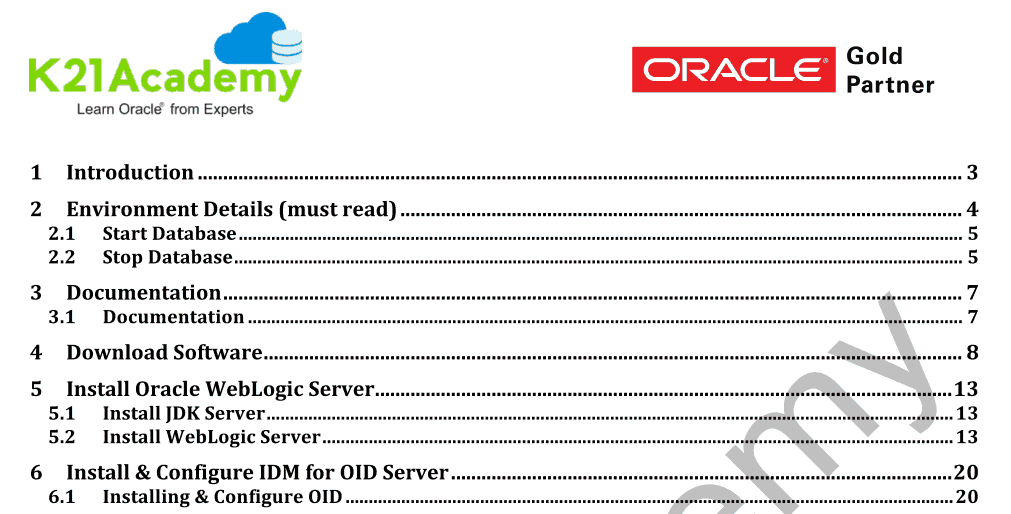
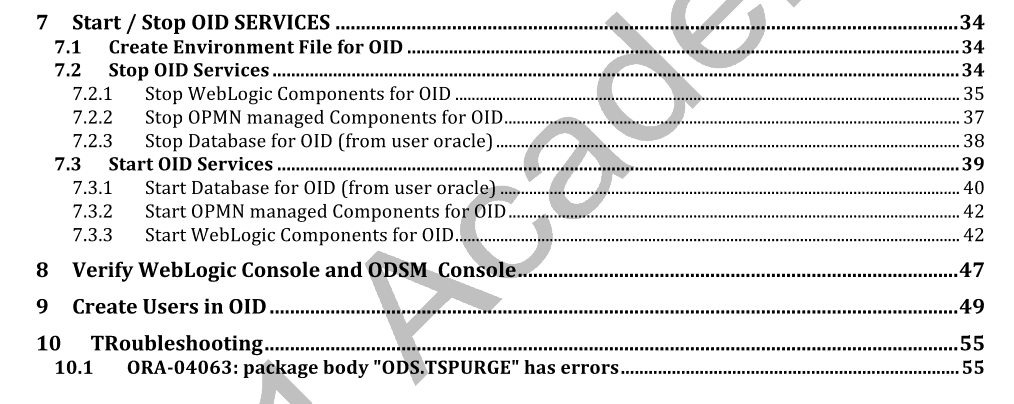
8. Lab Activity Guide VIII: OID Install, Configure, Manage
We learn about ODS & OID Overview, Architecture of OID, Installation of OID : High Level Steps Part I, Installation of OID : High Level Steps Part II, OID Installation Hands-On Part I : WebLogic Server, OID Installation Hands-On Part II : Install & Configure OID, Console in OID : ODSM, WebLogic, EM, File System in OID : Homes, Instance, Domain, Start / Stop in OID : OPMN & WebLogic, Password Policy and Create Users / Groups in OID.
9. Lab Activity Guide IX: Users/Groups/ LDAP Integration
We then learn about Security Realm & Providers in WebLogic, and WebLogic Integration with OID for LDAP Integration.
10. Lab Activity Guide X: SSL
We learn about SSL Concepts: SSL, TLS, Certificate, SSL in FMW & How SSL Works, Keystore, Wallets & Certificates, High-Level SSL Steps, SSL in OHS & Wallet Configuration, SSL in WebLogic, Identity & Trust Keystore.
In this Activity Guide, We cover two most common SSL Setups i.e. SSL for OHS & SSL for WebLogic Server.
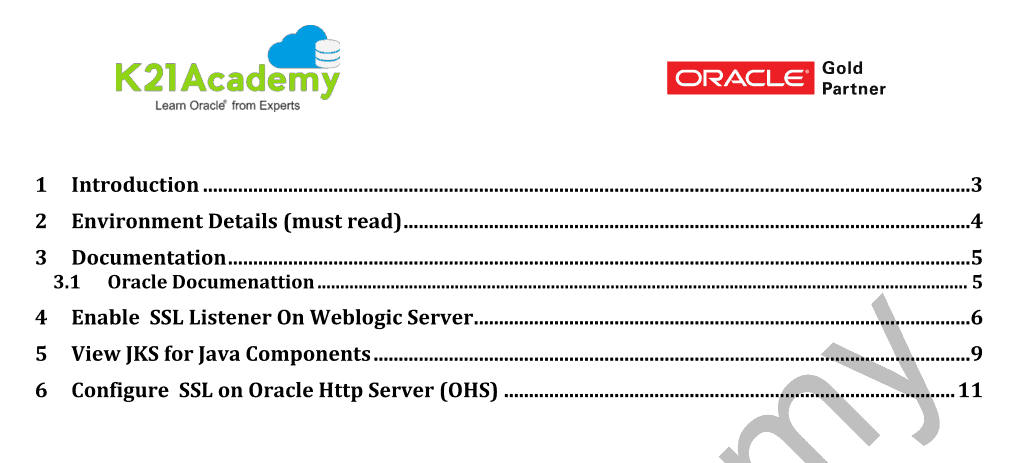
11. Lab Activity Guide XI: Patching in FMW
We then learn about Patching Overview & Tools, Finding Recommended Patches in FMW, Attach Oracle Home to Inventory & Apply Patch Using OPatch, Apply WebLogic Patches Using BSU, Upgrade DB Schema using PSA.
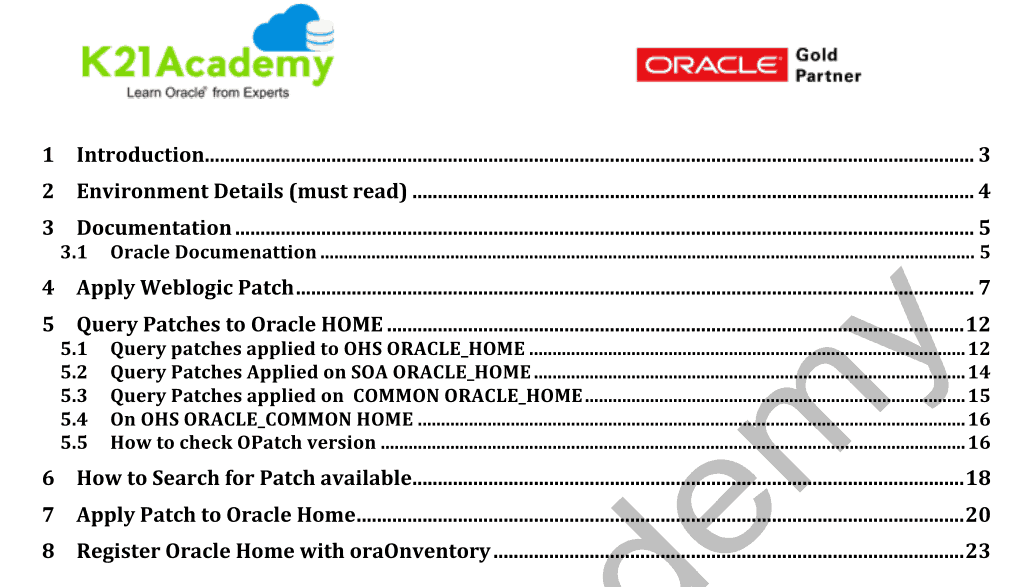
12. Lab Activity Guide XII: Cloning in FMW
Now, we learn about Cloning Overview & Concepts, Cloning Scripts & Key Points, Movement Plans, Cloning Hands-On. We cover cloning of SOA Suite using Oracle’s T2P methodology.
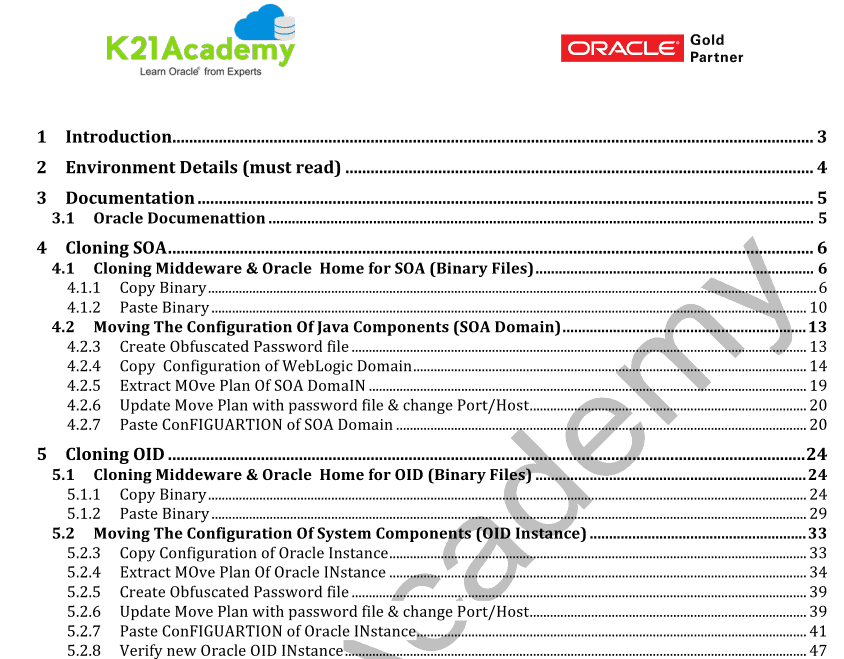
13. Lab Activity Guide XIII: OBIEE
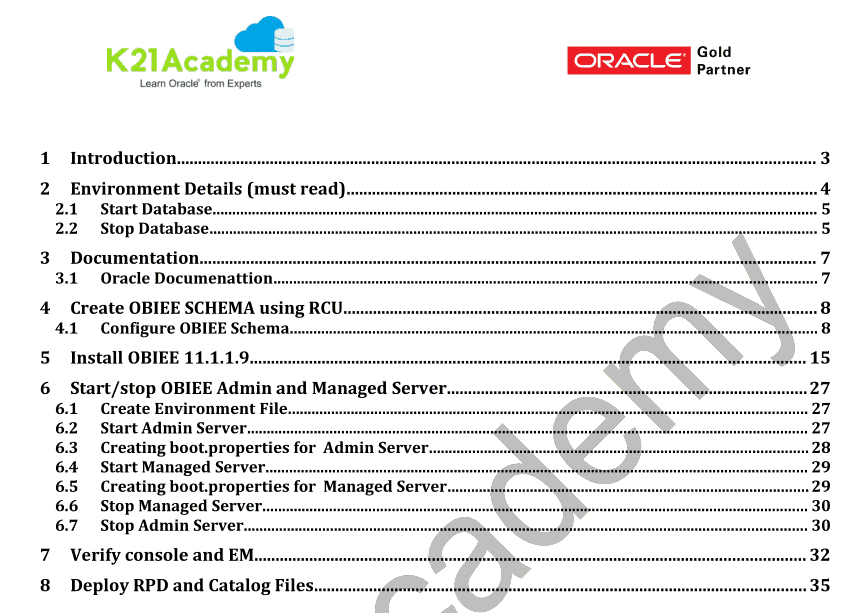
We learn about OBIEE overview & Architecture, Installation & Configuration of OBIEE, Start & Stop of OBIEE, File System of OBIEE, RPD Deployment in OBIEE, Catalog Deployment in OBIEE.
In this Activity Guide, We cover Install & Configuration of OBIEE and most common deployments like RPD & Catalog deployment.
14. Lab Activity Guide XIV: Backup & Recovery
We then learn about Backup & Recovery Concepts, Backup DB, Middleware, Domain, Instance.
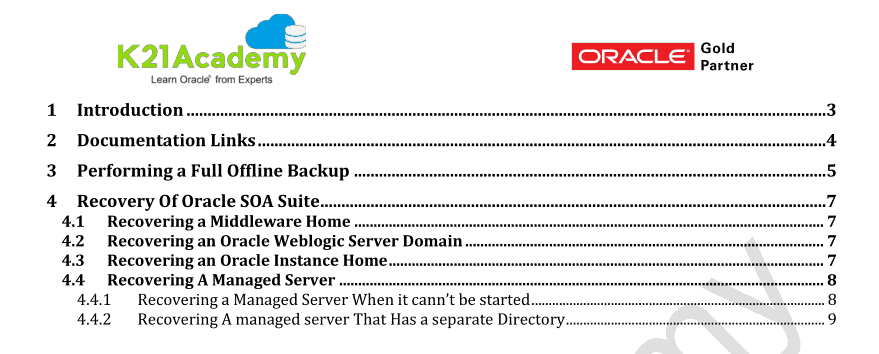
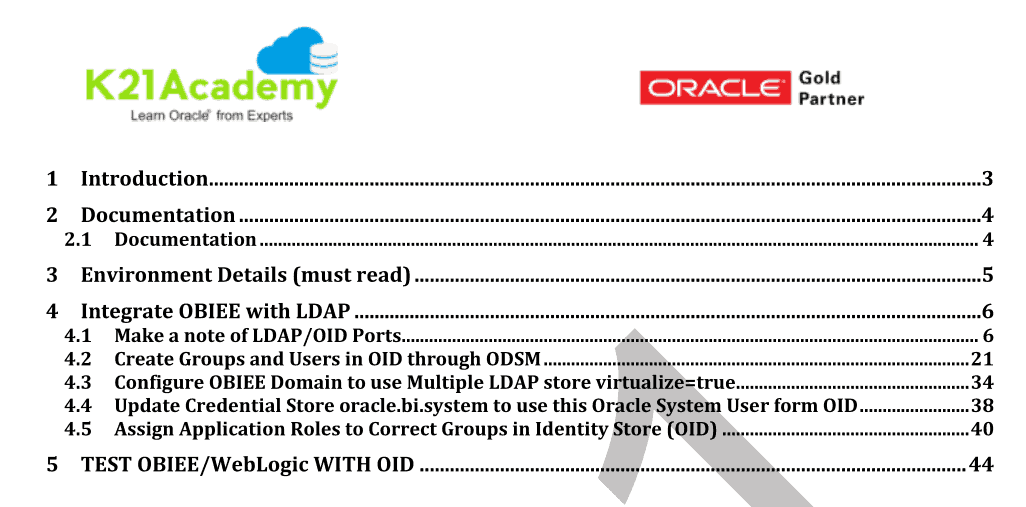
15. Lab Activity Guide Bonus Session: OBIEE – LDAP Integration
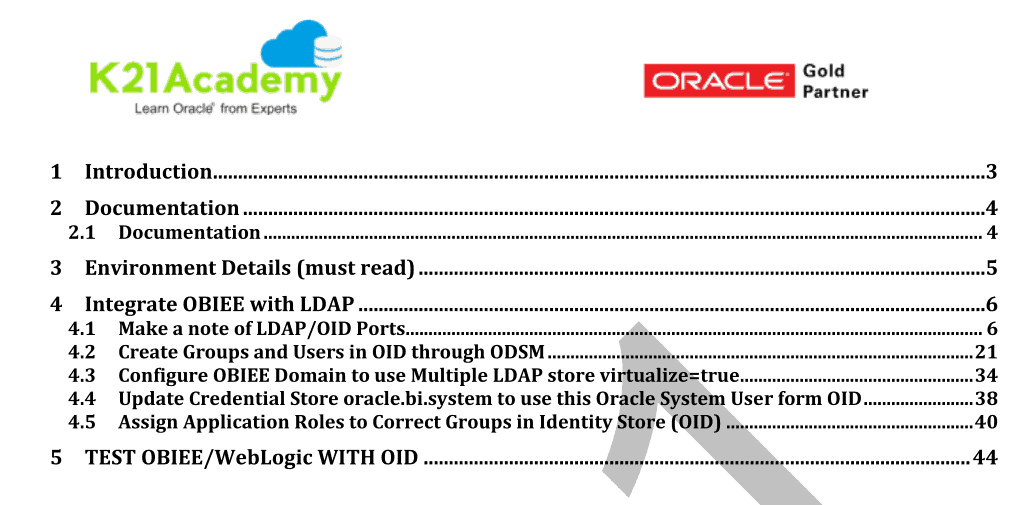
Now, we learn in detail about the OBIEE – LDAP Integration including Application Role of OBIEE mapping to Groups in OID/LDAP. You can use same steps for OBIEE integration with Microsoft Active Directory Integration.
Here are some of the reasons why our students think we are the best Oracle Training Institute
- Live Instructor-led Online Sessions
- Unlimited FREE retake for next 3 Years
- Training Material with Hands-on Lab Exercises (7 Step by Step Activity guides + Bonus Guides)
- Recording of Live Interactive Session for Lifetime Access
- Dedicated Machines to Practice
- Email & WhatsApp Support
- Help in CV Preparation
- 100% Money Back Guarantee (If you attend sessions, practice and don’t get results, We’ll do full REFUND, check our refund policy)
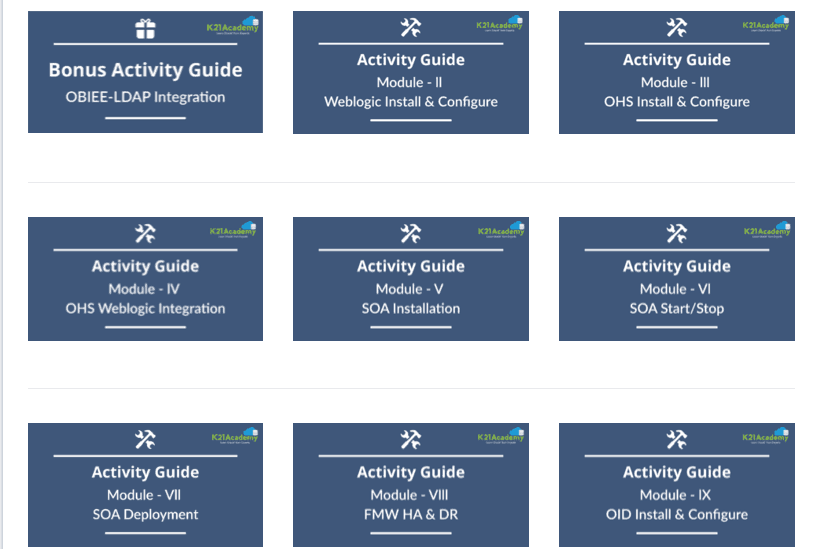
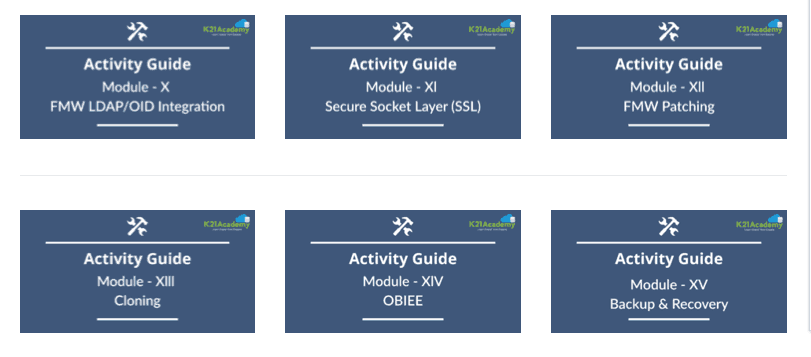
K21 Academy Fusion Middleware Activity Guide on our Portal
Note: Videos & Activity Guides available on Portal so you can start learning immediately
Next Task For You
Want to move ahead in your career and want to get a higher Earning Job?
Get 7+ Courses for DBAs & Apps DBA in a bundle program and learn from the Industry’s best Experts.


![Microsoft Agentic AI Business Solutions Architect [AB-100] | K21 Academy](https://test.k21academy.com/wp-content/uploads/2025/11/Microsoft-Agentic-AI-Business-Solutions-Architect-AB-100-Exam-Overview1.png)



