



This blog post covers the Step-By-Step Activity Guides of EBS Upgrade R12.2 & DB 19c Upgrade training program that you must perform to learn this course.
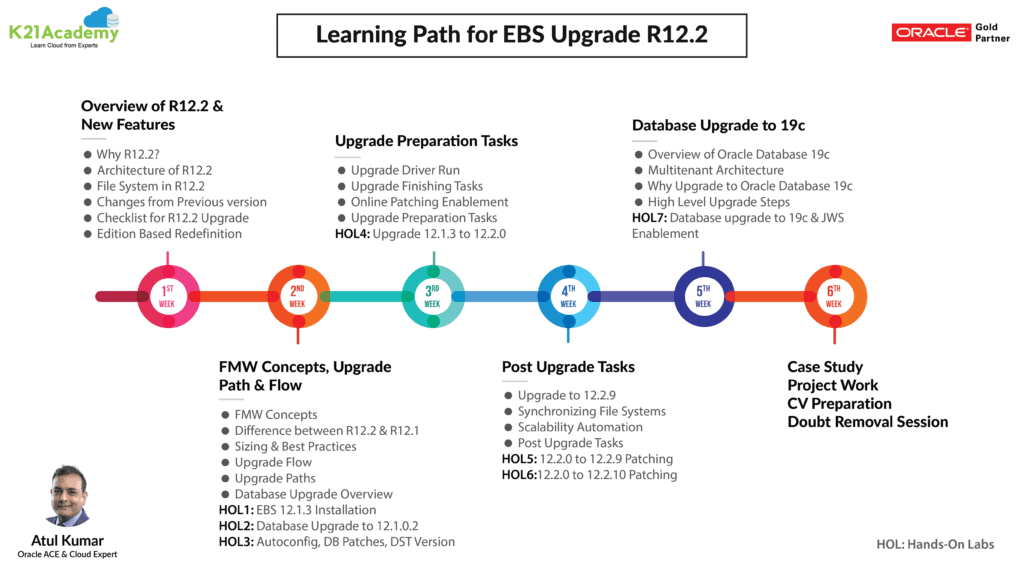
In our 6 weeks EBS R12.2 Upgrade Training, we cover below Modules & step-by-step hands-on guides.
Note: Check out our blog to know more about EBS R12.2 Upgrade.
- Activity Guide I: EBS R12.1.3 Installation
- Activity Guide II: Database Upgrade To 12.1.0.2
- Activity Guide III: Autoconfig, DB Patches & DST Version
- Activity Guide IV: Upgrade 12.1.3 To 12.2.0
- Activity Guide V: 12.2.0 To 12.2.9 Patching
- Activity Guide V: 12.2.0 To 12.2.10 Patching
- Activity Guide VI: Database Upgrade To 19.6.0.0 & JWS Enablement
EBS Architecture Concepts:
It is a three-tier architecture:
- Client Tier
- Application Tier
- Database Tier
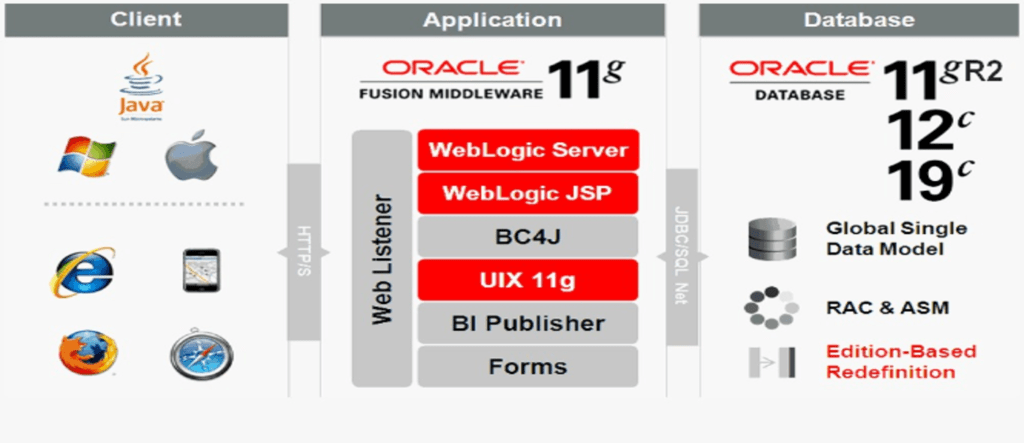
To know more, check the blog on EBS Architecture.
Activity Guide I: EBS R12.1.3 Installation ^
The first thing you must do is to install EBS R12.1.3 version so that you have a base version to upgrade to EBS R12.2. You can also have EBS 11i or R12.0 as your base version.
Oracle Database 19c(19.3) has been recently supported for E-business R12.1.3 and R12.2.3+, and also 11.2.0.4 is going out of support in December 2020).
In our guide, We have installed EBS R12.1.3 (12.1.3 is more widely used than 12.0) and then upgraded it to R12.2.0.
This guide covers Step by Step Instructions to prepare the stage & Environment to install EBS 12.1.1 & then EBS Upgrade 12.1.1 to 12.1.3.
Check out: What all operating systems are supported by the Oracle E-Business Suite (EBS) R12.2.
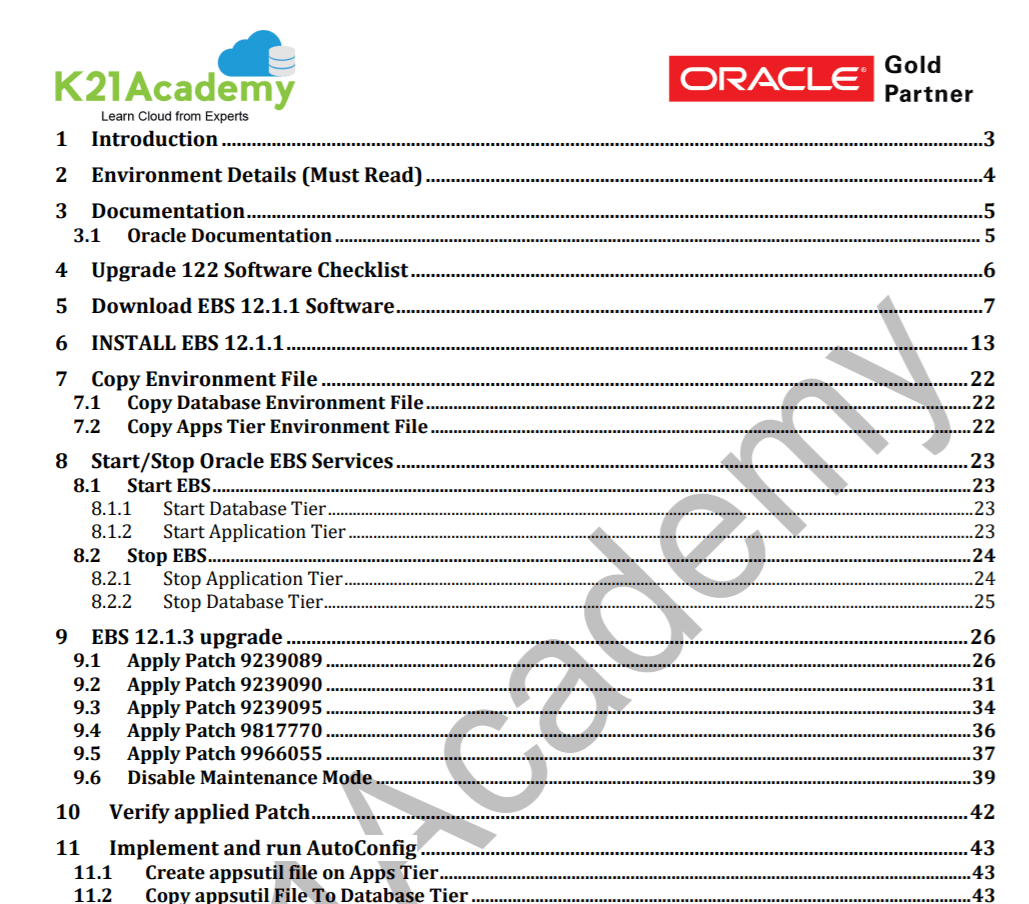
Check our post to know more about the EBS installation.
Activity Guide II: Database Upgrade To 12.1.0.2 ^
After the successful installation of EBS R12.1.1 & patching it to R12.1.3, we need to upgrade the DB version from the base to 12.1.0.2 to make the EBS version compatible with the DB version. We check for the latest 12c patches for 12.1.0.2.
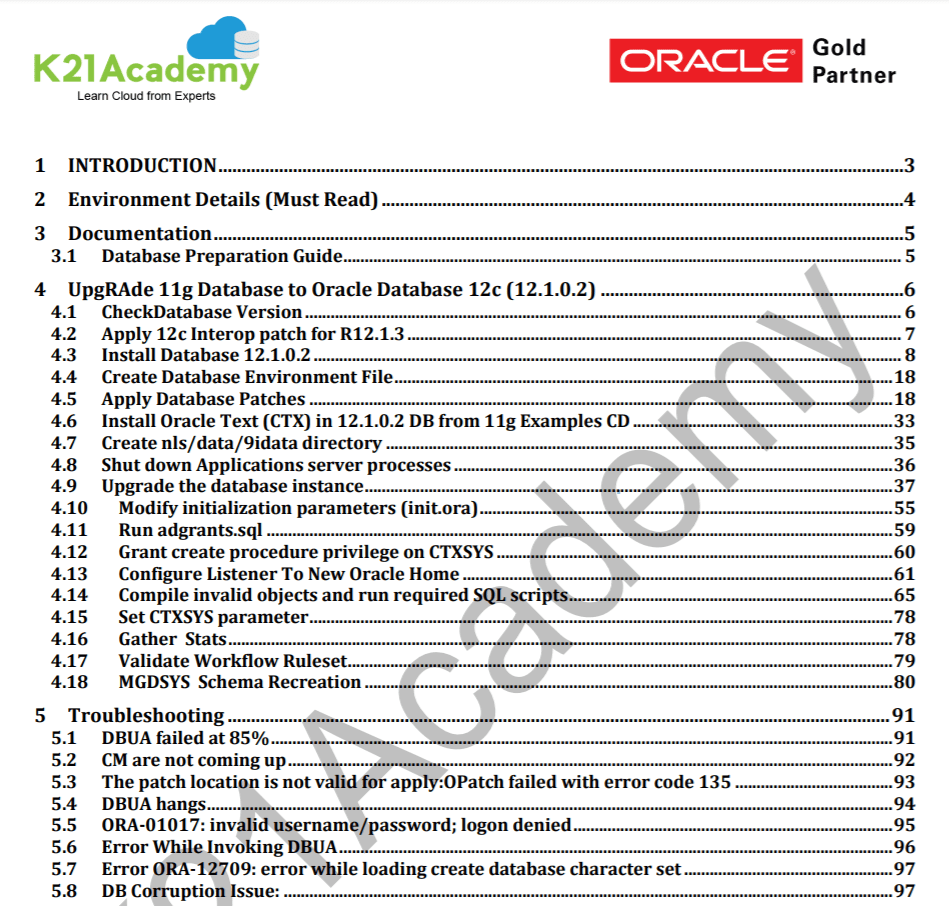
Also check: ADOP ( R12.2 Online Patching ) in Oracle EBS (R12) FAQ
Activity Guide III: Autoconfig, DB Patches & DST Version ^
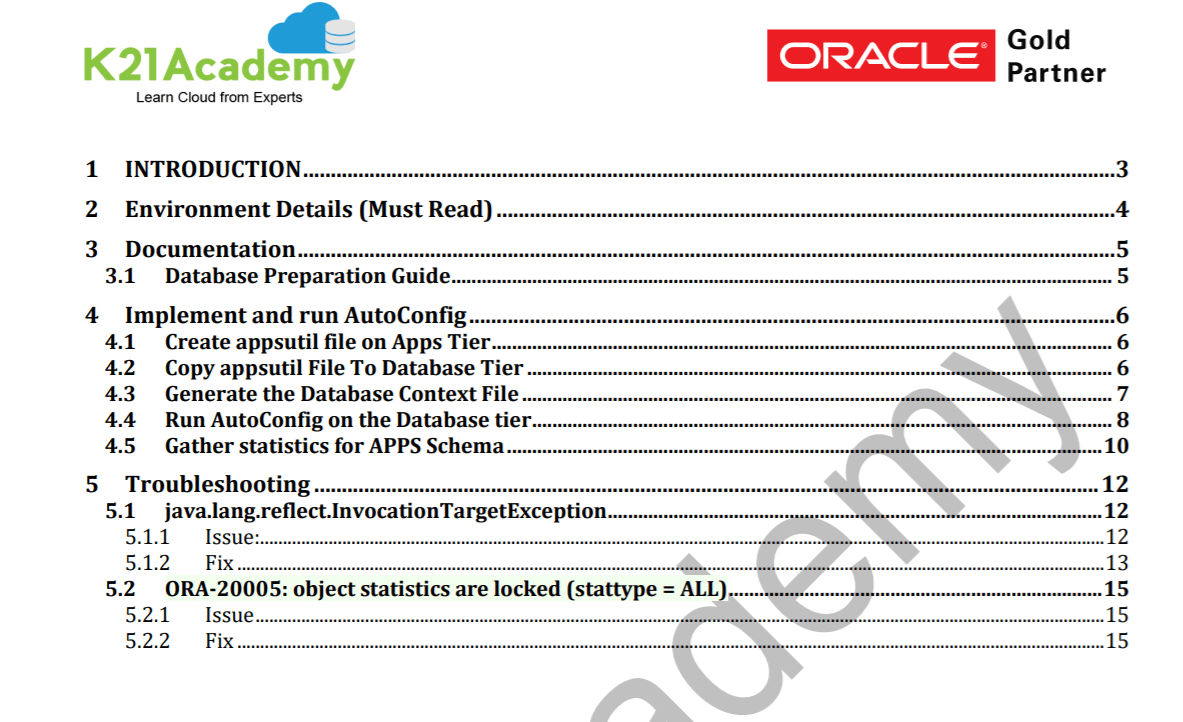
This Activity Guide covers the DB patches that are required after the DB upgrade from 11g to 12.1.0.2, & Autoconfig which simplifies the overall management of an EBS and also allows easier startup and shutdown of applications services.
Check Out: Our blog post on Oracle EBS Installation. Click here
Activity Guide IV: Upgrade 12.1.3 To 12.2.0 ^
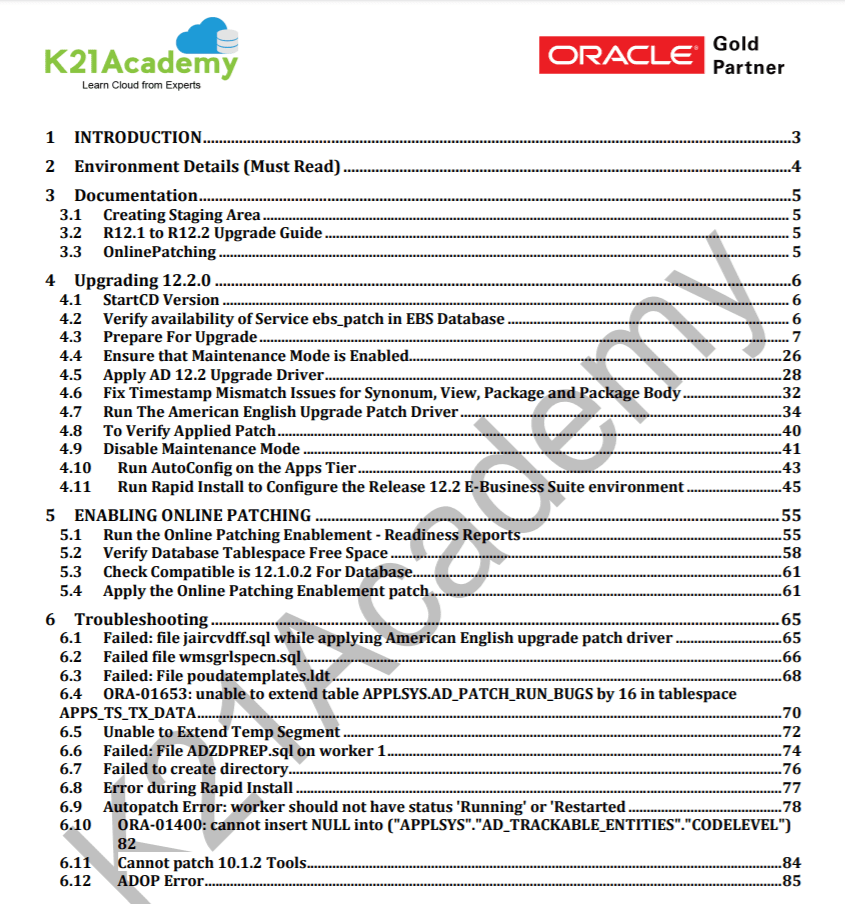
Once you have installed the EBS R12.1.3 and upgraded the DB to 12.1.0.2, now we need to upgrade the EBS R12.1.3 to EBS 12.2.0. We will see how to create a stage area for the upgrade and then enable online patching.
Also read: Upgrading your EBS base version to R12.2 can be quite a complicated task. Make it simpler with the free diagnostic tool called analyzers for Oracle E-Business Suite 12.2, 12.1, 12.0, and 11i.
Activity Guide V: 12.2.0 To 12.2.10 Patching ^
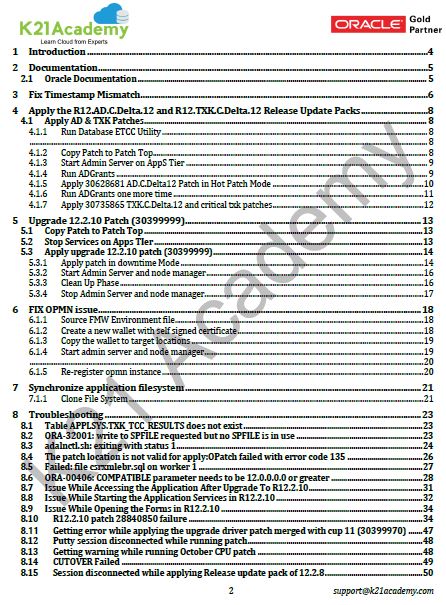
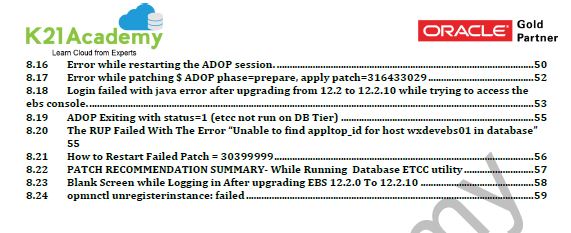
Next, we will upgrade the EBS R12.2.0 to 12.2.10 by patching. For this, we need to apply AD & TXK Patches, and upgrade 12.2.10 patch and then MT ETCC patches.
Activity Guide VI: Database Upgrade To 19.6.0.0 & JWS Enablement ^
Finally, after the upgrade, we will see how to upgrade your Database from 12.1.0.2 to 19c(19.6.0.0) & how can we enable the JWS.
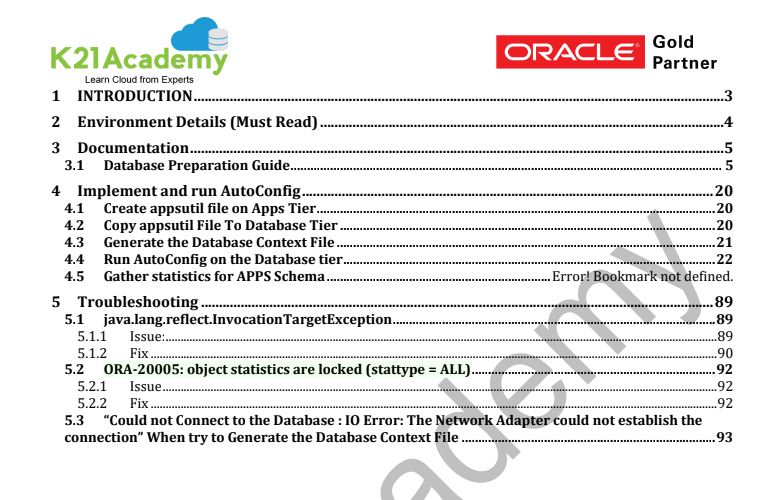
To know more read our blog on DB 19c with EBS R12.2.
Related Further Readings
- [1Z0-238] Oracle EBS R12 Certified Specialist Everything You Must Know About
- 19c Database In Oracle EBS R12: Everything You Must Know
- Steps to Download Oracle EBS R12 Software from edelivery site
- Oracle E-Business Suite (EBS) 12.2.9 Now Available & Its Upgrade Steps
- MOS ID 1581549.1 Best Practices for Minimizing Oracle E-Business Suite Release 12 Upgrade Downtime
- Using Wget To Download Software/Patches From Oracle Support
- ADOP ( R12.2 Online Patching ) in Oracle EBS (R12) FAQ
Next Task For You
We cover Oracle E-Business R12.2 Architecture & concepts in our Oracle Apps DBA For Beginners Training along with the Installation, Patching, Cloning, and Troubleshooting and also, Database upgrade to 19c and much more including the hands-on labs you must perform to upgrade your skills and get a good job with a high package.
Begin your journey towards becoming an Apps DBA by joining our FREE Masterclass on How To Learn Oracle Apps DBA (R12) & It’s New Features.


![Microsoft Agentic AI Business Solutions Architect [AB-100] | K21 Academy](https://test.k21academy.com/wp-content/uploads/2025/11/Microsoft-Agentic-AI-Business-Solutions-Architect-AB-100-Exam-Overview1.png)


