
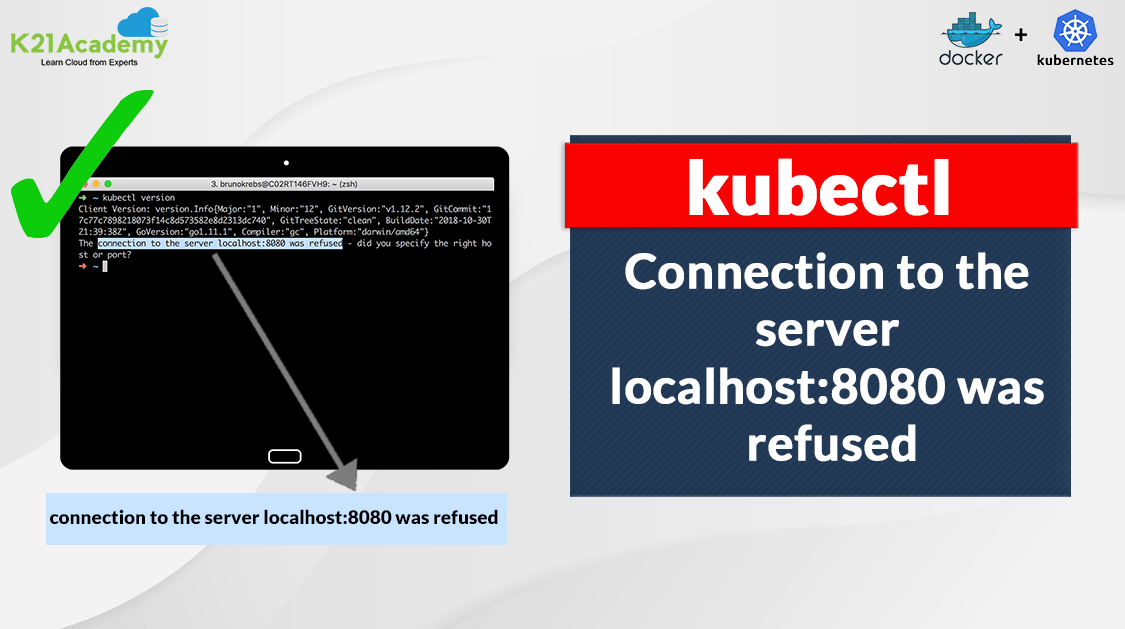





In this blog post, we’ll tackle a common problem that many face when using the kubectl get command in Kubernetes. It’s the error message that goes, “The connection to the server localhost:8080 was refused.” We’ll explore why this happens and how to solve it.
Have you ever encountered this error message while working with kubectl in Kubernetes?
$ kubectl get nodes

The connection to the server localhost:8080 was refused - did you specify the right host or  port?
Don’t worry; you’re not alone. This error is quite common and can be frustrating. It usually occurs when Kubernetes doesn’t have the right permissions to access your cluster.
The good news is that fixing this problem is relatively simple. In most cases, all it takes is moving the config file inside the kube folder. We’ll guide you through the steps to get your Kubernetes tasks back on track.
Check out: How To Setup A Three Node Kubernetes Cluster For CKA: Step By Step
Background of Error
The Kubernetes command-line tool, kubectl, allows you to run commands against Kubernetes clusters. You can use kubectl to deploy applications, inspect and manage cluster resources, and view logs. Kubectl commands are used to interact with and manage Kubernetes objects and the cluster. If kubectl does not have the correct credentials to access the cluster, this issue may be encountered.
Issue Encountered – Kubectl the connection to the server localhost:8080 was refused – did you specify the right host or port?
When you run a kubectl or a similar command in Kubernetes, you may encounter an error message like this: The connection to the server localhost:8080 was refused – did you specify the correct host or port?
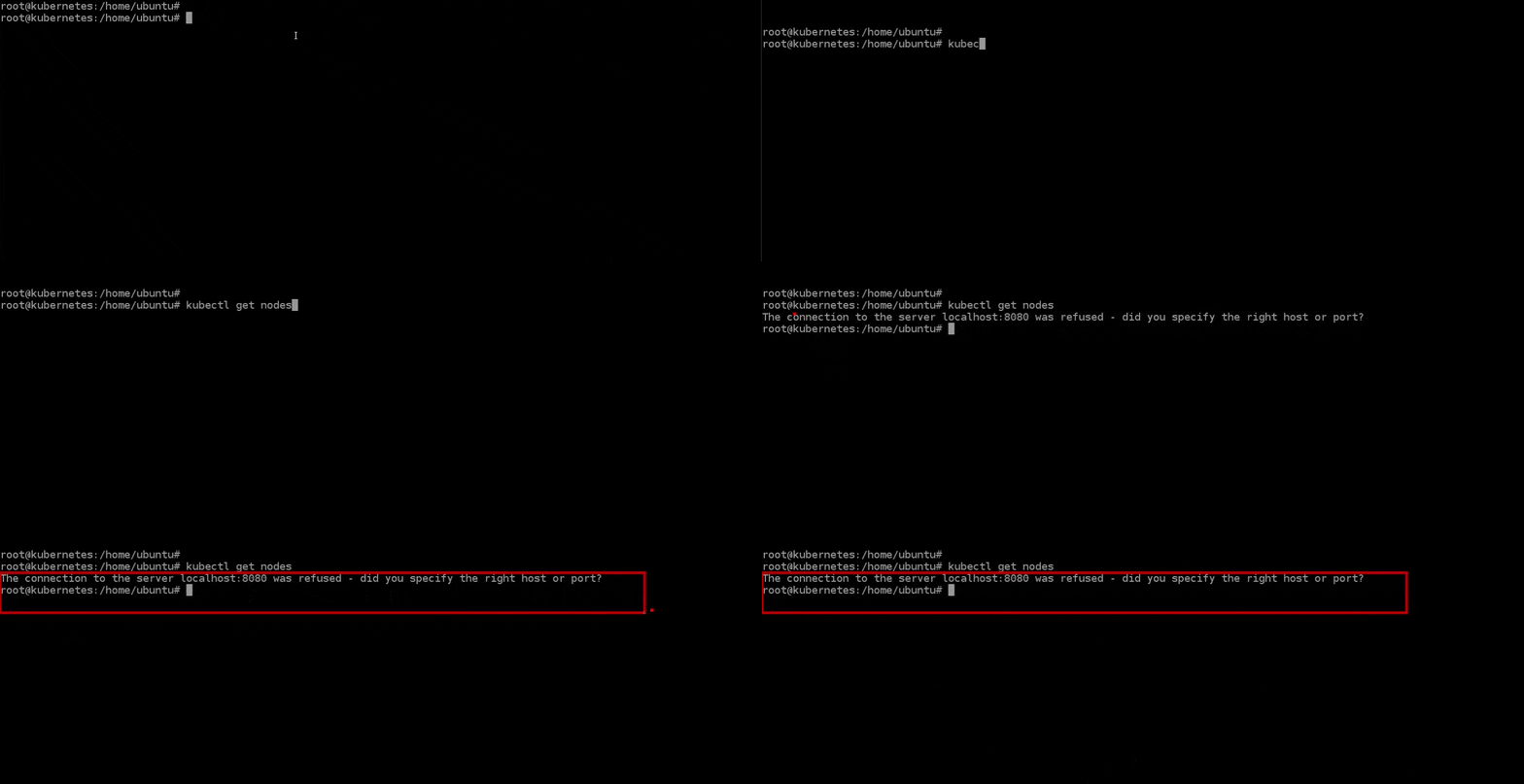
Cause of Error
1.This problem can arise when you haven’t set the KUBECONFIG environment variable.
2. The .kube/config file is not present, or the appropriate user is not set up to use kubectl.
export KUBECONFIG=/etc/kubernetes/admin.conf

(or)

export KUBECONFIG= $HOME/.kube/config
Fix the Error – The connection to the server localhost:8080 was refused
1. If you’re a regular user, move the config file into the kube folder and set the appropriate ownership by running the following commands.
mkdir -p $HOME/.kube
sudo cp -i /etc/kubernetes/admin.conf $HOME/.kube/config
sudo chown $(id -u):$(id -g) $HOME/.kube/config
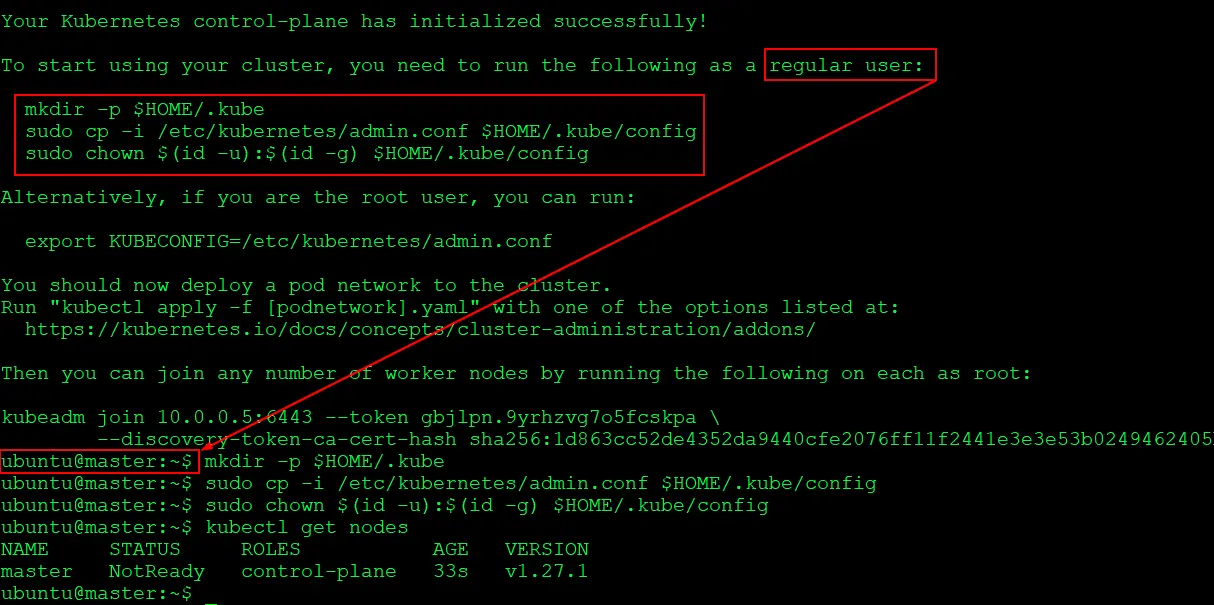
2.If you are a root user, export the KUBECONFIG environment variable
export KUBECONFIG=/etc/kubernetes/admin.conf
3. We are storing this Kubernetes configuration in user’s .bashrc file for persistence.
echo 'export KUBECONFIG=/etc/kubernetes/admin.conf' >> $HOME/.bashrc
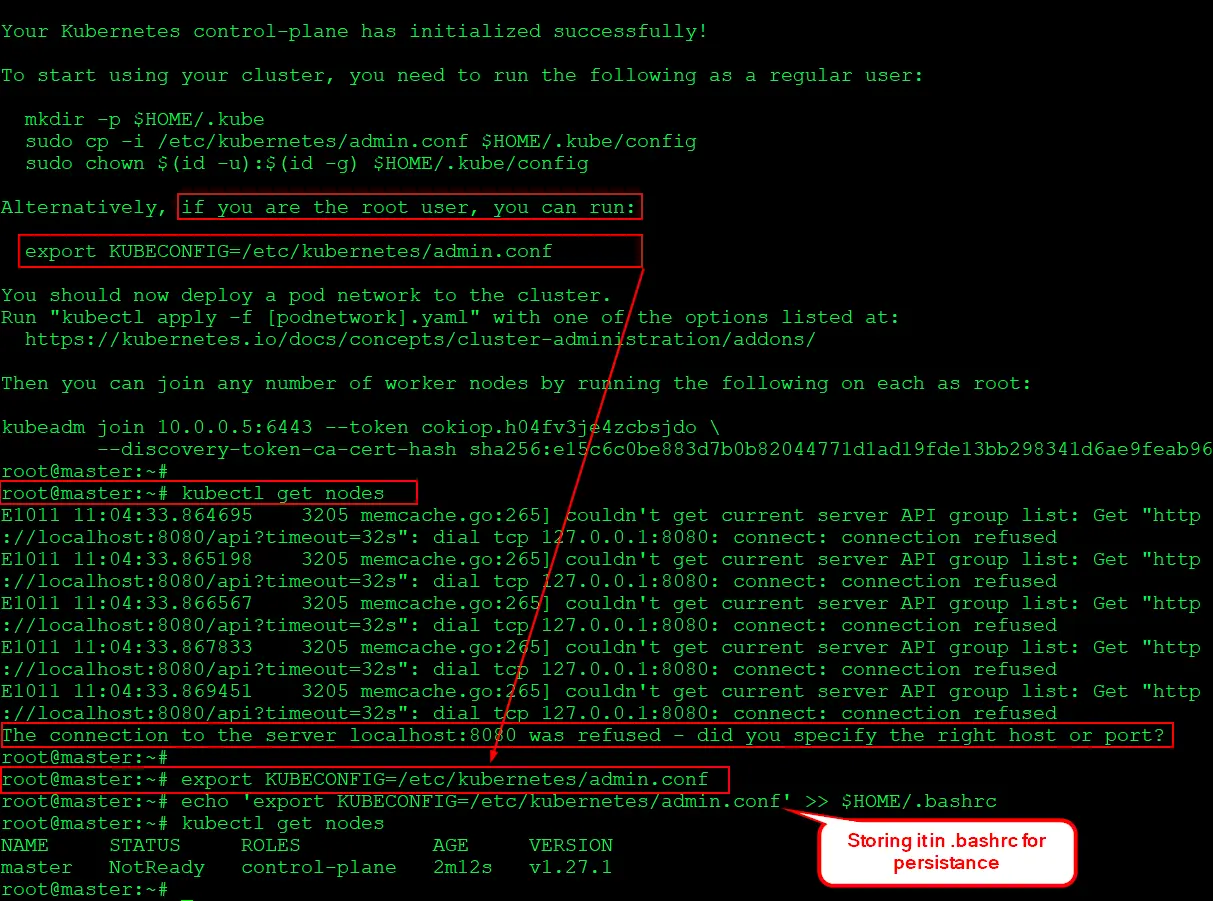
Note: In most cases, the configuration file is named admin.conf If it has a different name, change it accordingly in the command.
You can also check a discussion thread on Kubernetes form here
To Download Kubernetes CKA Sample Exam Questions, Click here.
Related Post
- How To Setup A Three Node Kubernetes Cluster For CKA: Step By Step
- Certified Kubernetes Administrator (CKA): Step-by-Step Activity Guide (Hands-on Lab)
- CKA Certification Exam (Certified Kubernetes Administrator)
- Kubernetes for Beginners – A Complete Beginners Guide
- Kubernetes Dashboard: An Overview, Installation, and Accessing
- CKA/CKAD Exam Questions & Answers 2022
- Docker Container Lifecycle Management: Create, Run, Pause, Stop And Delete
- CKA vs CKAD vs CKS – Differences & Which Exam is Best For You?
- Etcd Backup And Restore In Kubernetes: Step By Step
Join FREE Class
Discover the Power of Kubernetes, Docker & DevOps – Join Our Free Masterclass. Unlock the secrets of Kubernetes, Docker, and DevOps in our exclusive, no-cost masterclass. Take the first step towards building highly sought-after skills and securing lucrative job opportunities. Click on the below image to Register Our FREE Masterclass Now!


![Microsoft Agentic AI Business Solutions Architect [AB-100] | K21 Academy](https://test.k21academy.com/wp-content/uploads/2025/11/Microsoft-Agentic-AI-Business-Solutions-Architect-AB-100-Exam-Overview1.png)



