
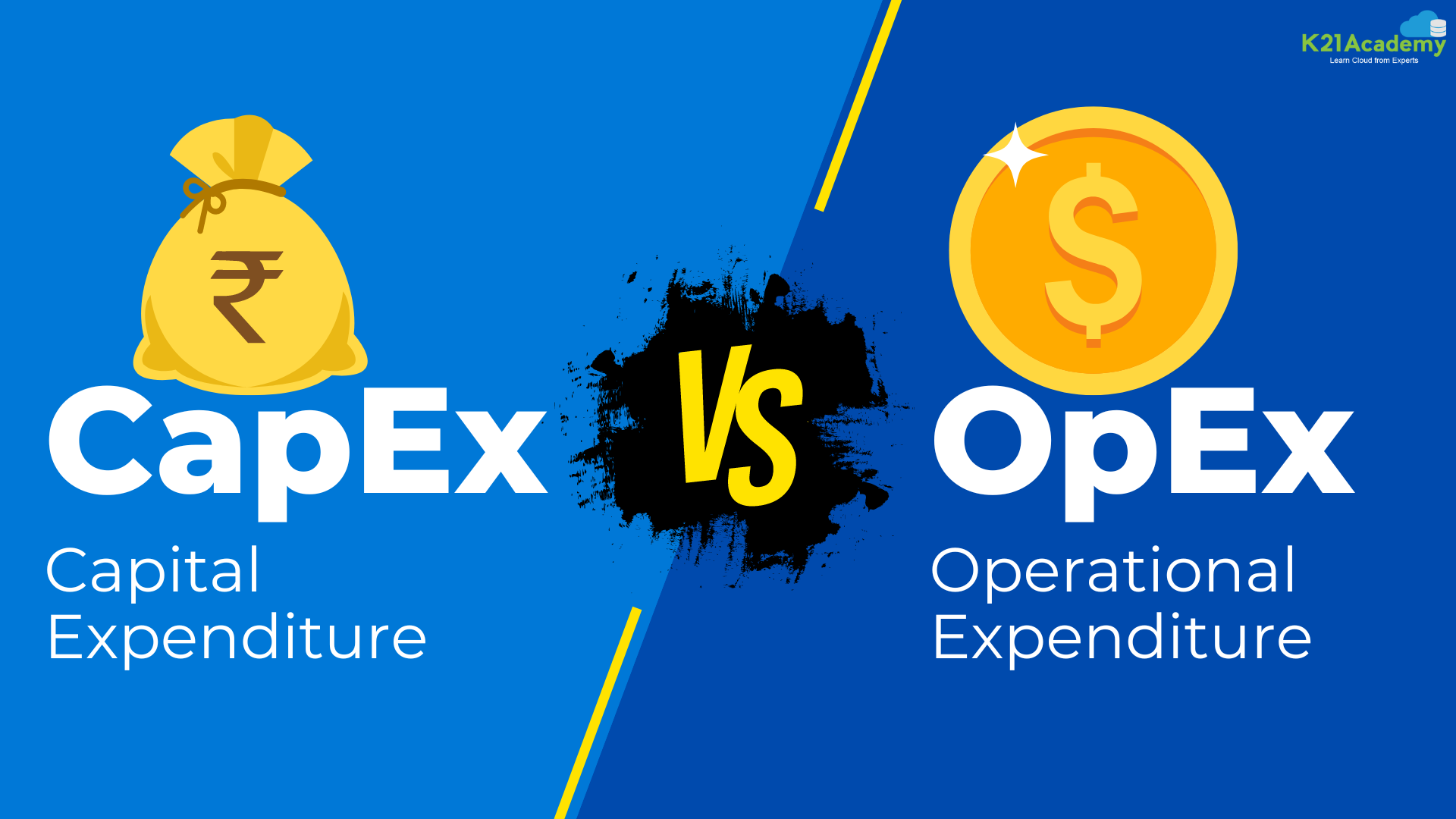





Ever wondered how businesses, big or small, manage their finances when using cloud technology? Is it like deciding whether to purchase a vehicle outright or lease one as needed? When it comes to cloud expenses, businesses typically choose between CapEx (Capital Expenditure) and OpEx (Operational Expenditure).
Think of it this way: imagine you’re starting a new venture and need office space. You could buy a building outright(that’s like CapEx), or you could rent office space every month (that’s OpEx). Each approach has its benefits and drawbacks, much like managing finances in the cloud.
By the end of this blog, you’ll have a solid understanding of the differences between CapEx and OpEx and how they apply to businesses of all sizes.
Before we dive deeper, check out this insightful video on cloud computing for beginners. Jump to the specific section on CapEx and OpEx by clicking the video below.
Table of Contents
- Understanding Capex
- CapEx Server Infrastructure Costs
- Understanding Opex
- OpEx Cloud Service Expenses
- Capital Investment vs. Operational Expense
- CapEx Stability vs. OpEx Flexibility Simplified
- Benefits of OpEx IT Expenses Simplified:
- Conclusion
- Frequently Asked Questions
Understanding CapEx
Capital Expenditure (CapEx) refers to the funds used by a business to acquire, upgrade, and maintain physical assets such as property, industrial buildings, or equipment. In IT, CapEx includes expenses for purchasing hardware, software licenses, and infrastructure. These costs are usually significant upfront investments that are amortized over the asset’s life.

Key Points:
- Initial Investment: High upfront costs for hardware and software.
- Depreciation: Assets depreciate over time and are recorded on the balance sheet.
- Asset Ownership: The business owns the assets and is responsible for their maintenance and upgrades.
- Budgeting: Requires long-term financial planning and budget allocation.
CapEx Server Infrastructure Costs
When it comes to CapEx (Capital Expenditure) in computing, several key expenses need consideration:

- Server Costs: Hardware for computing tasks. Ensure reliability with server clustering and redundant power supplies.
- Storage Costs: Hardware for storing data. Centralized storage can be costly based on application needs and reliability.
- Network Costs: Hardware for network connections like cables, switches, access points, routers, WAN, and internet connections.
- Backup and Archive Costs: Expenses for data backup, copying, or archiving. Consider both upfront hardware costs and ongoing maintenance.
- Business Continuity and Disaster Recovery Costs: Planning for emergencies like server failures or natural disasters. Includes backup sites and systems for data recovery and continuous operation, possibly involving backup generators.
- Datacenter Infrastructure Costs: Expenses for maintaining the data center, including electricity, cooling systems, floor space, and building maintenance.
Understanding OpEx
Operational Expenditure (Opex) refers to the ongoing costs of running a business’s day-to-day operations. In cloud computing, Opex includes expenses for using cloud services, such as pay-as-you-go pricing for computing power, storage, and other services provided by cloud vendors.
 Key Points:
- Pay-As-You-Go: Costs are incurred based on usage, leading to more predictable expenses.
- Scalability: Easily scalable with changing business needs without large upfront investments.
- No Depreciation: No assets to depreciate, as services are rented rather than owned.
- Flexibility: Easier to adjust spending based on current needs and cash flow.
OpEx Cloud Service Expenses
OpEx cloud computing costs include:

- Software Leasing and Customization: Pay-per-use model for managing subscriptions to prevent misuse and ensure efficient resource utilization. Cloud providers deactivate unused resources to minimize costs.
- Scaling Charges Based on Usage: Cloud services bill based on factors like user count, CPU usage, allocated RAM, IOPS, and storage space. Consider bandwidth for backup and data recovery traffic.
- User/Organization-Level Billing: Bills both organizations and users for services used, allowing scalability, customization, and provisioning of computing resources like software, storage, and development platforms.
Capital Investment VS Operational Expense
When it comes to IT investments, businesses have the flexibility to choose between capital expenditure (CapEx) and operational expenditure (OpEx). For example, the software can be purchased outright as a CapEx item for indefinite use or bought on a monthly subscription as an OpEx item, depending on what suits your financial goals.
 CapEx:
- Investment: CapEx is considered an investment because it involves buying assets that will benefit the business over a long period.
- Accounting: CapEx items, such as equipment or software, are accounted for over their useful life through depreciation (for tangible assets) or amortization (for intangible assets), rather than being fully deducted in the year of purchase.
- Tax Impact: Depreciation spreads the cost over several years, which can make accounting more complex and sometimes less straightforward in determining the actual cost and value to the company.
OpEx:
- Immediate Expense: OpEx items are treated as immediate expenses that are fully deductible in the year they are incurred.
- Accounting: These expenses are subtracted from revenue to calculate profits and losses, providing a clearer picture of the ongoing cost of doing business.
- Tax Impact: Since OpEx items are fully deductible, they can help reduce taxable income, often improving profit margins.
| Aspect | CapEx | OpEx |
|---|---|---|
| Definition | Long-term investments in physical assets | Ongoing expenses for day-to-day operations |
| Example | Purchasing hardware, buying software licenses | Monthly subscription for cloud services |
| Investment Type | Considered an investment | Considered an operating cost |
| Accounting Treatment | Depreciated or amortized over time | Fully deducted in the year incurred |
| Tax Impact | Tax benefits through depreciation | Immediate tax deductions |
| Pros |
|
|
| Cons |
|
|
In summary, while CapEx involves a significant upfront investment with long-term benefits, it comes with more complex accounting. OpEx, on the other hand, provides flexibility and immediate tax benefits but involves ongoing costs. The choice between CapEx and OpEx depends on your business’s financial strategy and goals.
CapEx Stability vs. OpEx Flexibility Simplified
CapEx Stability:
With CapEx, you get stability because you know your exact yearly costs, similar to having a fixed budget. However, there are some downsides:
- You might buy more capacity (like storage or computing power) than needed now, just to prepare for future needs. But if technology advances quickly, your investment could become outdated before you fully use it.
- Setting up new equipment or infrastructure can take time, delaying your benefits and return on investment.
- Contracts with vendors might be hard to exit, limiting your ability to switch to better options if your needs change or if the vendor underperforms.
 OpEx Flexibility:
Flexibility is offered, allowing you to adjust expenses based on your current needs:
- OpEx services are available instantly and on-demand, so you can quickly get what you need and deploy new products or improvements faster, boosting profits.
- If something doesn’t work out, you can change it quickly without wasting resources, like rearranging furniture that doesn’t fit.
- This agility helps businesses keep up with fast-paced markets and meet customer needs effectively, leading to increased profits.
OpEx offers unparalleled flexibility. You can adjust resources instantly according to demand, optimizing costs efficiently. This agility is crucial in maximizing financial efficiency in cloud computing. For further insights into optimizing cloud costs, explore our detailed guide on AWS Cost Optimization.
In summary, CapEx provides a fixed plan with less flexibility, while OpEx allows quick adaptation. Each has its benefits, and the choice depends on what aligns best with your business goals and situation.
Benefits of OpEx IT Expenses Simplified
Key Benefits of OpEx IT Expenses:
- Cost Savings: You only pay for what you need when you need it, avoiding unnecessary investments.
- Quick Adaptability: Easily adjust to market demands without unused capacity or complicated systems.
- No Long-Term Contracts: If a vendor doesn’t meet your needs, switch easily without hassle.
- No Maintenance Responsibility: The vendor maintains the services, freeing you from that burden.
- Fast Delivery: OpEx services are quickly available, saving time and money. No need to set up space, equipment, or manpower—just sign up and start using.
 These benefits give your business the flexibility and agility needed to thrive in a fast-changing market, leading to better customer service, increased profits, and overall growth.
For further insights into optimizing your cloud migration strategy, To explore our detailed guide Click Here
Conclusion
In this blog, we’ve explored how businesses handle their finances in the cloud, comparing two fundamental approaches: CapEx and OpEx. CapEx involves making big upfront investments for long-term benefits, while OpEx offers more flexibility with instant perks but ongoing costs. By understanding these differences, businesses can make smart choices based on their financial goals and operational needs.
 Think of it as deciding between buying something outright or renting it when you need it. So, when navigating the cloud, knowing whether to go with CapEx or OpEx can help manage resources better and succeed in today’s digital world.
Frequently Asked Questions
Q1) What factors should I consider when deciding between CapEx and OpEx for my business?
When deciding between CapEx and OpEx, consider factors such as your company's financial goals, the level of flexibility required in resource management, the predictability of expenses, and the long-term vs. short-term benefits of investments.
Q2) How can I ensure cost optimization while leveraging cloud services under OpEx model?
To optimize costs under the OpEx model, it's essential to continuously monitor resource usage, right-size instances, leverage reserved instances or savings plans for predictable workloads, implement auto-scaling where possible, and regularly review and adjust service subscriptions based on actual usage.
Q3) What are the potential risks associated with CapEx investments in the cloud?
CapEx investments in the cloud can pose risks such as over-provisioning resources, which may lead to underutilization and wasted costs. Additionally, there's a risk of technology obsolescence, where hardware or software investments may become outdated before achieving full ROI, and contractual dependencies with vendors that limit flexibility.
Q4) How do CapEx and OpEx models impact financial reporting and tax implications for businesses?
CapEx investments typically involve depreciation or amortization over the asset's useful life, impacting financial reporting by spreading the costs over time. On the other hand, OpEx expenses are fully deductible in the year they are incurred, providing immediate tax benefits but potentially affecting long-term financial projections.
Q5) What are some common misconceptions about CapEx and OpEx, and how can businesses address them?
One common misconception is that CapEx always requires higher upfront costs compared to OpEx. While this may be true in some cases, businesses should carefully evaluate the total cost of ownership over the asset's lifespan. Another misconception is that OpEx always offers better flexibility, whereas CapEx may provide long-term value. To address these misconceptions, businesses should conduct thorough cost-benefit analyses and consider their specific operational needs and financial objectives.
Related References
- Learn how to create a Free Microsoft Azure Trial Account
- How do I create and activate a new Amazon Web Services account?
- Overview of Amazon Web Services & Concepts
- Google Cloud Free Account: Steps to Register for Free Trial Account
- AWS Hands-on Labs & Projects
- Step-by-Step Azure Training and Hands-on Labs & Projects
- Microsoft Azure Certification Path
Next Task For You
Start your journey to mastering Azure Cloud and securing high-paying jobs. Simply click the “Register Now” button below to join our FREE CLASS on Mastering Azure Cloud: How to Build In-Demand Skills and Secure Lucrative Positions. This class will provide valuable insights to help you choose the right career path and elevate your earning potential.


![Microsoft Agentic AI Business Solutions Architect [AB-100] | K21 Academy](https://test.k21academy.com/wp-content/uploads/2025/11/Microsoft-Agentic-AI-Business-Solutions-Architect-AB-100-Exam-Overview1.png)



