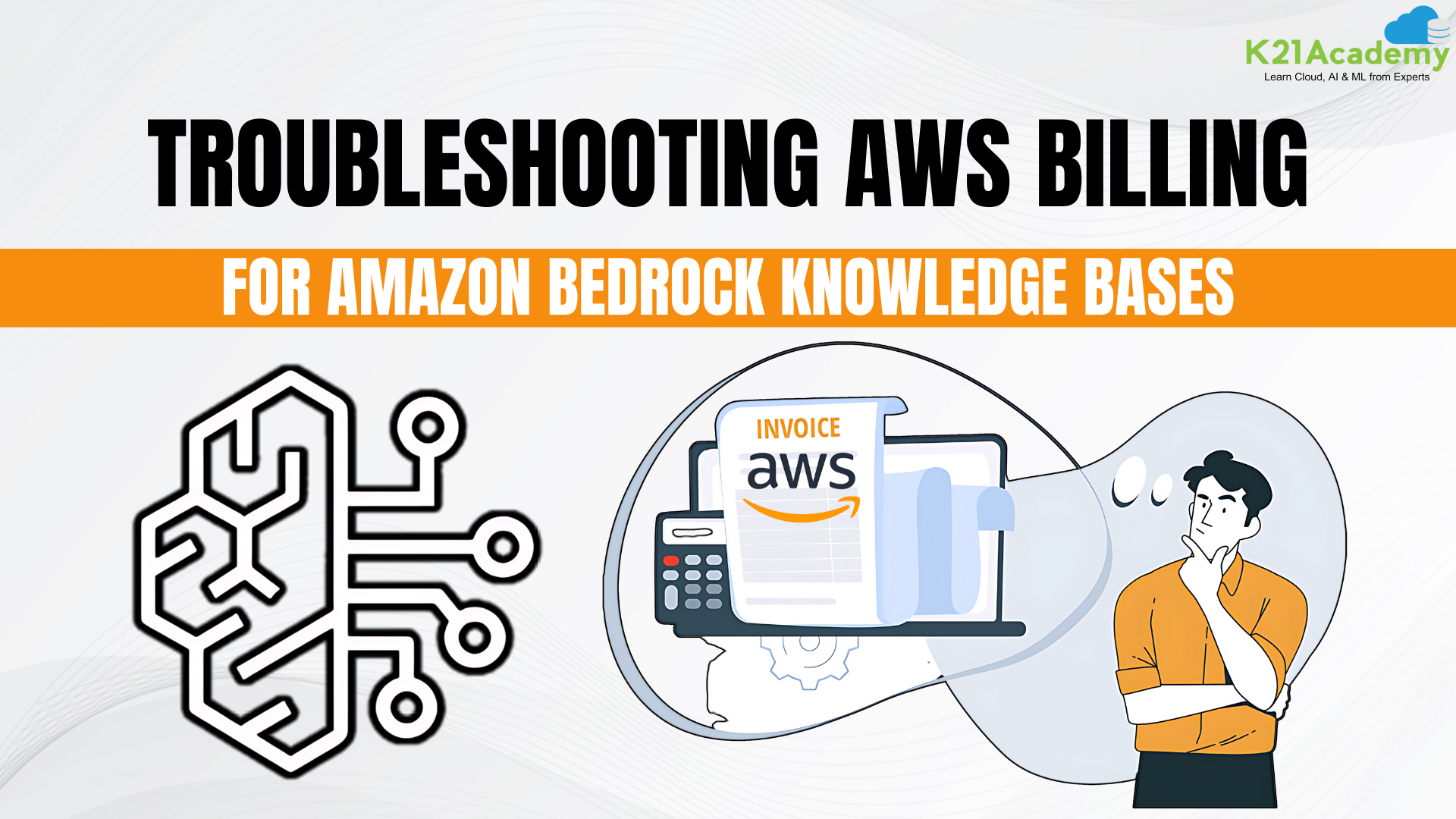





Have you ever been shocked by an unexpected spike in your AWS billing? You’re not alone. Many users, even those with experience, encounter unforeseen charges, especially when experimenting with newer services like AWS Bedrock.
In this blog, we’ll walk you through a real-world example where unexpected costs took our team by surprise while creating a knowledge base in a serverless cluster running on OpenSearch.
We’ll break down the steps we took to identify the issue, resolve it, and prevent future surprises. Whether you’re managing cloud costs for a project or an entire organization, these insights will help you keep your AWS expenses under control.
Table of Contents
- Understanding the Billing Issue
- Step-by-Step Troubleshooting
- Best Practices for Avoiding Billing Surprises
- Conclusion
- Frequently Asked Questions
Understanding the Billing Issue ^
 This experience underscores the importance of not assuming any AWS service is low-cost or free, even when it’s part of a small-scale project. Regularly reviewing your AWS billing dashboard and using tools like Cost Explorer are critical steps in managing and understanding your cloud expenses, ensuring that surprises like these can be identified and addressed promptly.
 2) Exploring OpenSearch Usage:
 3) Deleting Unused Resources:
 4) Monitoring Post-Deletion:
 By following these detailed steps, we were able to identify, analyze, and resolve unexpected billing issues. These troubleshooting techniques are essential for managing cloud costs effectively, particularly when dealing with complex services like AWS Bedrock and OpenSearch.

 Conclusion
 Unexpected AWS billing issues can be daunting, but with the right approach, they are manageable. By reviewing tags, analyzing billing reports, examining service usage, and setting up alerts, you can effectively troubleshoot and prevent surprises.
Adopting best practices like regular monitoring, implementing cost strategies, and educating your team will help maintain control over AWS expenses. Stay proactive, and your cloud budget will stay on track, ensuring efficient and cost-effective resource use.
Frequently Asked Questions
Q1) What are the most common causes of unexpected AWS billing issues?
Ans: Unexpected AWS billing issues often arise from unmonitored service usage, lack of proper cost allocation tags, and misunderstandings about the pricing of new or experimental services like AWS Bedrock. Regularly reviewing your billing dashboard and setting up cost alerts can help you catch these issues early.
Q2) How can I prevent unexpected charges when using new AWS services like Bedrock?
Ans: Before using new AWS services, thoroughly review their pricing models and set up budgets with cost alerts. Start with a small-scale deployment and closely monitor usage to ensure you’re aware of any costs that may arise.
Q3) Why is tagging important for managing AWS costs?
Ans: Tagging helps you attribute costs to specific resources, projects, or teams, making it easier to track and manage your AWS expenses. Without proper tags, it can be challenging to pinpoint the source of unexpected costs.
Q4) What tools does AWS provide to help manage and forecast costs?
Ans: AWS offers several tools like AWS Cost Explorer, Detailed Billing Reports, and AWS Budgets. These tools allow you to analyze spending patterns, track resource usage, and set up alerts to avoid unexpected charges.
Q5) How often should I review my AWS service usage and costs?
Ans: It’s best to review your AWS service usage and costs at least weekly or monthly. Regular monitoring helps you catch any anomalies early and ensures that your cloud environment remains cost-effective and within budget.
Related References
- Join Our Generative AI Whatsapp Community
- Introduction To Amazon SageMaker Built-in Algorithms
- Introduction to Generative AI and Its Mechanisms
- Mastering Generative Adversarial Networks (GANs)
- Generative AI (GenAI) vs Traditional AI vs Machine Learning (ML) vs Deep Learning (DL)
- AWS Certified AI Practitioner (AIF-C01) Certification Exam
Next Task For You
Ready to master AWS costs and boost your cloud skills? Join our Free AWS AI/ML class and learn from industry experts.
Click the image below to register and secure your spot! Don’t miss this chance to enhance your AWS expertise and avoid costly mistakes.


![Microsoft Agentic AI Business Solutions Architect [AB-100] | K21 Academy](https://test.k21academy.com/wp-content/uploads/2025/11/Microsoft-Agentic-AI-Business-Solutions-Architect-AB-100-Exam-Overview1.png)