Get certified and advance your career in Kubernetes and DevOps. Our certification programme offers hands-on labs and expert guidance, preparing you for the CKA certification with 13 modules, 50+ lessons, 30+ hands-on labs, and full exam preparation for the Certified Kubernetes Administrator (CKA) certification!
Intensive Training
Expert Instructors
Exam Support
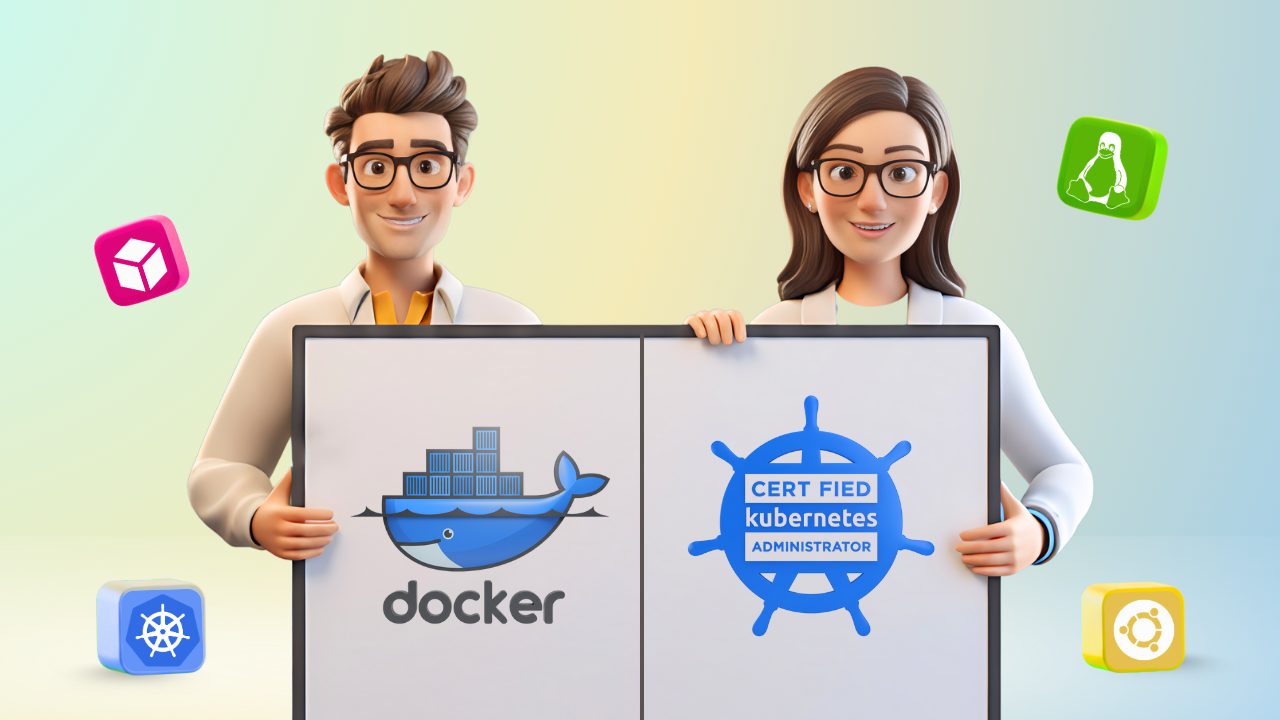
The Docker & Certified Kubernetes Administrator (CKA) Program is your complete roadmap to mastering Kubernetes administration and becoming job-ready in the cloud-native ecosystem. Over 12 weeks of intensive, hands-on training, you’ll learn Kubernetes fundamentals, cluster architecture, scheduling, networking, storage, and troubleshooting—directly aligned with real-world DevOps and production use cases.
You’ll work on live practical labs designed to simulate industry scenarios, preparing you to confidently deploy, manage, and secure Kubernetes clusters. By the end of the programme, you’ll not only be fully prepared for the CKA certification exam, but also possess the skills and confidence to excel in roles such as Kubernetes Administrator, DevOps Engineer, Cloud Engineer, or Site Reliability Engineer (SRE).
Looking to enhance their containerisation and orchestration skills to advance into roles like DevOps Engineer, Cloud Engineer, or Kubernetes Administrator.
Who want to containerise applications using Docker and efficiently deploy, manage, and scale them with Kubernetes in production environments.
Who want to build a strong foundation in modern DevOps tools, container technologies, and Kubernetes administration.
Aiming to strengthen their expertise in cloud infrastructure, automation, and container orchestration using Docker and Kubernetes.
Eager to enter the high-demand DevOps and cloud-native ecosystem with hands-on, job-oriented training and globally recognised certification.
Prepare and qualify for the Certified Kubernetes Administrator (CKA) exam—an industry-recognised credential that validates your skills in Kubernetes cluster management and DevOps automation.
Gain practical expertise by working directly with Kubernetes, Docker, and Helm. Deploy, manage, and troubleshoot real Kubernetes clusters in simulated production environments.
Master high-demand DevOps and Kubernetes administration skills such as cluster setup, networking, resource management, monitoring, and security, preparing you for roles like Kubernetes Administrator, DevOps Engineer, or Site Reliability Engineer (SRE).
Get personalised support, including resume building, LinkedIn profile optimisation, mock interviews, and job placement guidance, helping you confidently transition into top DevOps and cloud-native roles.
Enjoy one-year access to course materials and recorded sessions, allowing you to learn at your own pace and revisit lessons anytime. Stay updated with the latest Kubernetes features and best practices with continuous mentor support.
A basic understanding of Linux commands and system administration is helpful but not mandatory.
Interest in containerisation and cloud-native technologies, especially Kubernetes and Docker.
A desire to upskill in DevOps and cloud infrastructure management to advance your professional career.
A problem-solving and analytical mindset to troubleshoot and optimise containerised environments.
No programming experience is required; however, familiarity with YAML, shell scripting, or basic networking concepts is an advantage.
Prepare for the Certified Kubernetes Administrator (CKA) exam and earn a credential that validates your Kubernetes and DevOps expertise across the global cloud industry.
Work on real-world 30+ Kubernetes and Docker labs, covering cluster setup, deployment, networking, scaling, and troubleshooting—building practical, job-ready skills.
Receive personalised career guidance, including resume building, interview preparation, and job placement assistance to accelerate your journey into DevOps and cloud roles.
Boost your career with one of the most in-demand certifications, opening doors to high-paying roles such as Kubernetes Administrator, DevOps Engineer, or SRE.
Learn at your own pace with 1-year access to all course materials, hands-on labs, and recorded sessions—perfect for working professionals and learners with busy schedules.
We prioritise practical, real-world experience with 30+ labs and 300+ exam questions—no repetitive theory, just hands-on implementation.
Get your questions resolved quickly through WhatsApp, the ticketing system, or live Q&A sessions with our expert mentors.
Learn directly from certified Kubernetes professionals, interact in real-time, and clarify concepts as you progress.
Structured by Atul, a cloud expert with 20+ years of IT experience, our roadmap takes you from Docker fundamentals to advanced Kubernetes administration and certification readiness.
Even after completing the course or landing a job, you’ll continue to receive career mentorship and project support to help you excel in real-world DevOps environments.
Enjoy 1-year unlimited access to all course materials, recorded sessions, and lab environments. Learn at your own pace and revisit topics anytime.
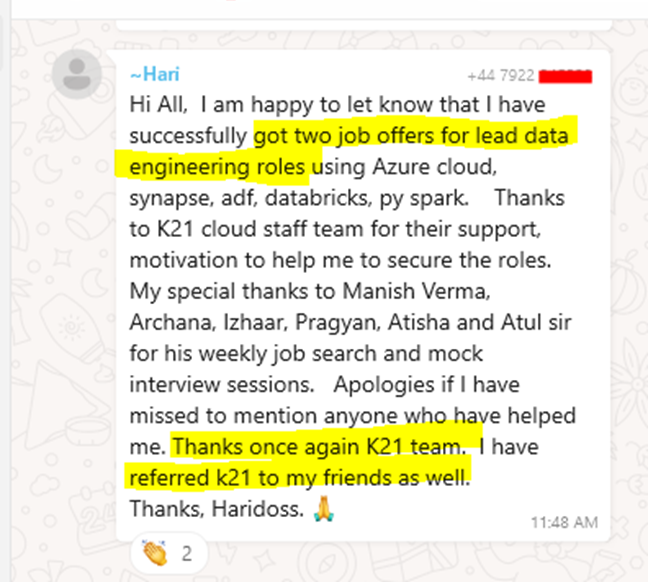
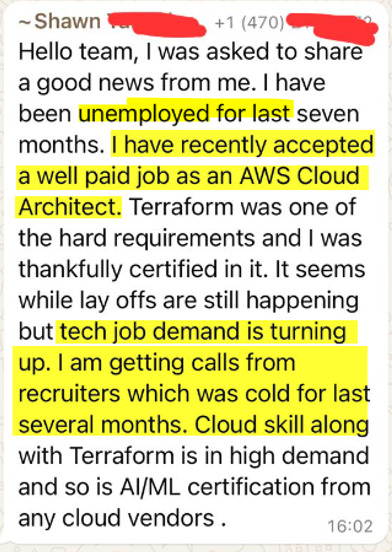
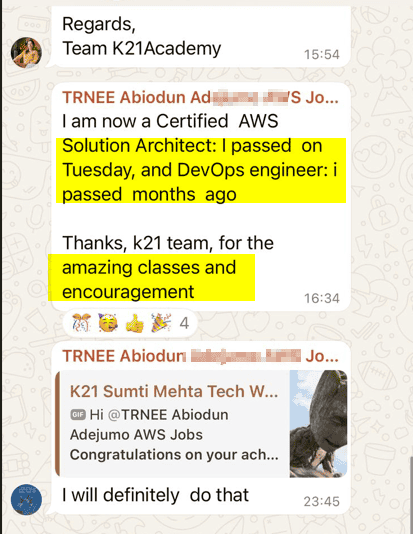
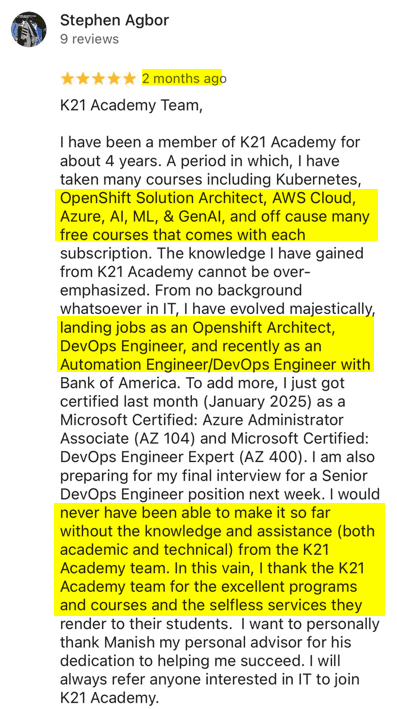
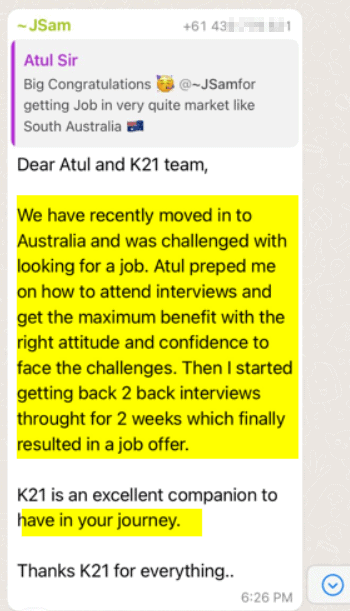
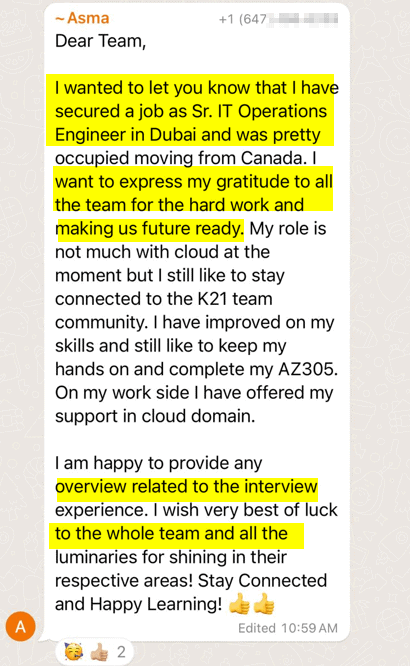
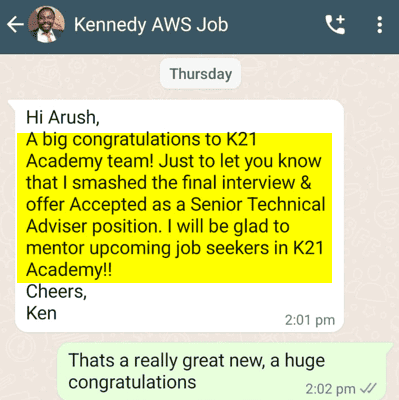
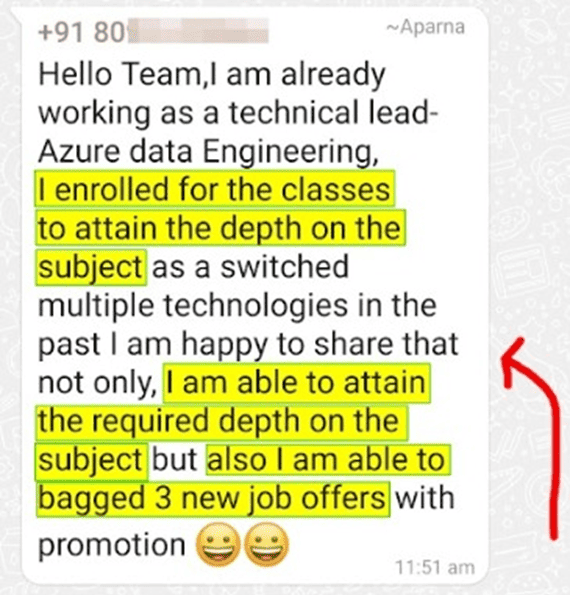
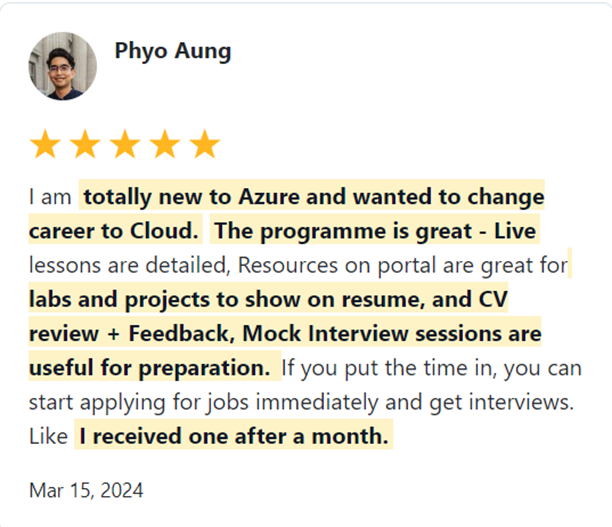
Join 45,000+ learners globally who have transformed their careers with us. Hear from professionals who transitioned into DevOps, SRE, and Cloud Engineer roles after mastering Docker and Kubernetes.
Trusted by thousands of satisfied trainees across multiple platforms


Our instructors are Certified Kubernetes Administrators and DevOps professionals with years of hands-on experience in managing real-world Kubernetes environments. They are passionate about mentoring learners and helping them become job-ready.
Yes! This programme is designed for both beginners and experienced IT professionals. Even without prior experience, you’ll gain the practical knowledge and hands-on skills required to land your first DevOps or Kubernetes-related role.
Absolutely! You’ll get 1-year access to all course materials, labs, and recorded sessions. Learn at your own pace, revisit topics anytime, and attend live sessions whenever you’re available.
We offer flexible payment plans to make it easier to enrol. You can also schedule a free consultation call with our career advisors to understand how this programme can help you achieve your career goals.
Yes, definitely! Many of our learners have successfully re-entered the job market after a gap. The programme helps you rebuild confidence, refresh your technical skills, and showcase hands-on Kubernetes projects on your resume.
No, you don’t need coding experience. However, basic knowledge of Linux, YAML, and scripting can be helpful. The course covers everything from the fundamentals to advanced Kubernetes concepts in a structured, easy-to-follow way.
You’ll have 24/7 support through our community, WhatsApp groups, and ticketing system. Plus, you can interact directly with instructors during live Q&A sessions for personalised guidance.
Many of our past students have secured roles as DevOps Engineers, Kubernetes Administrators, and SREs at top companies like Microsoft, Accenture, Deloitte, and TCS. You can read their success stories on our website.
After completing this programme, you’ll be well-prepared for:
While certifications aren’t mandatory, they significantly strengthen your resume and validate your expertise in Kubernetes administration—helping you stand out in the competitive DevOps job market.
Don’t worry! The course begins with Docker and Kubernetes basics, gradually building up to advanced topics like cluster management and troubleshooting. You’ll learn step by step with guidance from certified experts.
Yes! The programme is beginner-friendly. We start from scratch, helping you understand containers, Kubernetes, and DevOps fundamentals—making it suitable even for learners from non-technical backgrounds.
Yes! You’ll work on hands-on Kubernetes projects that mirror industry environments, such as deploying multi-container applications, managing clusters, and integrating CI/CD pipelines. These projects will help build your professional portfolio.
You’ll receive mock interview sessions, common CKA interview questions, and resume-building support. We’ll also help you optimise your LinkedIn profile and apply to relevant DevOps and Kubernetes roles.
While job placement isn’t guaranteed, the CKA certification and hands-on project experience will equip you with the skills required to secure higher-paying roles in DevOps and cloud-native engineering.
Our programme includes 100% job placement support, covering interview preparation, resume optimisation, and practical Kubernetes experience. Many learners have successfully transitioned into DevOps, Cloud, and SRE roles after completing this programme.

When you join the K21Academy, you are fully protected by our 100% Money back guarantee.
We strive to provide the best training programs, but if you don’t get the desired results even after following every step of our learning style, you can claim your money back! 100% money-back guarantee covers the price of online training.
You have 6 Months from the date of the original purchase, to claim a refund. All you will be required to do is, show us the proof that you took action and attended sessions, completing the hands-on labs, Projects & applying to at least 50 jobs & get CV Reviewed (share proof) & you feel that the program is not worth the money you invested, you will receive a full refund.



I started my IT career in 2000 as an Oracle DBA/Apps DBA. The first few years were tough (<$100/month), with very little growth.
In 2004, I moved to the UK. After working really hard, I landed a job that paid me £2700 per month.
In February 2005, I saw a job that was £450 per day, which was nearly 4 times of my then salary.
So I looked at training from Oracle for 5 days. In November, I successfully transitioned to Oracle Security & IAM, and my career took off.
Around 2012–13, Cloud, DevOps & Cloud Automation were gaining popularity & there were many job opportunities in these fields.
So, I decided to make a change in my career path, and I transitioned from working on On-premises (Security, Infrastructure & Databases) to focusing on Cloud & DevOps.
Learning Cloud & DevOps gave me the opportunity to work with some of the world’s largest and most prestigious clients.
I then used the same roadmap with 45,000+ individuals (like you) to help them get their dream jobs.
If they can do it, you can do it too!