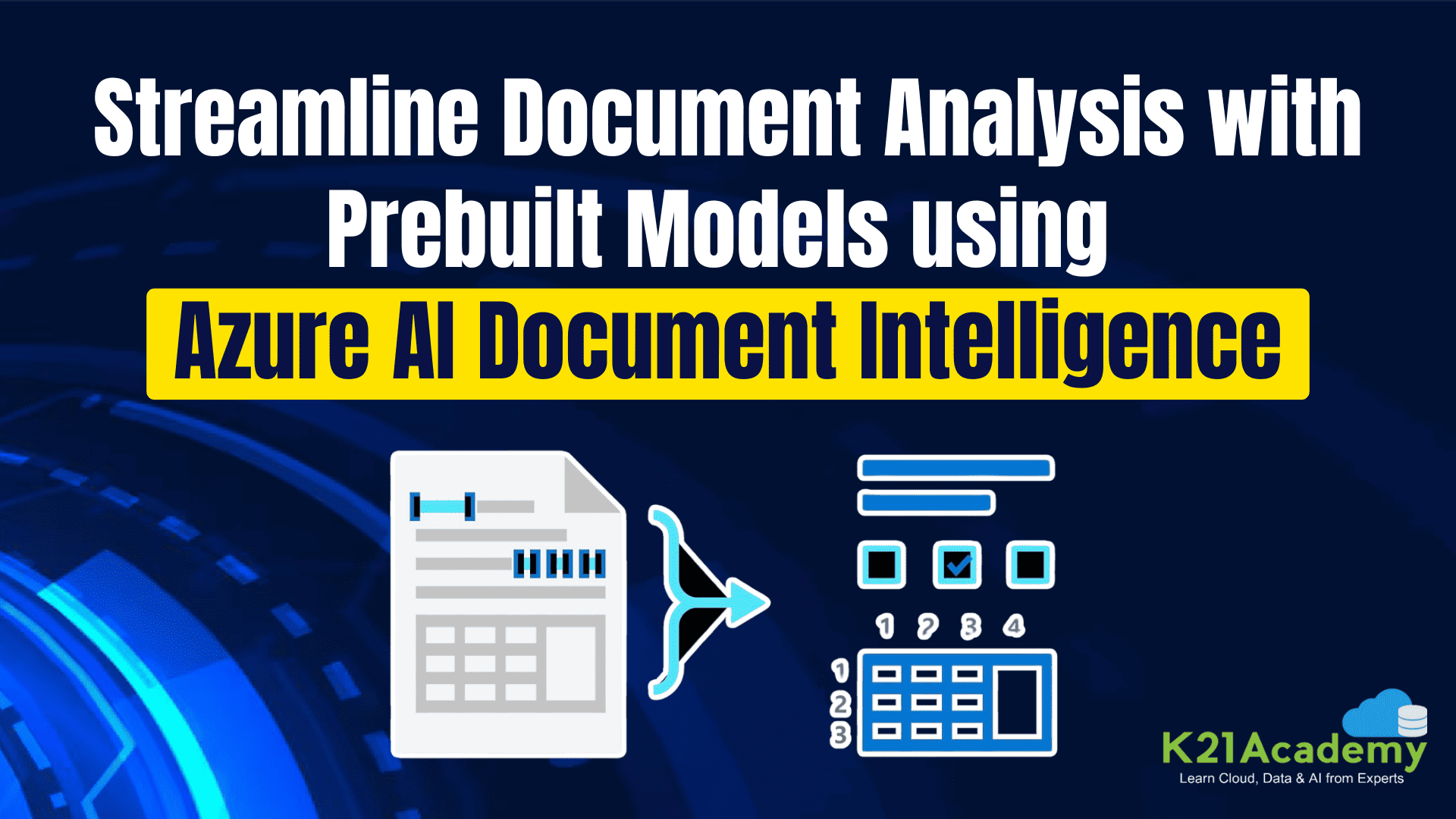





Managing and analyzing documents is an essential task for organizations, but it often involves significant manual effort. Azure AI Document Intelligence (formerly known as Form Recognizer) simplifies document processing by leveraging prebuilt AI models. These models are ready-to-use solutions for extracting information from specific document types such as invoices, receipts, and identity documents. By adopting Azure’s prebuilt models, businesses can enhance efficiency, reduce errors, and save time.
In this post, we will learn more about how to leverage Azure AI Document Intelligence to Use Prebuild Models.
We are going to Cover
What Are Azure AI Document Intelligence Prebuilt Models?
Azure AI Document Intelligence provides pre-trained models designed to extract structured data from documents without requiring custom training. These models are optimized for specific document types and offer fast, accurate data extraction capabilities. Key prebuilt models include:
- Invoice Model: Extracts invoice numbers, vendor details, total amounts, and payment due dates.
- Receipt Model: Captures details like merchant name, transaction date, items purchased, and totals.
- ID Document Model: Extracts information from passports, driver’s licenses, and other identification cards.
- Business Card Model: Gathers contact details such as names, job titles, email addresses, and phone numbers.
 Key Features of Prebuilt Models
- No Training Required: Prebuilt models are ready to use, requiring no additional training or customization.
- Wide Document Support: Handles scanned images, PDFs, and various file formats.
- Language Support: Supports multiple languages, enabling global applicability.
- Scalable and Secure: Operates on Azure’s scalable infrastructure with enterprise-grade security.
Pre-requisite
- Create a Document Intelligence Resource and Make sure to save the details , Resource group name and Region.

Related Readings
Steps to Use Prebuilt Models using Document Intelligence Studio
1. Go to Document Intelligence Studio.

2. Click on the Read Model

3. To Use the Models first you need to login using Azure Subscription and Resource.

4. Select the Correct Subscription , Resource group, and Name of the Document intelligence resource. Click on Continue.

5. Click on Finish.

6. Now You can either Test the Sample Documents that has been Provided or You can Upload Files to test by clicking on Browse for files.

7. You can also set the Parameters by clicking on Analyze options.

8. Select Language , and you can also select the Premium detection which depends on the pricing.

9. Click on Run Analysis to test the sample.

10. You can see now the Document has been successfully analyzed and it extracted the Text using OCR.

Best Practices
- High-Quality Input: Ensure documents are clear and legible for better accuracy.
- Validate Outputs: Review extracted data to ensure alignment with business needs.
- Optimize Workflows: Integrate Azure’s SDKs and APIs for seamless integration into existing systems.
Conclusion
Azure AI Document Intelligence’s prebuilt models provide a robust solution for automating document processing. They enable businesses to handle high volumes of documents with speed, accuracy, and efficiency. Whether managing invoices, processing receipts, or verifying identities, these models offer an intuitive and scalable way to transform document workflows. Start exploring Azure AI Document Intelligence today and unlock the potential of smarter document management.
Frequently Asked Questions
What types of documents can be processed?
Azure AI Document Intelligence supports invoices, receipts, ID documents, and business cards. These prebuilt models are trained to handle these specific document types effectively, ensuring accurate extraction of essential information for various business processes.
Do I need AI expertise to use prebuilt models?
No, these models are designed for ease of use and require no prior machine learning experience. The prebuilt models come ready to deploy, with straightforward integration via APIs, allowing even non-technical users to utilize them effectively in their workflows.
Is data processed securely?
Yes, Azure ensures strict security and compliance standards to protect your data. All data processed by Azure AI Document Intelligence is encrypted during transmission and storage, ensuring confidentiality and compliance with global regulations.
Can I customize the extracted data?
Yes, while prebuilt models work out of the box, you can adapt the data to meet your specific requirements. You can use additional logic or custom workflows in your application to further refine and integrate the extracted information into your business processes.
Next Task: Enhance Your Azure AI/ML Skills


![Microsoft Agentic AI Business Solutions Architect [AB-100] | K21 Academy](https://test.k21academy.com/wp-content/uploads/2025/11/Microsoft-Agentic-AI-Business-Solutions-Architect-AB-100-Exam-Overview1.png)