





This blog post covers Step by Step Hands-On Activity Guides that you must perform in order to learn Oracle Integration Cloud Tutorial , (For FREE Masterclass register here) You can use these steps to bring you and your team for integration with On-Premise & Cloud application (Oracle or Non-Oracle) up-to-speed quickly for supporting Customers Moving to Cloud.
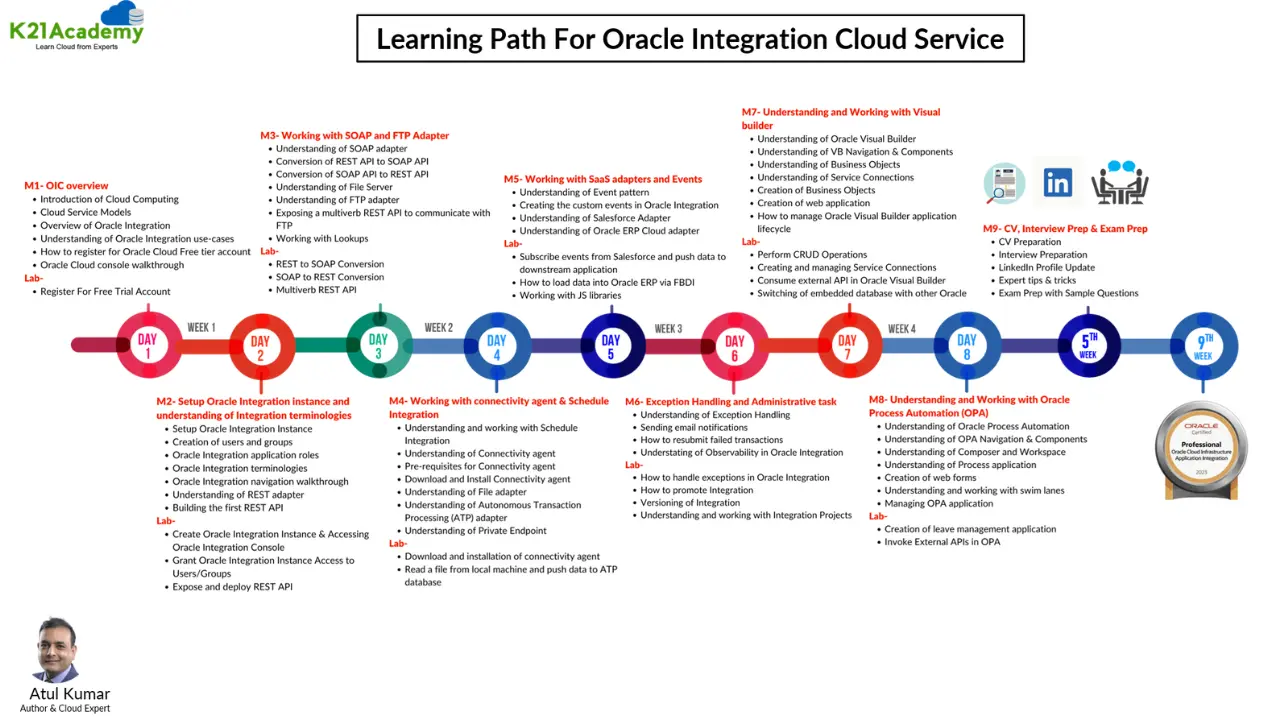 In our 8weeks Oracle Integration Cloud Service(OIC) Training, we cover below Modules & Step-by-step hands-on Activity guides mentioned in the post.
List of Labs that we include in Our training Oracle Integration Cloud Service(OIC) Training
- Register For Oracle Free Trial Account
- Create An Oracle Integration Instance & Accessing OIC Console Homepage
- Call External REST API In OIC Using The REST Adapter
- Creating An Integration In OIC To Expose SOAP Service
- Create FTP Adapters In OIC And Using Rest API To Push File Into FTP Server
- How To Generate SSH Keys In Oracle Cloud
- CRUD Operation In Oracle Integration Cloud
- Multiple verb CRUD Operation In Oracle Integration Cloud
- Download, Install & Configure OIC Agents On Linux/Windows
- Create Database Adapters In OIC
- Activating/Deactivating Integration, Message Flow & Administration In OIC
- Exporting & Importing OIC Integration From One Instance To Another
- Securing Files Using PGP Encryption
- Scheduled Integration In Oracle Integration Cloud Service
- Integration To Publish & Subscribe Messages In OIC
- Creating Adapter And Using APIs For Integration
- Using Rest API To Insert Users In The Database Using For Each Loop
- Managing IDCS Users and Groups
- OIC Custom BI Publisher (BIP) Report In SaaS
- Fetch Email Attachments Using Microsoft Email Adapter In Oracle Integration Cloud
- Salesforce Integration In Autonomous Integration Cloud (AIC)
- Creating Lookup And Exporting & Importing OIC Lookup From One Instance To Another
- Managing Users & Security in OIC
- Create an API Instance & Connecting with APIARY
- Capturing PO event in OIC raised by ERP Cloud
- Bulk Extract data from Oracle ERP Cloud
- ERP Outbound BIP Report
- Building The Directory Synchronization HCM Cloud
- Update Subscription Usage Data In Oracle Engagement Cloud
- Application for Loan Process Using Business Object
- VBCS HR Application BO to showcase Relationship Between BO
- Exporting Business Data in Oracle Visual Builder Cloud Service Application
- Create Travel Request In PCS
- Creating Custom Leave Application in PCS
- Global Variable and Data Stitch
- Call External REST API in VBCS
- Connecting ATP Database in VBCS as Tenant Database
- Fetch Details of IAM User in VBCS
- Integration Insight
- Invoke External REST API in PCS
Activity Guide: Register For Oracle Free Trial Account
The first thing you must do is to get a Trial Account for Oracle Cloud (You get 300 USD FREE Credit from Oracle to practice).
Oracle Cloud is one of the top choices for any organization looking to move ERP/financials to the cloud. In this activity guide, we look at how to register for Oracle FREE Trial Account.
Note: Get this first step by step activity guide absolutely FREE from here
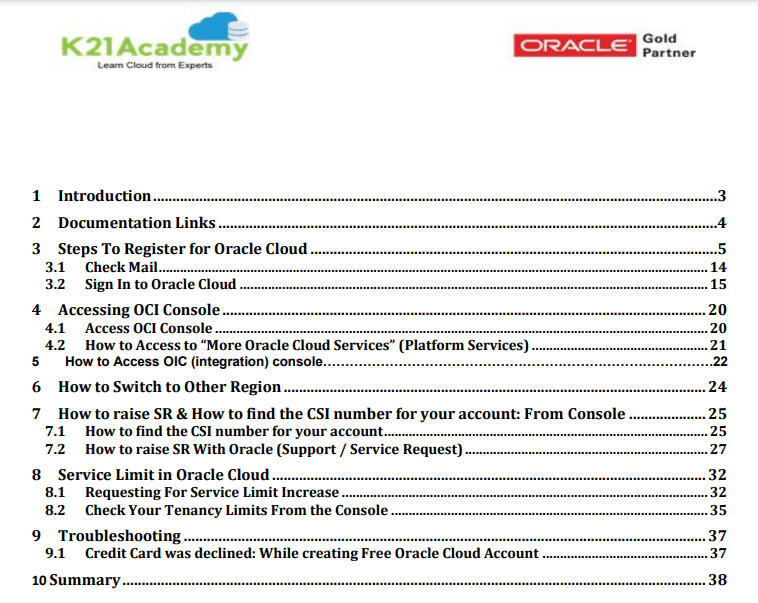
Once you register for Oracle Cloud Trial Account, you should get an Email Like below from Oracle:

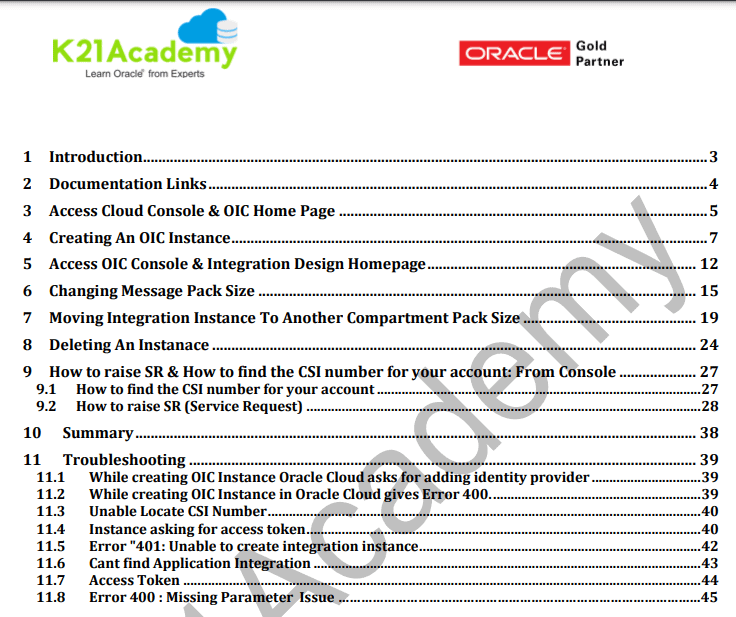
Activity Guide: Create An Oracle Integration Instance & Accessing OIC Console Homepage
Once you create the Oracle FREE trial cloud account, the next task is to log in to your Cloud Account and you will see OCI Console, then from My Services Dashboard, You will navigate to Integrations and create Oracle Integration Instance.
In this Activity Guide, We will walk you through the steps to navigate to OIC options in Oracle cloud after login and Access various consoles like Integration Console, Integration Designer Console.
Activity Guide: Call External REST API In OIC Using The REST Adapter
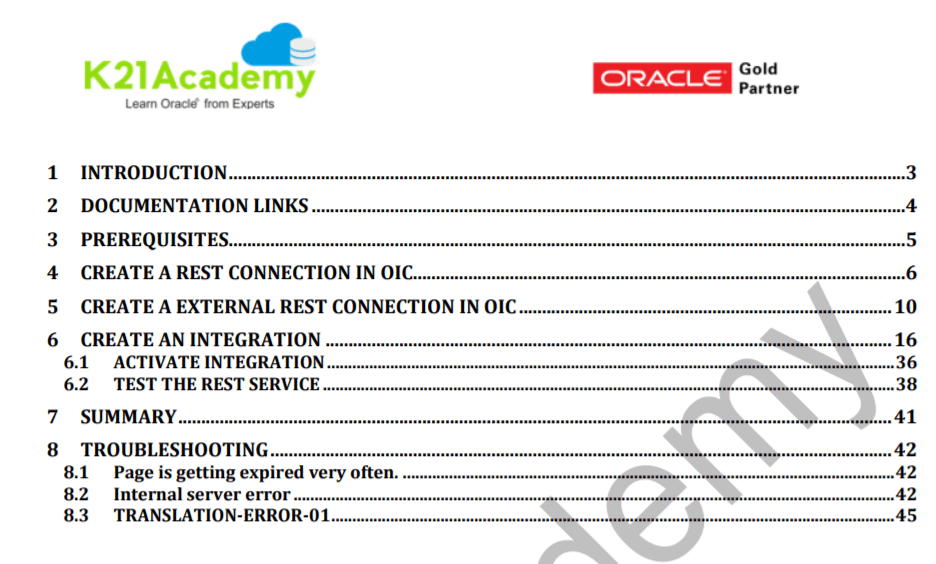
The REST Adapter can expose integrations as REST APIs by configuring a REST Adapter connection as a trigger. The REST Adapter can also consume any external REST API by configuring a REST Adapter connection as an invoke. This section identifies the capabilities of the REST Adapter when used as a trigger or invokes connection.
In this AG we call the External REST API in OIC using the REST Adapter. This activity guide cover:
- Creating REST Connection
- Creating External REST Connection
- Creating an Integration using External REST API and REST Adapter
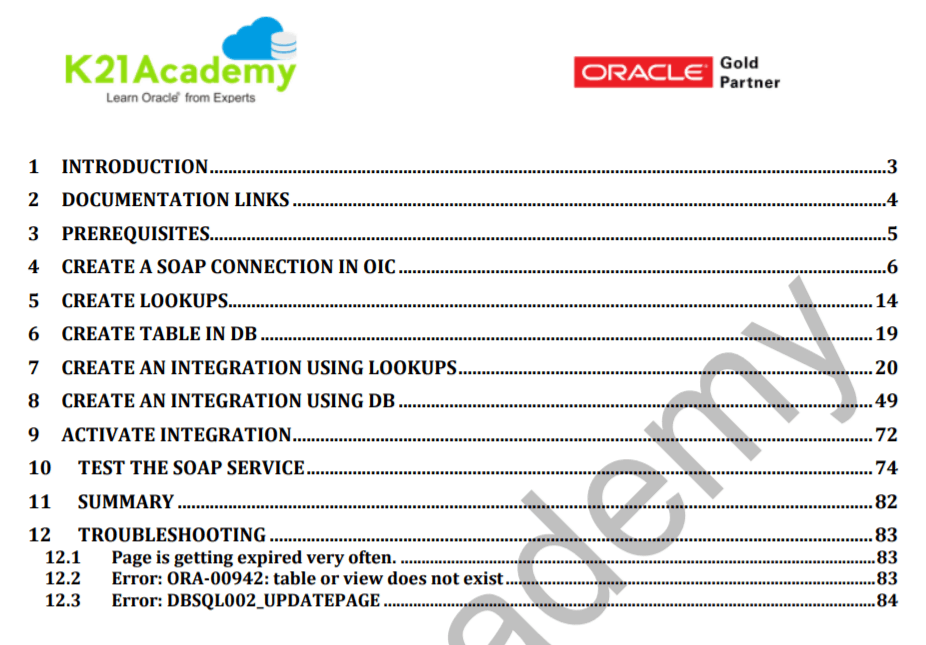
 Activity Guide: Creating An Integration In OIC To Expose SOAP Service
The SOAP Adapter can consume an external SOAP API in an integration. The message received from Oracle Integration Cloud Service can be passed as payload to an external SOAP endpoint by the SOAP Adapter. Any response received from the endpoint can be sent to the next action in the integration for further processing.
The SOAP Adapter can expose inbound SOAP endpoints for accepting SOAP requests that are addressed to a specific URI. The request body is passed to the next activity present in the integration as the message payload, along with the SOAP and HTTP headers.
This activity guide cover:
- Creating SOAP Adapter
- Creating Lookups
- Creating Table in Database
- Creating an Integration to Expose SOAP service using Lookups
- Creating an Integration to Expose SOAP service using DB
Also read: About New Homepage Of Oracle Integration Cloud (OIC)
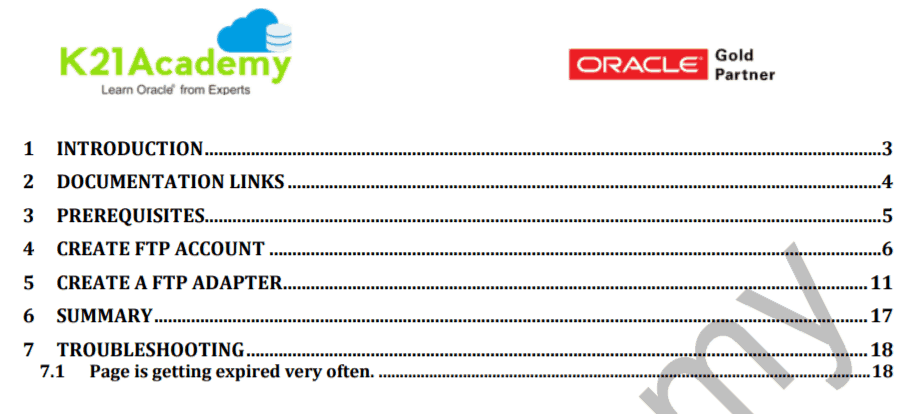
Activity Guide: Create FTP Adapters In OIC And Using Rest API To Push File Into FTP Server
The FTP Adapter enables the integration of the File Transfer Protocol (FTP) and the Secure Shell (SSH) File Transfer Protocol (sFTP) into Oracle Integration Cloud Service. Using the FTP Adapter, Oracle Integration Cloud Service can retrieve files for processing in Oracle Integration Cloud Service and can upload files and messages from Oracle Integration Cloud Service to a directory on a remote FTP server.
This activity guide covers:
- Steps for creating an FTP Adapter.
- Creating REST Adapter.
- Creating an Integration using FTP Adapter and REST API.
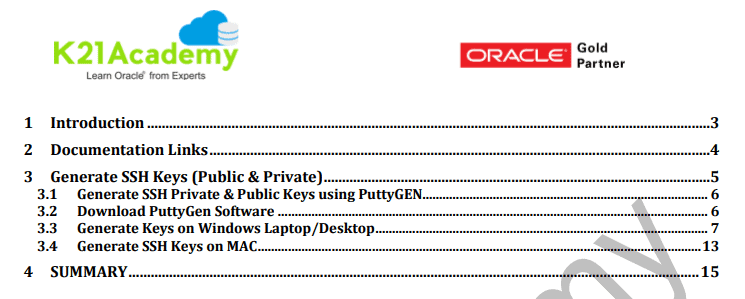
Activity Guide: How To Generate SSH Keys In Oracle Cloud
Generating SSH Keys in various Operating System is necessary. This allows you to get access to the cloud VM. This activity guide is targeted towards learning various environment scenarios for creating SSH Keys and using them for establishing a secure connection with the Linux/Unix server using the Putty Terminal:
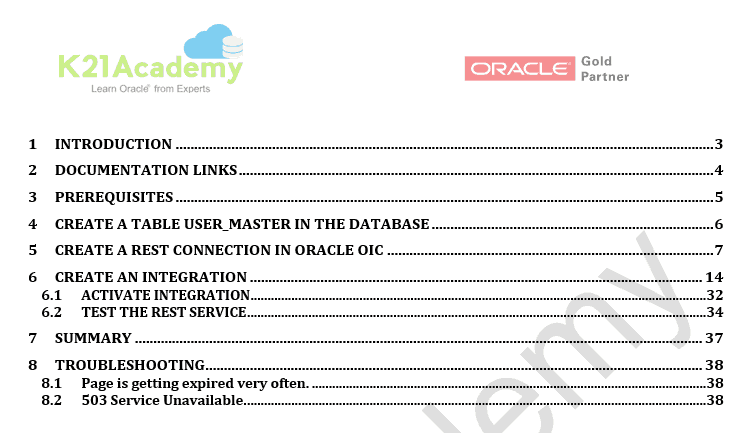
Activity Guide: CRUD Operation In Oracle Integration Cloud
CRUD stands for Create, Read, Update and Delete for this we have 5 Activity Guide.
This activity guide cover steps for creating a table in the database then creating a REST connection in OIC.
After the connection is successfully created, various operations like Create, Read, Update and Delete are performed, we also deep dive into the same operations using the individual records based on an entry in the Database.
Activity Guide: Multiple verb CRUD Operation In Oracle Integration Cloud
CRUD stands for Create, Read, Update and Delete for this we have an Activity Guide with multi verb REST API.
This activity guide cover steps for creating a table in the database then creating a REST connection with 5 verbs to demonstrate CRUD operation in OIC through one integration.
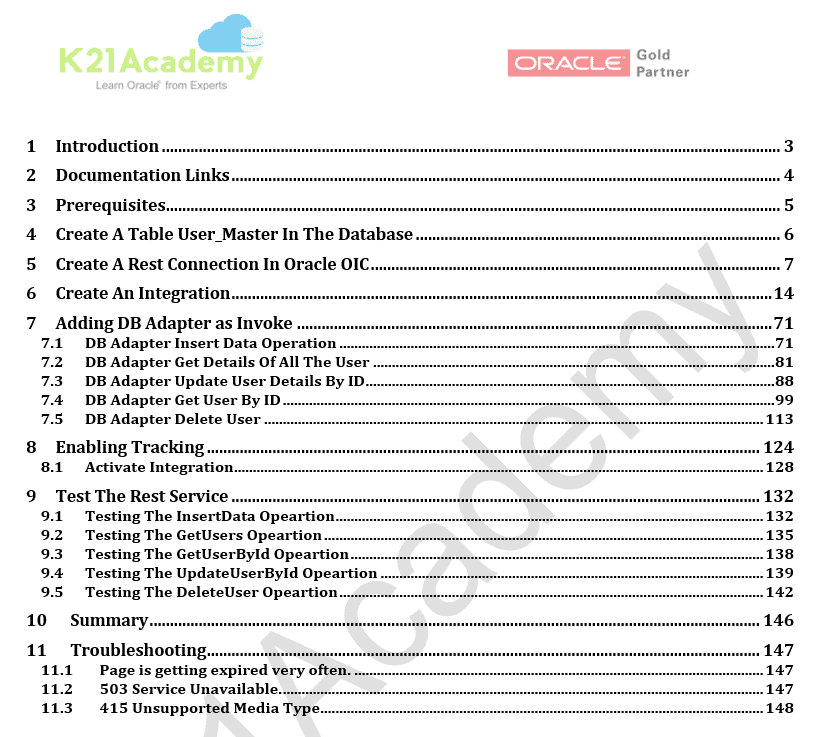
Activity Guide: Download, Install & Configure OIC Agents On Linux/Windows
The Oracle On-Premises Agent i.e. Connectivity Agent is required for Oracle Integration Cloud to communicate to On-Premise applications.
- Connectivity agents are the agents that help you to create integrations between On-Premises applications and Oracle Integration Cloud (OIC) Service.
- Connectivity Agents are required for Oracle Integration Cloud to communicate or exchange messages with On-Premise applications like Database, E-Business Suite, etc.
For More Information on connectivity, agents go through our blog on [Oracle Integration Cloud] Connectivity Agents Overview
This activity guide cover steps for how to:
1. Downloading and Installing JDK (Windows/Linux).
2. Configuring Agents in Oracle Integration.
3. Downloading an agent from OIC Console to the target systems (Windows/Linux).
4. Install Agents on Target System and Run the Agent Installer (Windows/Linux).
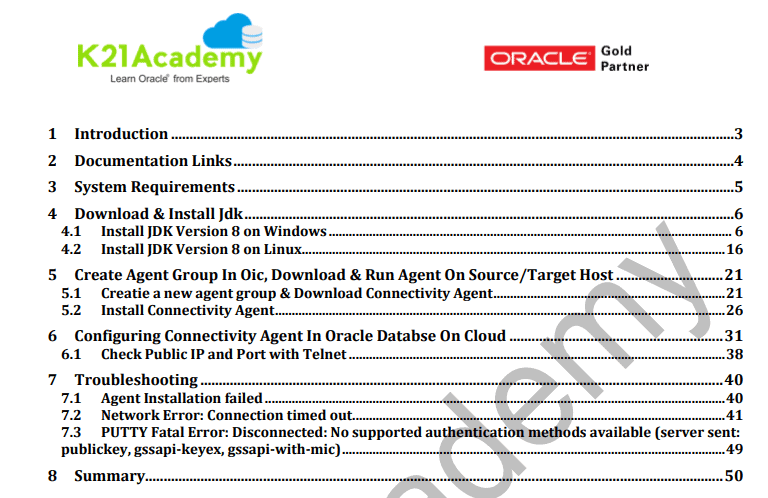
Activity Guide: Create Database Adapters In OIC
The Oracle Database Adapter enables you to integrate the Oracle database residing behind the firewall of your On-Premises environment with Oracle Integration through the use of the On-Premises connectivity agent. We can also integrate the Oracle database residing on the public cloud.
The Oracle Database Adapter provides the following capabilities:
- Invocation of stored procedures.
- Support for non-JDBC (PL/SQL) datatypes in outbound invocations of stored procedures.
- Support of DML statements and SQL queries: Select, Insert, Update, and Delete.
- Support for generating XSD from pure SQL.
- Polling for new and updated records for processing in the Oracle database.
- The Oracle Database Adapter supports distributed polling and multithreading.
- Support for a logical delete polling strategy.
- Support for database fault mapping
This activity guide cover steps on how to install a database on windows and Public cloud then creating a table in DB after that we create a Database Connection with OIC.
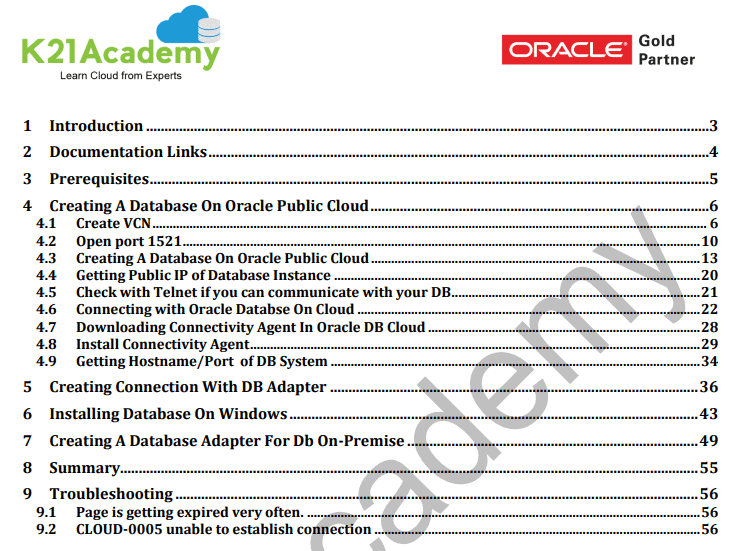
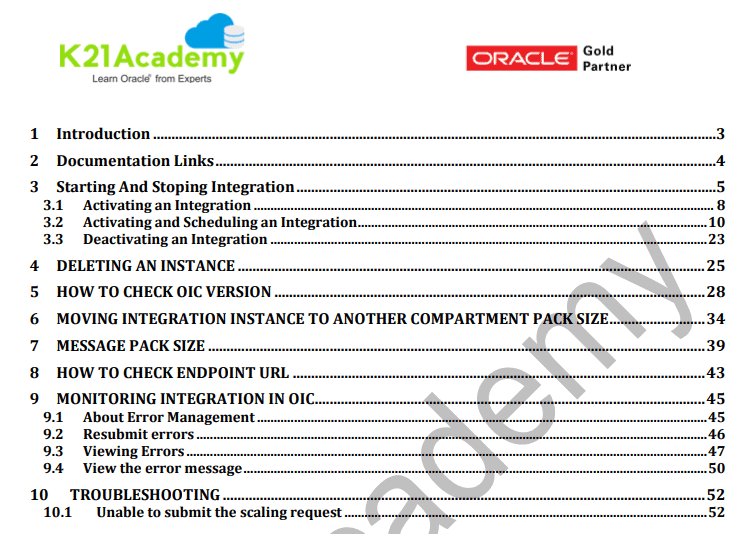
Activity Guide: Activating/Deactivating Integration, Message Flow & Administration In OIC
Activate/Deactivate Integration, manage message flow and monitoring integration in OIC are the daily tasks of OIC Administrator.
In this Activity Guide, we cover how to Administer Integration, managing message pack size.
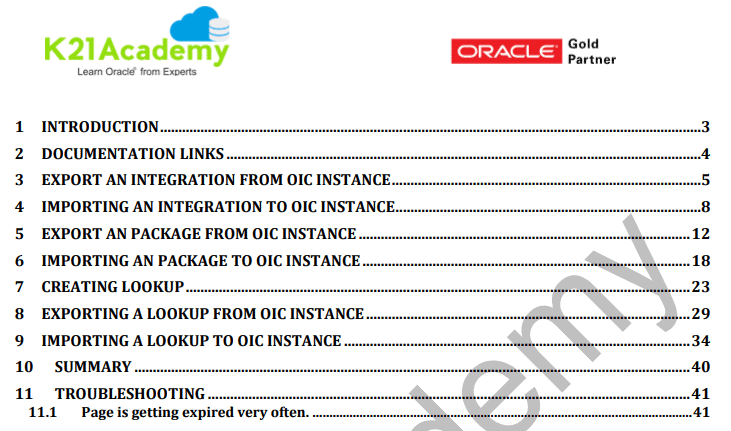
Activity Guide: Exporting & Importing OIC Integration From One Instance To Another
Importing and Exporting can save a lot of time as this enables you to import the test/POC integration into the production environment and can save a lot of time in mundane steps.
In this activity we cover steps on how to import and export an integration from one instance to another:
- How to Export an Integration from one Instance to another.
- How to Import an Integration from another Instance.
Activity Guide: Securing Files Using PGP Encryption
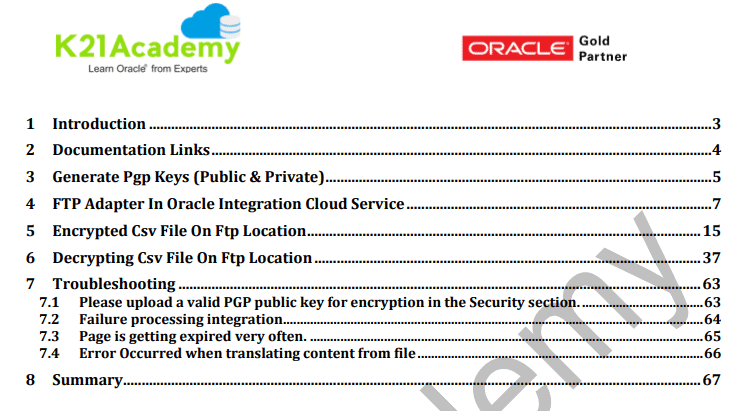
In all the industries, security is given the highest priority so an integration expert should know how to securely move/store files on an FTP/SFTP server using PGP Encryption
In this Activity Guide, you will learn:
1. How to generate a PGP key pair.
2. Create an FTP adapter with public and private key pair.
3. Securing files using PGP encryption/decryption.
Activity Guide: Scheduled Integration In Oracle Integration Cloud Service
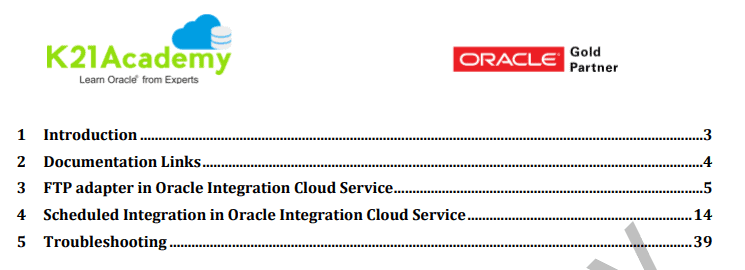
Scheduling an integration to run at a certain time of the day is very necessary. This activity guide covers how to Create an FTP adapter and how to Schedule an orchestrated integration. This is a feature of Oracle ICS that develops a schedule integration with minimal efforts.
Activity Guide: Integration To Publish & Subscribe Messages In OIC
Publish To OIC
Oracle Integration Cloud, provides inbuilt messaging queues that can be leveraged to publish and subscribe messages.
Create an integration in which you add a trigger adapter to publish messages to Oracle Integration through a predefined Oracle Integration Messaging invoke. No configuration of the invoke subscriber is required.
Subscribe To OIC
This pattern can only be used in conjunction with the Publish to OIC pattern.
Create an integration in which you add an invoke adapter to subscribe messages from Oracle Integration through an Oracle Integration Messaging trigger. You are prompted to select the publisher to which to subscribe. You must have already created a publisher to which to subscribe. The publisher does not need to be active, but must already be completely configured.
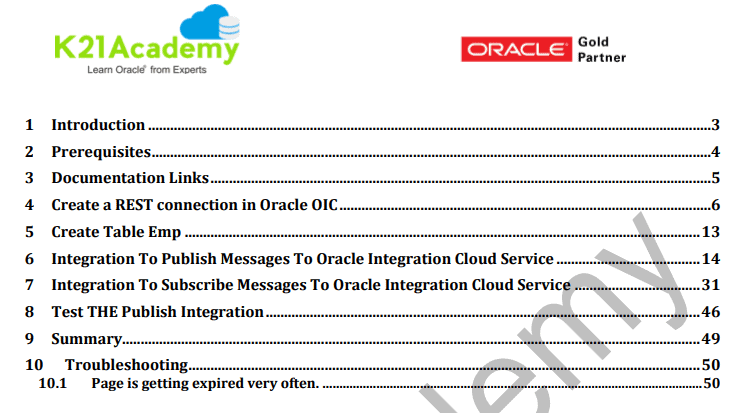
This activity guide covers the steps on:
- How to create Table employee in the database
- Integration to Publish Messages to Oracle Integration Cloud Service
- Integration to Subscribe Messages to Oracle Integration Cloud Service
- How to use the POSTMAN tool to test the integration
- Verifying the integration.
Activity Guide: Creating Adapter And Using APIs For Integration
This activity guide is further segregated in multiple AGs covering 2 types of adapters and APIs like SOAP and REST:
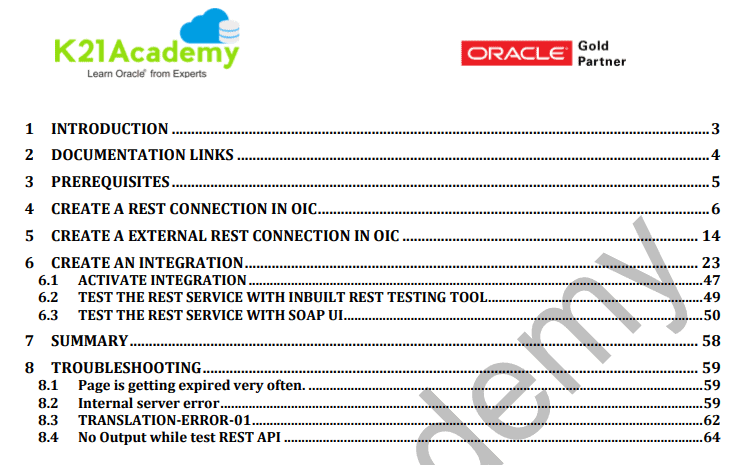
Call External REST API In OIC Using The REST Adapter
The REST Adapter can expose integrations as REST APIs by configuring a REST Adapter connection as a trigger. The REST Adapter can also consume any external REST API by configuring a REST Adapter connection as an invoke. This section identifies the capabilities of the REST Adapter when used as a trigger or invokes connection. In this Activity Guide, we call the External REST API in OIC using the REST Adapter.
This activity guide covers:
1. Creating REST Connection
2. Creating External REST Connection
3. Creating an Integration using External REST API and REST Adapter
Creating An Integration In OIC To Expose SOAP Service
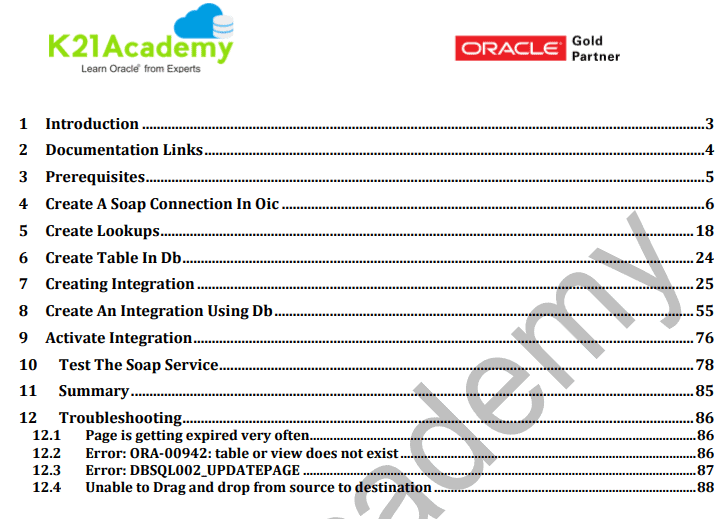
The SOAP Adapter can consume an external SOAP API in integration in the Oracle Integration Cloud Service. The message received from Oracle Integration Cloud Service can be passed as payload to an external SOAP endpoint by the SOAP Adapter.
Any response received from the endpoint can be sent to the next action in the integration for further processing. The SOAP Adapter can expose inbound SOAP endpoints for accepting SOAP requests that are addressed to a specific URI.
The request body is passed to the next activity present in the integration as the message payload, along with the SOAP and HTTP headers.
This activity guide covers:
1. Creating SOAP Adapter
2. Creating Lookups
3. Creating Table in Database
4. Creating an Integration to Expose SOAP service using Lookups.
5. Creating an Integration to Expose SOAP service using DB.
Activity Guide: Using Rest API To Insert Users In The Database Using For Each Loop
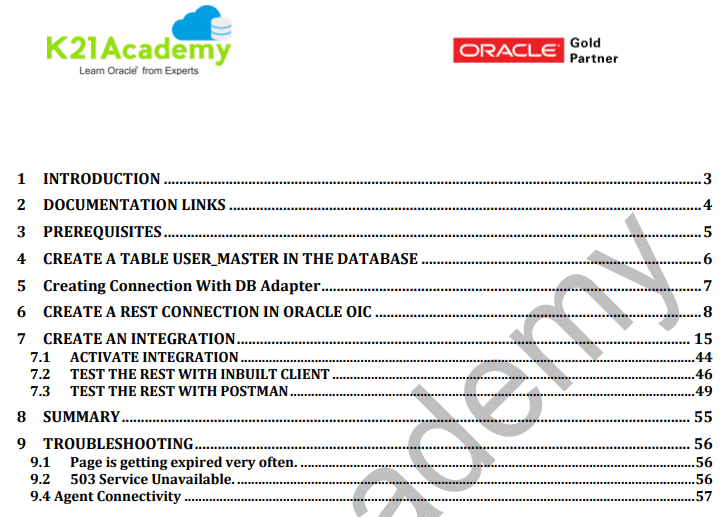
This activity guide will show you how to create an Integration using DB adapter and REST API and to insert user details into the database using for Each Loop.
Activity Guide: Managing IDCS Users and Groups
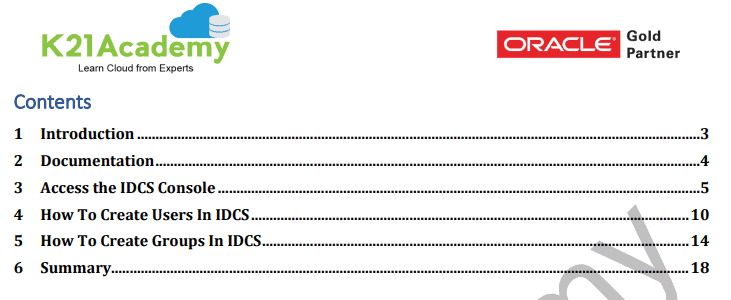
This activity guide covers how to manage IDCS Users and Groups in OIC
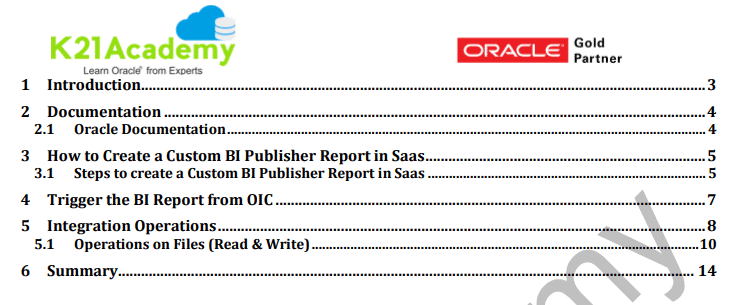
Activity Guide: OIC Custom BI Publisher (BIP) Report In SaaS
This activity guide covers steps to:
- Create a Custom BI Publisher Report in SaaS
- Trigger the BI Report from OIC
- Read & Write Data
- Operations on data:
- load custom tables,
- create a file to be sent somewhere or
- store in an SFTP location
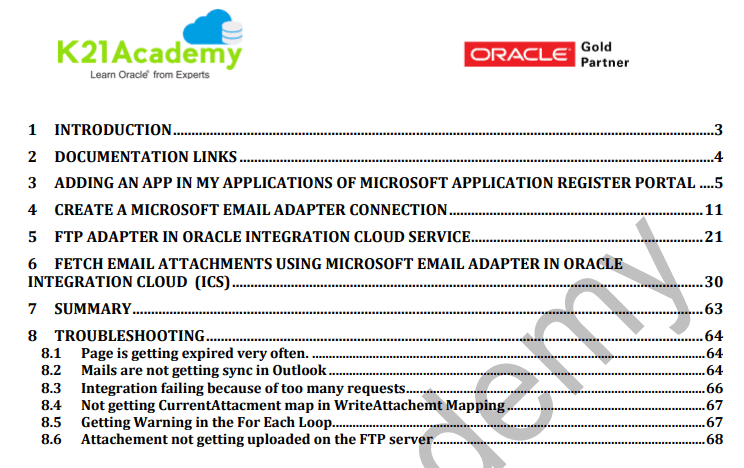
Activity Guide: Fetch Email Attachments Using Microsoft Email Adapter In Oracle Integration Cloud
This activity guide covers step by step instructions for creating a Microsoft Email Adapter, FTP adapter and using both the adapter to create an integration that uploads the attachment that you receive through Email to the FTP Server.
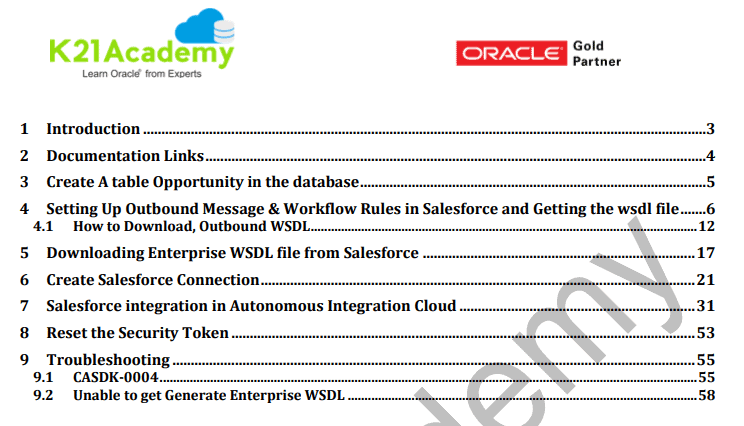
Activity Guide: Salesforce Integration In Autonomous Integration Cloud (AIC)
This activity guide covers how to subscribe to the Salesforce events in Oracle Autonomous Integration Cloud (AIC).
Once the events are received in AIC the data can be pushed into any On-Premise / SaaS applications.
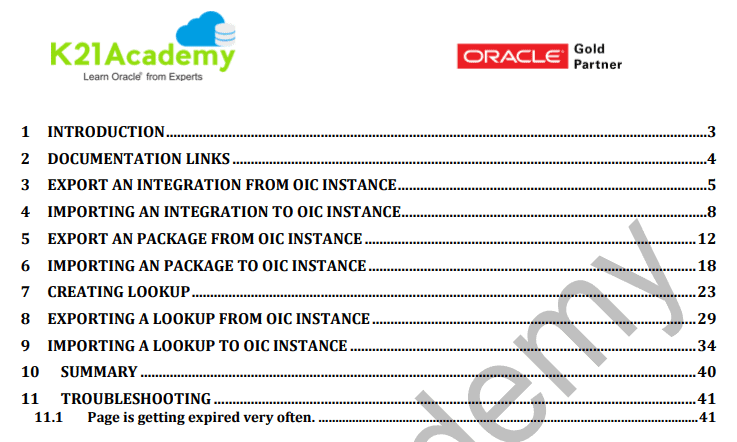
Activity Guide: Creating Lookup And Exporting & Importing OIC Lookup From One Instance To Another
This activity guide cover steps to export a Lookup from an Instance and Importing that Lookup into another Instance. This is particularly useful when you are trying to use the POC integration for the Production environment.
Activity Guide: Managing Users & Security in OIC
This activity guide covers how to manage security certificates, Managing User Roles & Privileges, Roles/policy. This is particularly useful when you are managing a whole instance with a large team and you want the team members to have access to a particular use of instance.
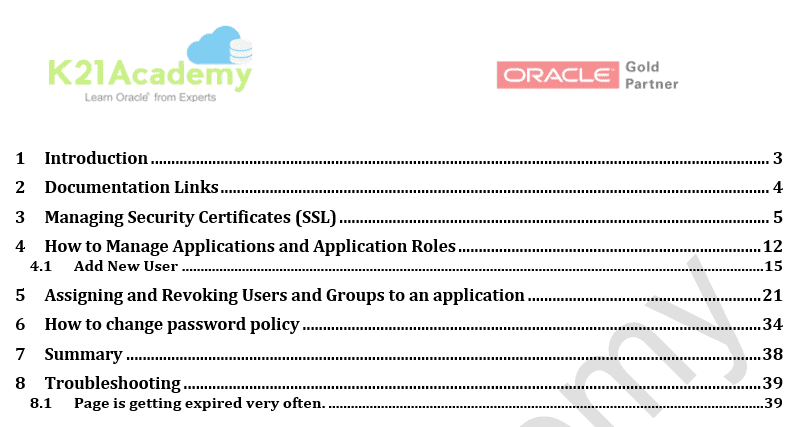
Activity Guide: Create an API Instance & Connecting with APIARY
This activity guide covers steps on how to create an API Instance & accessing the API console homepage.
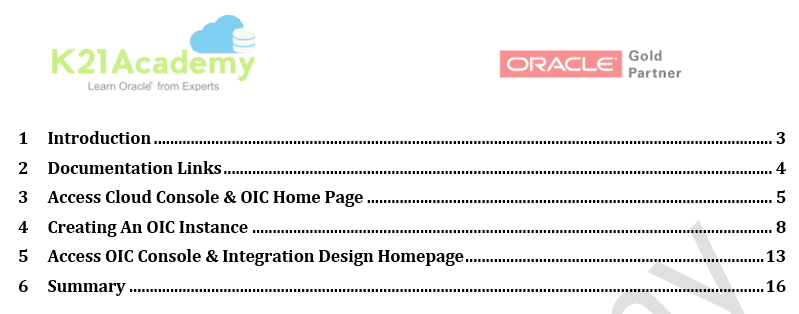
Activity Guide: Capturing PO event in OIC raised by ERP Cloud
This activity guide explores the use of Oracle Integration to subscribe to Oracle ERP Cloud Events and push the relevant event information to downstream systems. As part of the lab you would be building the below use case scenario.
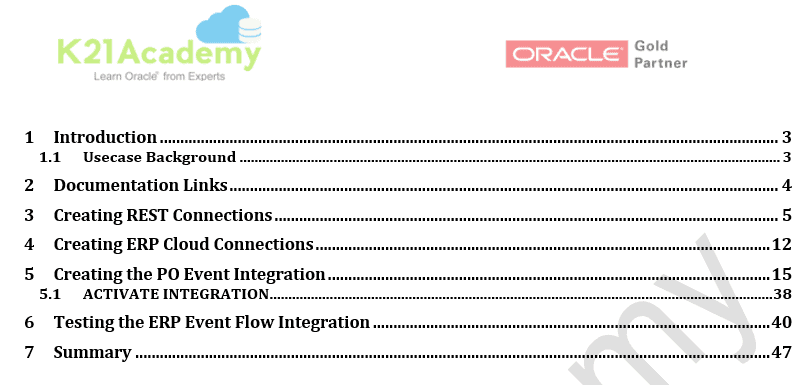
Activity Guide: Bulk Extract data from Oracle ERP Cloud
This activity guide covers explores the use of Oracle Integration to Bulk Extract data from Oracle ERP Cloud.
a. Flow 1- Bulk Data Extract – Initiate a Payables Transactions Extract
b. Flow 2- Create a callback flow to download the Payables Transactions extract and write to an FTP server
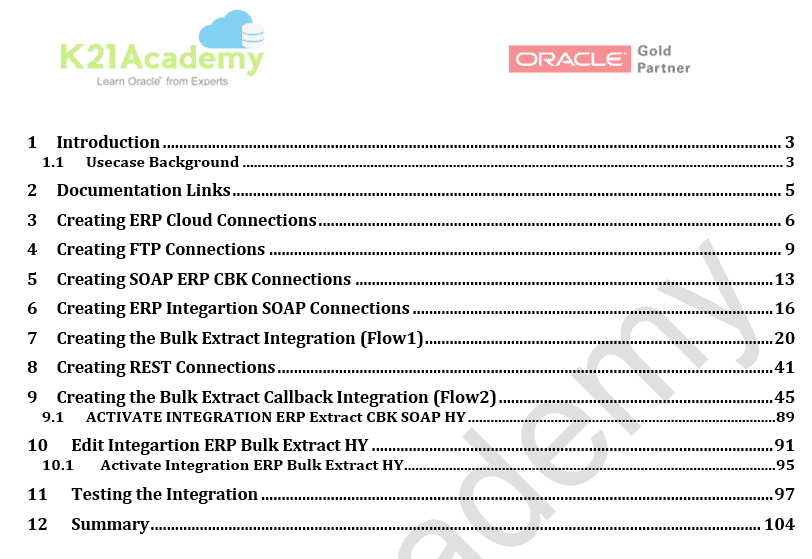
Activity Guide: ERP Outbound BIP Report
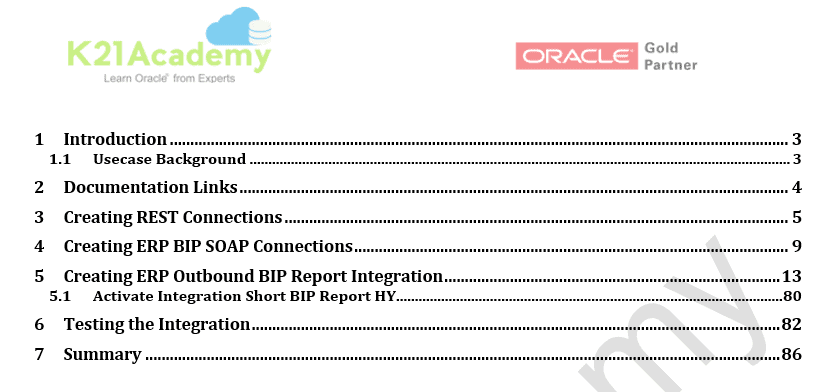
This activity guide explores the use of OIC with ERP BIP report. The user creates a report in ERP cloud using BIP and puts/shares it in a shared folder. OIC connects to ERP BIP service and pulls the report, decodes the response, does the required transformations and writes it into the REST Client.
Activity Guide: Building The Directory Synchronization HCM Cloud
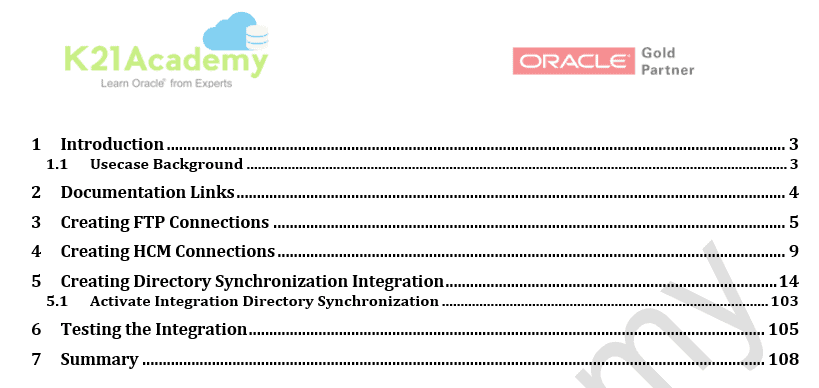
This activity guide explores the use of OIC with HCM REST and ATOM services in order to satisfy the downstream needs of an Identity Management System hosted by a customer. This guide also explain how to use timestamps to avoid picking the old file again.
Activity Guide: Update Subscription Usage Data In Oracle Engagement Cloud
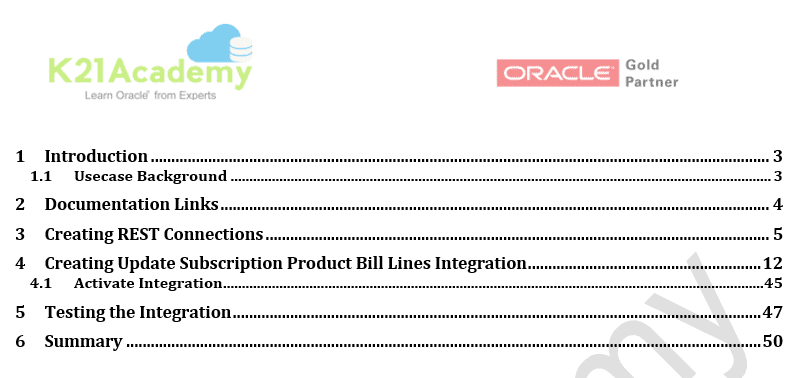
This activity guide covers steps on creating an integration to update subscription usage data in Oracle Engagement Cloud.
The objective is to automate the update process to bill subscriptions for use of assets. The integration you’ll create will update the number of subscriptions for a particular product.
Activity Guide: Application for Loan Process Using Business Object
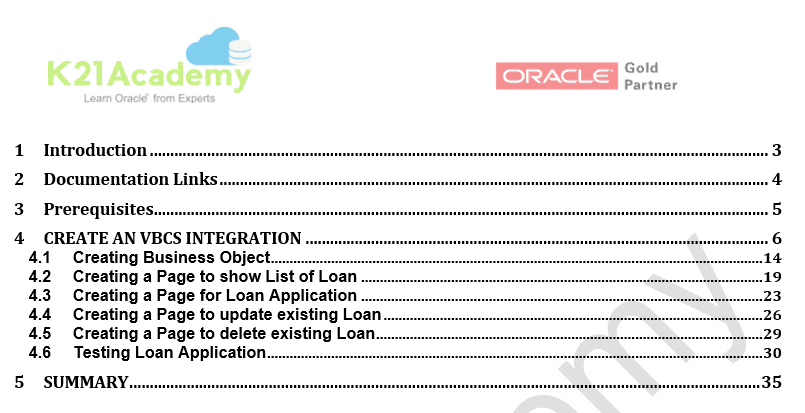
This activity guide covers steps on a simple application for loan processing through VBCS and used Business Object to store information.
Activity Guide: VBCS HR Application BO to showcase Relationship Between BO
This activity guide covers steps on creating an HR Application in VBCS and demonstrates how to business object and creates a relation between Business Object.
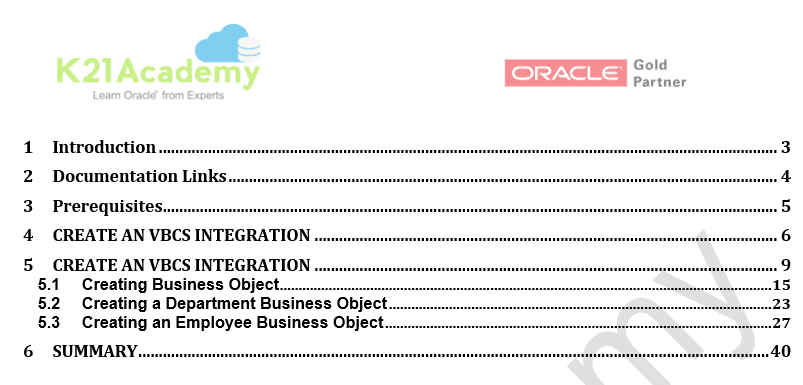
Activity Guide: Exporting Business Data in Oracle Visual Builder Cloud Service Application
This activity guide covers steps on how to export business data in Business Object CSV format.
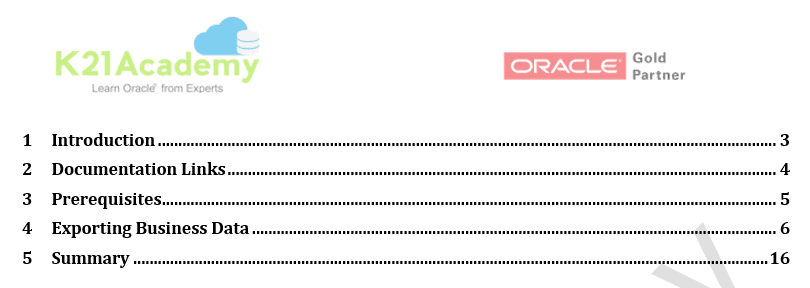
Activity Guide: Create Travel Request In PCS
This activity guide covers steps on how to create a travel request process. In this process, an employee completes and submits a travel request form for approval. In the Approve Request task, the designated approver reviews the travel request and takes action. The approver can send the request back to the employee for more information, allow the travel, or deny the travel.
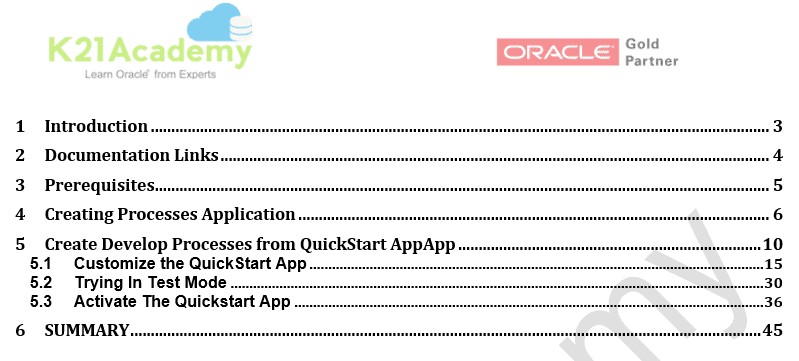
Activity Guide: Creating Custom Leave Application in PCS
This activity guide covers steps on creating a custom leave application process with a notification. the notification is intended to send an email when the leave is approved or disapproved.
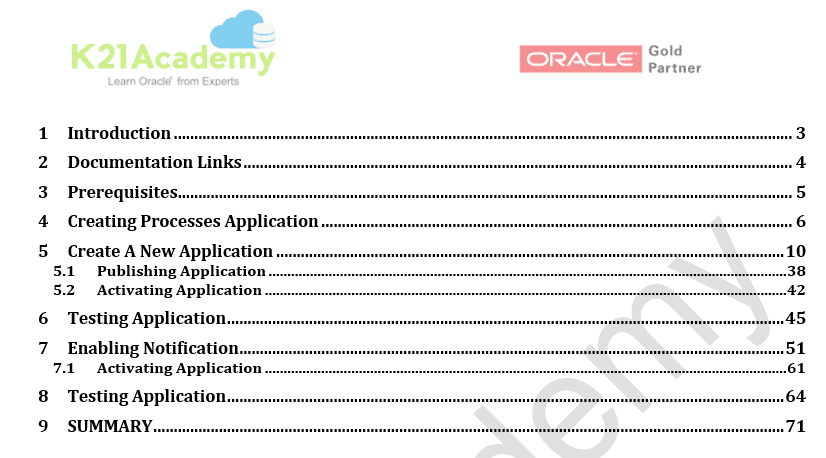
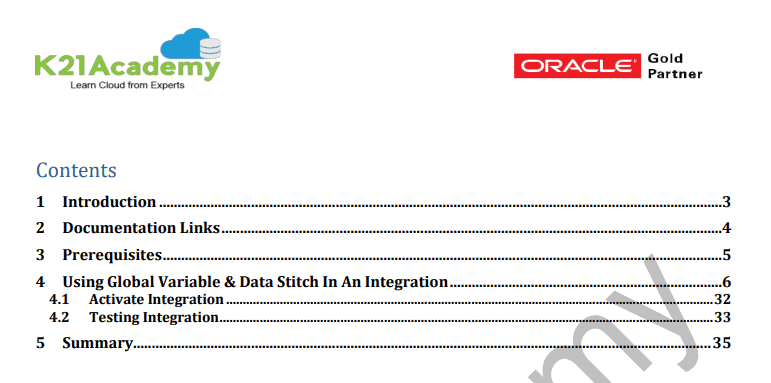
Activity Guide: Global Variable and Data Stitch
This Activity Guide covers steps on how to use Global Variable and Data Stitch in an Integration.
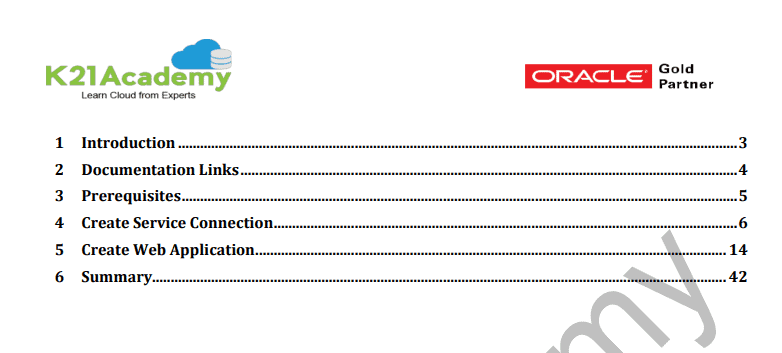
Activity Guide: Call External REST API in VBCS
This Activity Guide covers steps on how to call an external REST API in VBCS by creating a web application.
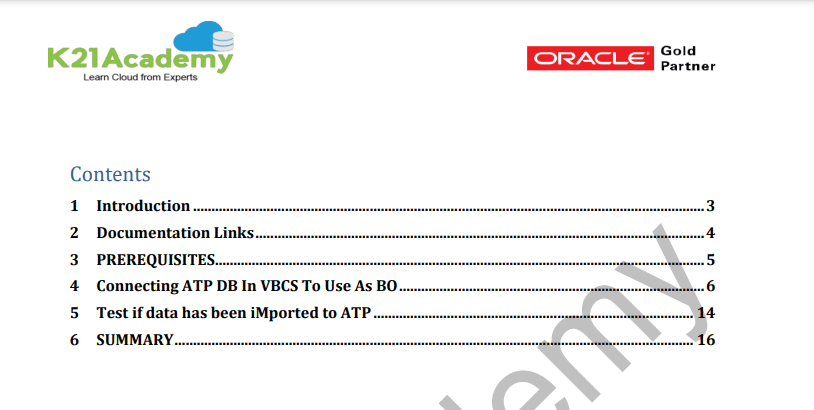
Activity Guide: Connecting ATP Database in VBCS as Tenant Database
This Activity Guide covers steps for connecting your ATP Database in VBCS as Tenant Database.
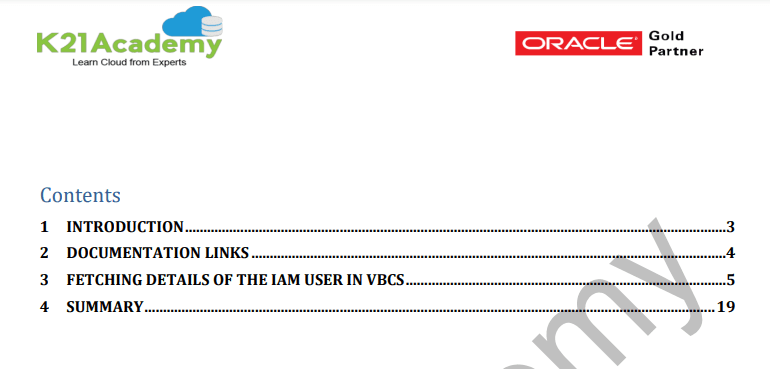
Activity Guide: Fetch Details Of IAM User in VBCS
This Activity Guide covers steps in fetching the details of IAM User in VBCS.
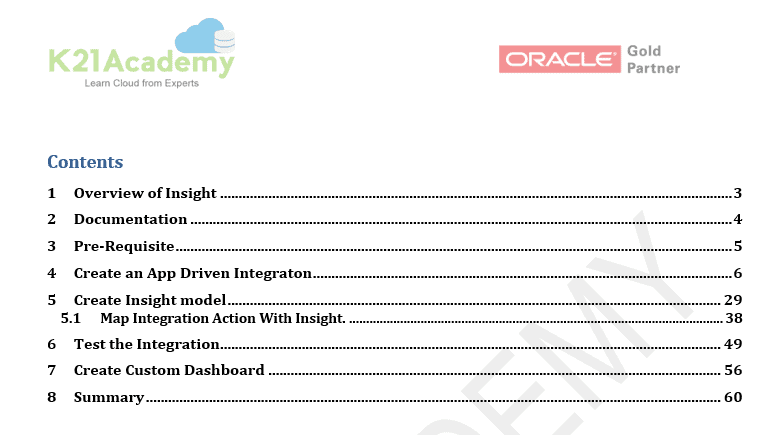
Activity Guide: Create Insight Model Using Integration Insight
This Activity Guide covers steps for creating an Insight model and mapping Integration Action with Insight.
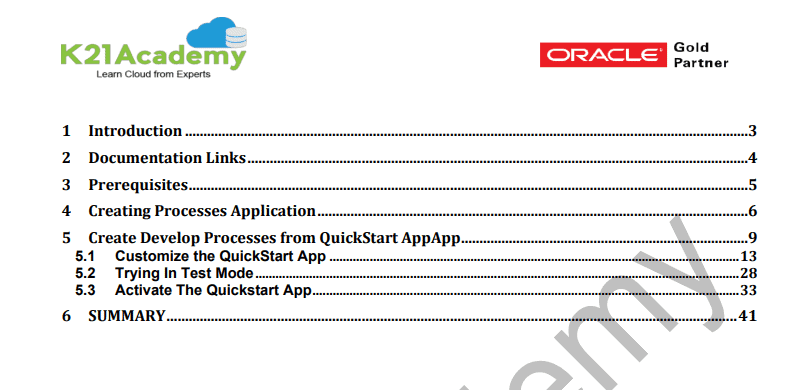
Activity Guide: Invoke External REST API in PCS
This Activity Guide covers steps for invoking an External REST API in PCS by creating a process application.
So, these are the Activity Guides that one must perform to become an Oracle Integration Expert, the above guides help you to learn & understand the concepts of Oracle Integration Cloud (OIC).
If you are a Developer or an Architect working with Oracle SOA Suite, Oracle Fusion Middleware and want to learn the best way to connect cloud and/or On-Premise applications
We cover all these Guides in our Step by Step Training Program for Oracle Integration Cloud Services (To register for FREE Masterclass, click here) where we also cover configuring Adaptors and Connections, Configuring Integrations, Data Mapping, Lookups, SaaS, On-Premises Integration Agents, Security, Schedules, Versioning, Activating, Monitoring integrations and much more.
What Benefits You’ll Get:
As a part of our training:
- Live Instructor-led Online Interactive Sessions
- FREE unlimited retake for next 1 Years
- FREE On-Job Support for next 1 Years
- Latest Updated Training Material (Presentation + Videos) with Hands-on Lab Exercises as mentioned
- Recording of Live Interactive Session for Lifetime Access
- 100% Money-Back Guarantee (check our Refund Policy)
Related Links:
- To apply for 1z0-1042-21 Oracle certifcation
- Step by Step guide to get a FREE Oracle Cloud account.
- Oracle Integration Cloud (OIC) For Beginners Overview
- Create Oracle Integration Cloud Instance: Step by Step
Next Task For You
Do you want to learn more about Oracle and confuse where to start or which certification is right for you? Then, click on the register now button below to register for a Free Masterclass on Oracle [1Z0-1042] Certified Cloud Integration Expert, which will help you better understand and choose the right path and clear the certification exam.


![Microsoft Agentic AI Business Solutions Architect [AB-100] | K21 Academy](https://test.k21academy.com/wp-content/uploads/2025/11/Microsoft-Agentic-AI-Business-Solutions-Architect-AB-100-Exam-Overview1.png)



