
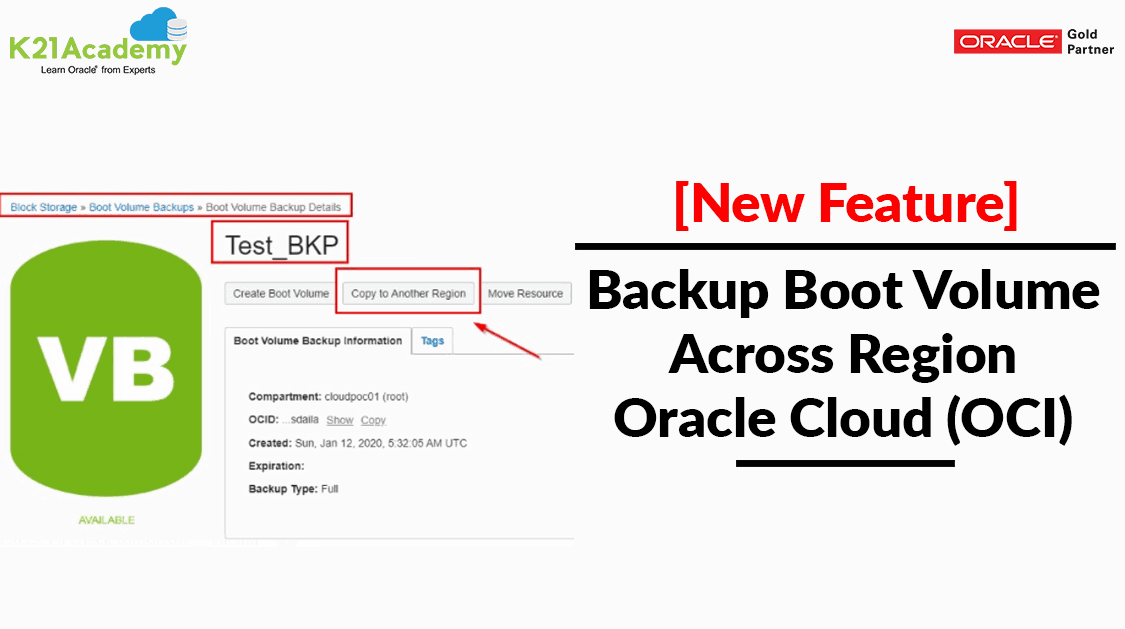



This post covers recent enhancement in boot volume. ie migration of Boot volume backups from one Oracle region to another and this helped a lot in designing solutions for Disaster recovery and inter-region migrations.
To know more about Storage options in Oracle Cloud Infrastructure (OCI), check here.
Overview
When you launch a virtual machine (VM) or bare metal instance, a new boot volume for the instance is created in the same compartment. Boot Volume is the volume that holds the Operating System and its supported files. So practically now we can migrate the complete instance to another region after taking the backup of Boot and Block volumes.
Popular Use-cases for Cross-Region Boot Volume Backup:
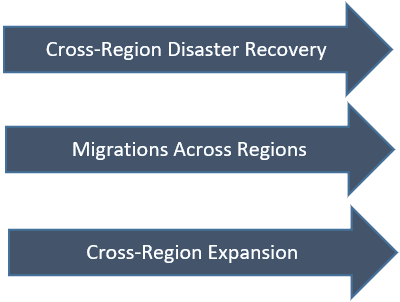
To have an experience of Boot Volume Cross-Region Backup in OCI console first you need to make sure that you are subscribed to more than one region. High-Level Flow Diagram will be like:

Few Points to highlight here is:
- No additional cost
- Available through Console, API, SDK, CLI and Terraform
Steps To Move Backup Of Boot Volume Across Region
In Oracle, there are 17 regions available and within that, you can migrate your Backup.
- Open the navigation menu. Under Core Infrastructure, go to Compute and click Boot Volume Backups.
- The Instance which is attached to the Boot Volume should be stopped while you copy it to the other Region.
- Click the Actions icon (three dots) for the block volume backup you want to copy to another region.
- Click Copy to Another Region.
- Enter a name for the backup and choose the region to copy the backup to.
- In the Encryption, section selects whether you want the volume backup to use the Oracle-provided encryption key or your own Key Management encryption key. If you select the option to use your own key, paste the OCID for encryption key from the destination region.
- Click Copy Boot Volume Backup.
- Confirm that the source and destination region details are correct in the confirmation dialog and then click OK
Below Screenshot gives a fair picture of how it can be moved to other regions.
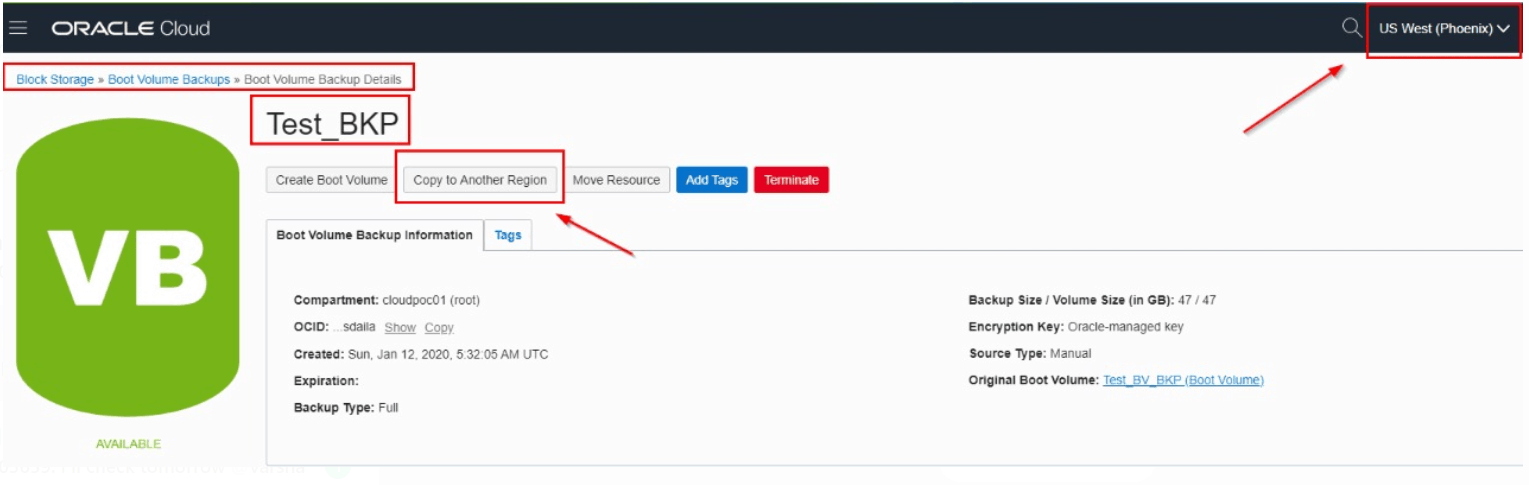
Here, We have moved the Test_BKP from Phoenix Region to Ashburn Region.
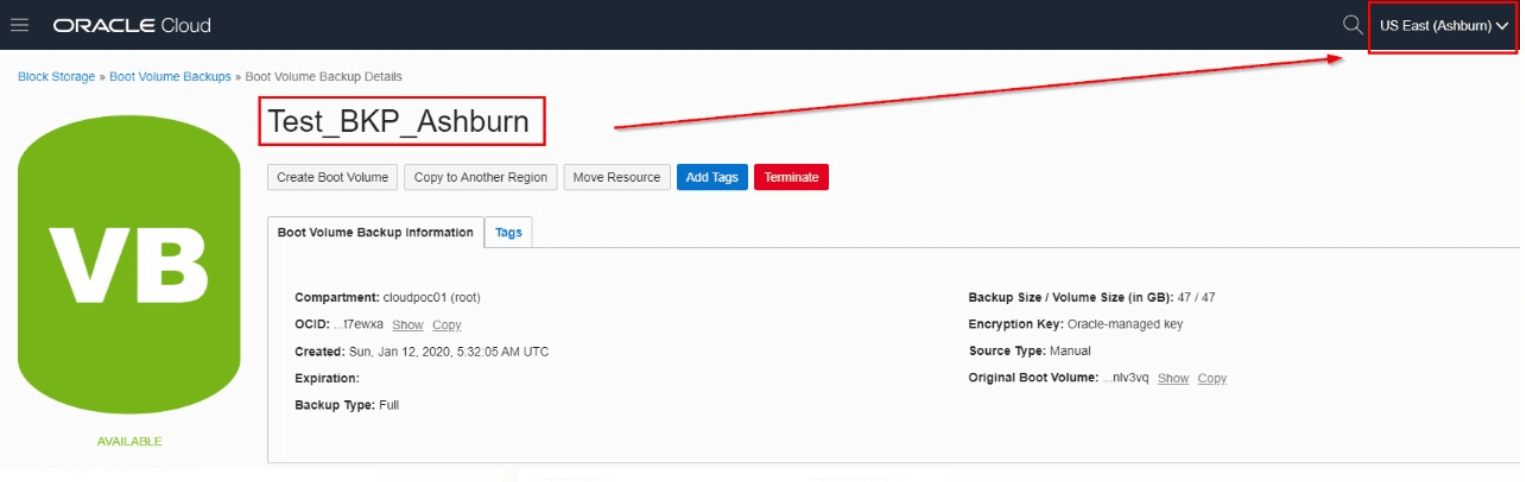
Note: The Instance which is attached to the Boot Volume should be stopped while you copy it to the other Region. Otherwise, you won’t be able to see the option to Copy.
Related/Further Readings
- Oracle Cloud Infrastructure Availability Domains & Fault Domains
- Oracle Cloud Infrastructure (OCI) Architect Live Training
- Oracle Cloud Infrastructure (OCI) | Storage Object, Block | File Storage, Data Transfer Service|
Begin Your Cloud Journey
Begin your journey towards becoming an Oracle Cloud Expert and earn a lot more in 2024 by joining our FREE CLASS. You will also know more about the Roles and Responsibilities, Job opportunities for OCI Architects, Admins in the market, and what to study Including Hands-On labs you must perform to get the Higher Paying jobs.
Click on the below image to Register for Our FREE Class on MASTERING ORACLE CLOUD FOR DBAs, APPs DBAs, ARCHITECTS & SYS ADMINS


![Microsoft Agentic AI Business Solutions Architect [AB-100] | K21 Academy](https://test.k21academy.com/wp-content/uploads/2025/11/Microsoft-Agentic-AI-Business-Solutions-Architect-AB-100-Exam-Overview1.png)


