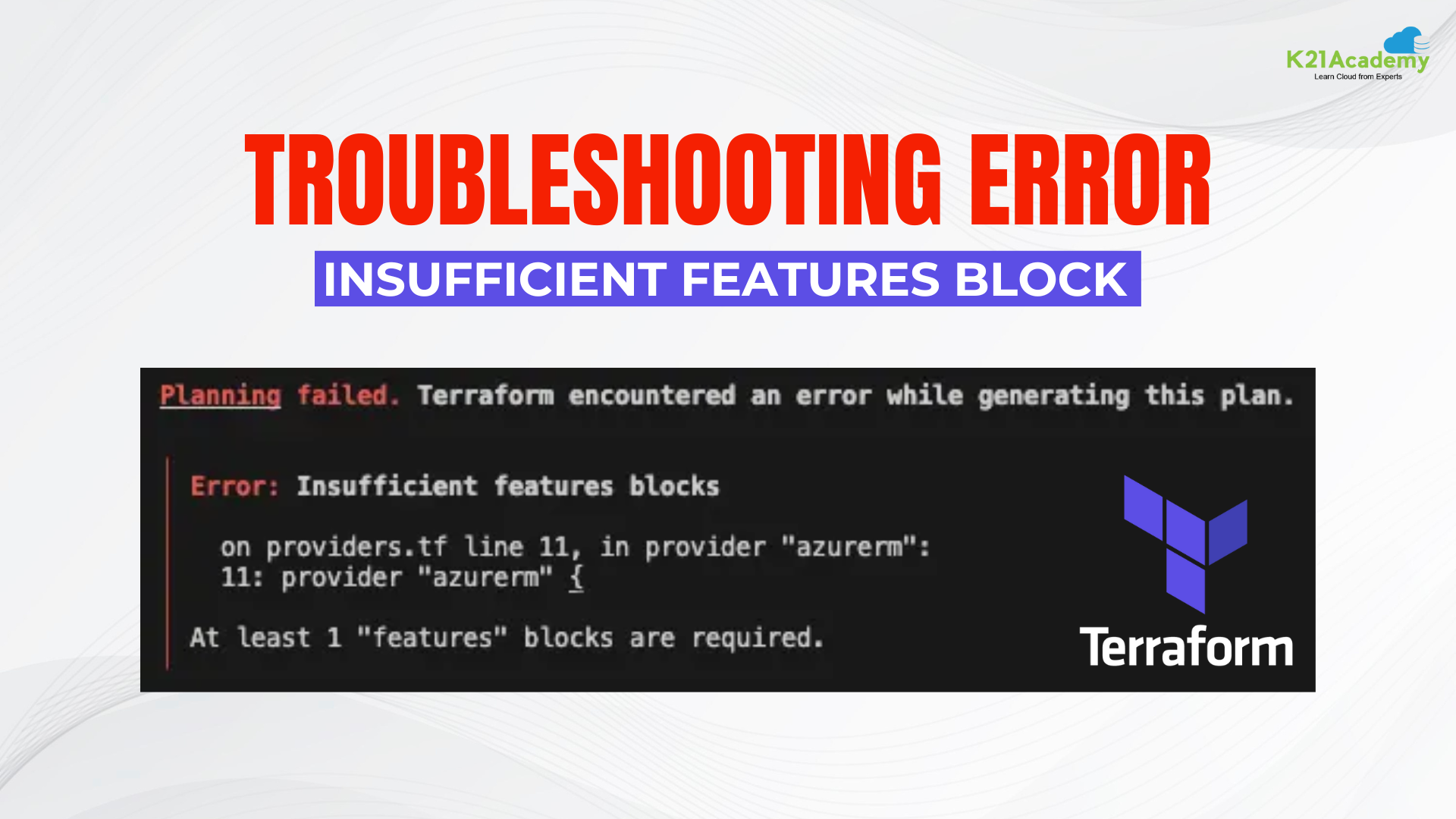




In the dynamic realm of infrastructure as code (IaC), Terraform stands out as a powerful tool, streamlining the provisioning and management of resources. However, like any robust technology, Terraform is not immune to errors, and one such perplexing challenge developers often encounter is the “Insufficient Features Blocks” error.
Understanding Terraform Errors
Before delving into the specifics of the “Insufficient Features Blocks” error, it’s crucial to understand the broader context of Terraform errors. Error messages play a vital role in the development process, serving as guides to troubleshoot and enhance code quality.
If you are working with Terraform and encounter the error message Insufficient features blocks when attempting to deploy your infrastructure, don’t worry, there is an easy workaround. This error message indicates that your Terraform configuration file lacks a “features” block. The “features” block in Terraform is used to enable or disable certain experimental features.
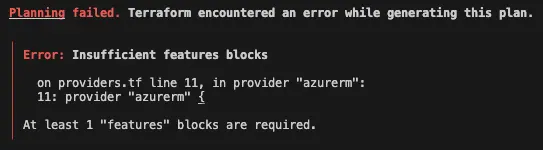
An error occurred below:
Planning failed. Terraform encountered an error while generating this plan.

│ Error: Insufficient features blocks
│
│   on providers.tf line 11, in provider "azurerm":
│   11: provider "azurerm" {
│
│ At least 1 "features" blocks are required.
The solution
A relatively simple solution, but I wanted to contribute it to a brief blog post 🙂
To resolve this issue, you can insert a “features” section into your configuration file. Here’s an illustration of how the section might be structured:
Include features {} within your provider.
Example:
provider "azurerm" {
features {}
}
In the provided instance, we’ve introduced an empty “features” section to the configuration file. You can incorporate any experimental features you wish to activate within this section.
After integrating the “features” section into your configuration file, you should be able to deploy your infrastructure without encountering the “Insufficient features blocks” error.
terraform {
backend "local" {
}
required_providers {
azurerm = {
}
}
}


provider "azurerm" {
features {}
}
Conclusion
In short, in Terraform a missing “features” block in your configuration file causes the “Insufficient features blocks” error. You can activate any experimental Terraform features you want to utilize by adding an empty “features” block to your configuration file.
Frequently Asked Questions
How do you fix a Terraform for_each error?
for_each errors often occur due to mismatched types or incorrect references in resource configurations. To fix this, ensure the for_each attribute is set to a map or a set of unique strings. Check if the keys or values used in for_each are compatible with your resource's expected input.
How can you troubleshoot Terraform variable interpolation errors?
Check if the variable names and types match what is defined in your configuration. Ensure correct syntax, using ${} for interpolations. Use terraform validate to identify issues and inspect if the values are properly passed where they're referenced.
What are Terraform output errors, and how can you address them?
Terraform output errors occur when outputs reference undefined variables or resources. To resolve them, ensure the referenced resource or variable exists and is correctly named. Also, use terraform plan to verify the output configurations before applying changes.
What causes a Terraform cycle error, and how can you resolve it?
A cycle error is caused by circular dependencies in resources, where two or more resources depend on each other. To resolve this, examine the dependency chain and restructure your resources to break the cycle, often by refactoring resources or using depends_on strategically.
How can you troubleshoot Terraform state errors, particularly state lock issues?
State lock issues happen when Terraform detects an active lock on the state file, typically from a concurrent operation. To resolve this, unlock the state manually using terraform force-unlock , or check the remote state backend to release the lock.
Related/References
- HashiCorp Infrastructure Automation Certification: Terraform Associate
- HashiCorp Certified Terraform Associate-Step By Step Activity Guides
- Install Terraform in Linux, Mac, Windows
- Why Terraform? Not Chef, Ansible, Puppet, CloudFormation?
- Terraform Providers Overview
- Terraform Variables – Terraform Variable Types
Join FREE Class
🚀 Master Terraform & DevOps to get High-Paying Jobs! 🔥 Join our EXCLUSIVE Free class! 🚀
Get your hands dirty with lots of projects and labs based on Terraform and DevOps in our Program. Click on the below image to Register for Our FREE Class Now!


![Microsoft Agentic AI Business Solutions Architect [AB-100] | K21 Academy](https://test.k21academy.com/wp-content/uploads/2025/11/Microsoft-Agentic-AI-Business-Solutions-Architect-AB-100-Exam-Overview1.png)