



The best way to learn is to perform!
This post covers Hands-On Activity Guides that you must perform in order to learn Oracle Database Cloud Service on Gen 2 Cloud (OCI) and clear certification exam.
Note: To know more about Oracle Autonomous Database Cloud 2020 Specialist 1Z0-931-21 exam click on link https://k21academy.com/1z093111
Note: To know more about Oracle Cloud Database Services Specialist 2021 Certification exam click on link https://k21academy.com/1z0109311
This post helps you with your self-paced learning as well as for your team learning. There are 18 Hands-On Labs in this course.
- Activity Guide I: Step-By-Step Guide to Register for Oracle Cloud Trial Account
- Activity Guide II: Create Virtual Cloud Network (VCN), Subnets, Security List, Gateway & Route Table For VM/BM & ExaCS
- Activity Guide III: How To Generate SSH Keys
- Activity Guide IV: Create & Access User-Managed Database
- Activity Guide V: Create & Access Autonomous Database
- Activity Guide VI: Create & Access Exadata DB System in OCI
- Activity Guide VII: Administration Database (Start, Stop, Terminate, Cloning, Scale, Manage)
- Activity Guide VIII: Monitoring Autonomous Database on OCI
- Activity Guide IX: Run SQL Statements in Oracle Machine Learning
- Activity Guide X: Command Line Utilities (DBaasCli, OCI CLI, DBCLI)
- Activity Guide XI: Patching VM/BM DB System & Database On OCI
- Activity Guide XII: Patching (Exadata Cloud Tooling, Grid, DB System, Operating System) in ExaCS
- Activity Guide XIII: Backup & Restore VM/BM & Autonomous DB System
- Activity Guide XIV: Backup & Restore Exadata DB System
- Activity Guide XV: Migrate an On-Premises Database Using a Standalone Backup In Oracle Cloud Infrastructure (OCI)
- Activity Guide XVI: Migrate On-Premise Database To Oracle Cloud Infrastructure using Datapump Transport tablespace
- Activity Guide XVII: Migrate (Lift & Shift) Oracle Database Using Import Export into ADW
- Activity Guide XVIII: Loading Data Into Autonomous Data Warehouse
Here’s the quick sneak-peak of how to start learning Oracle Database Cloud Service on Gen 2 Cloud (OCI) & to clear Oracle Autonomous Database Cloud Certified Specialist (1z0-931-20) and Oracle Database Cloud Service Specialist (1z0-998-20) by doing Hands-on.
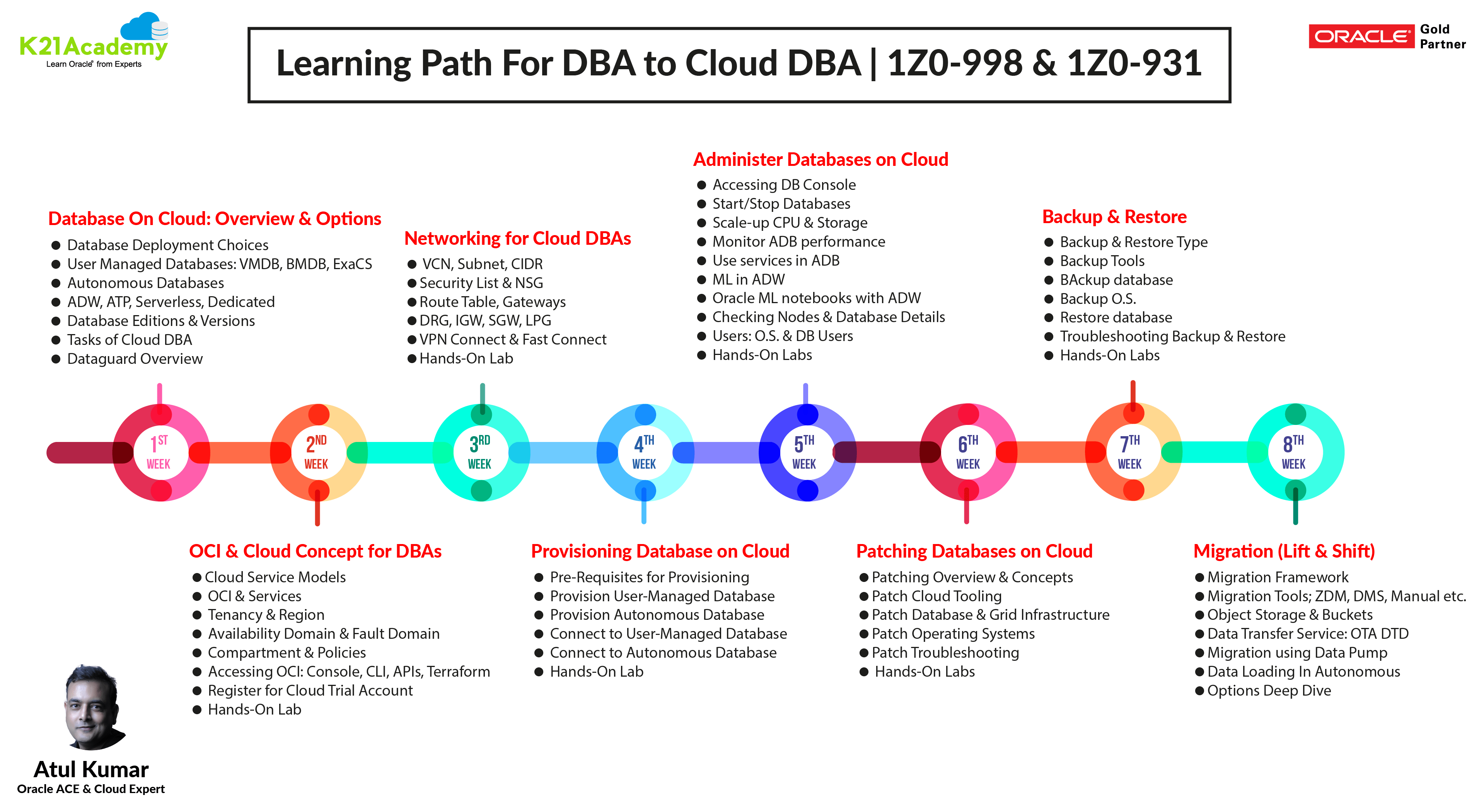
Note: To understand learning path in depth join our FREE masterclass by click on this URL https://k21academy.com/clouddba02
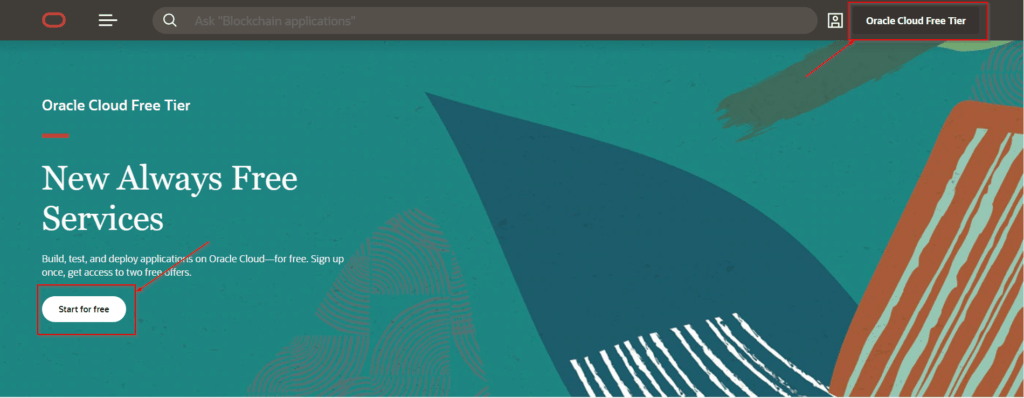
1. Activity Guide I: Step-By-Step Guide to Register for Oracle Cloud Trial Account
The first thing you must do is to get a trial account for Oracle Cloud (You get 300 USD FREE credit from Oracle to practice, that must be used within 30 days).
You should know how to Register for the Oracle Cloud, Get FREE 300 USD Credit to Practice, generate SSH Keys to connect to Linux Servers on Cloud and Shop Compute (IaaS) for Application Tier & DBCS (PaaS) for Database Tier.
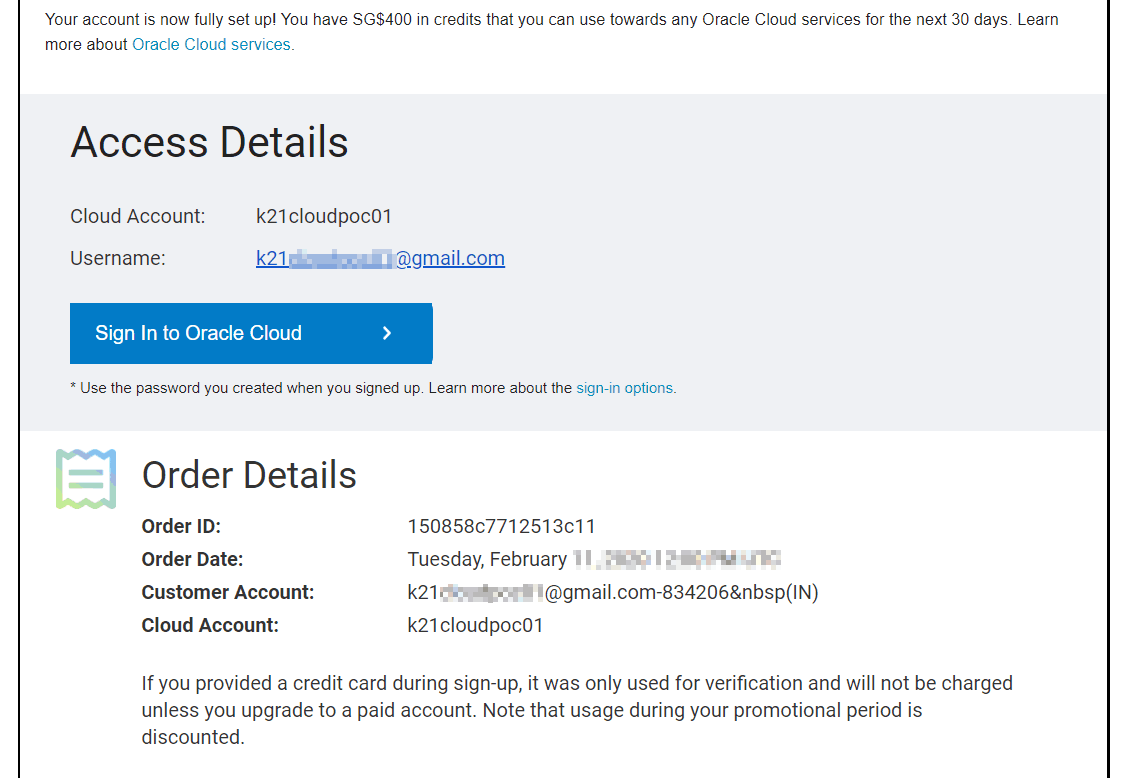
Once you register for Oracle Cloud Trial, you should get an Email Like below from Oracle:
Note: Get the FREE Copy of Step-By-Step Guide to Register for Oracle Cloud Trial Account in your inbox, by click here https://k21academy.com/cloud01
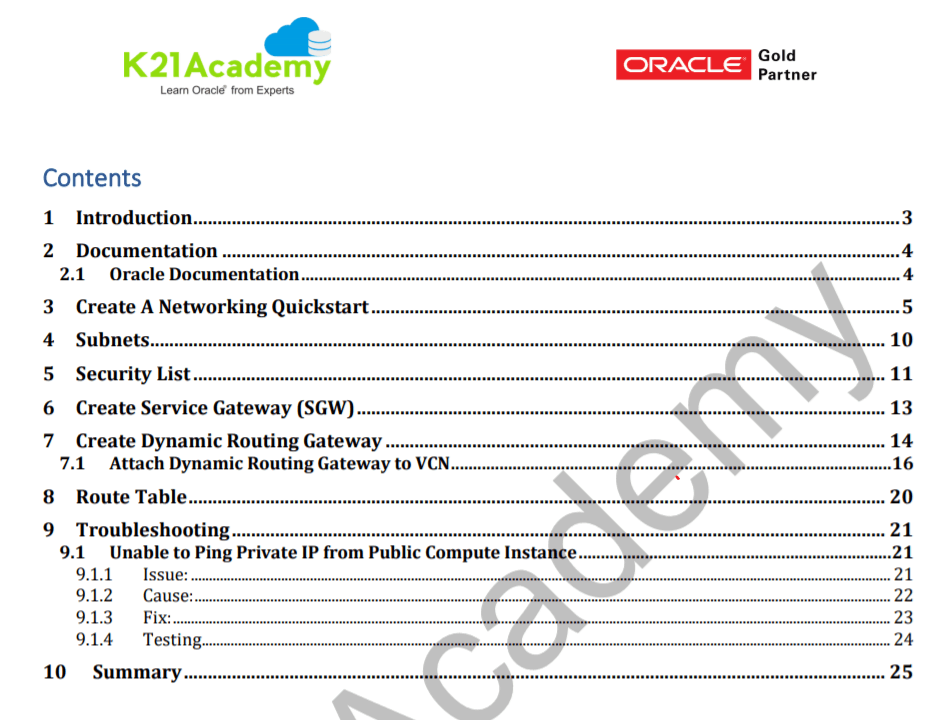
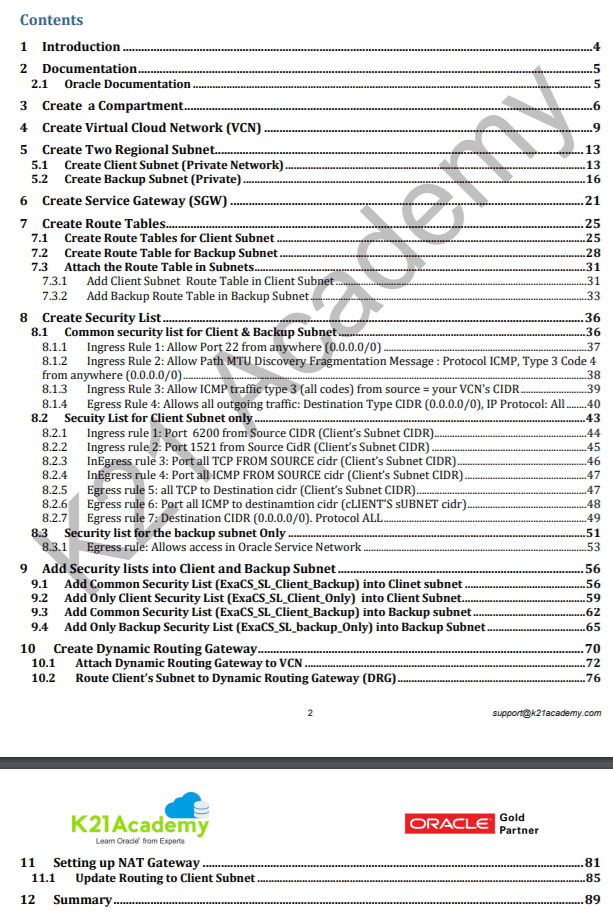
2. Activity Guide II: Create Virtual Cloud Network (VCN), Subnets, Security List, Gateway & Route Table For VM/BM & ExaCS
Networking has a big role in Cloud database for example to make a connection between on-premise and cloud database and to store database backup to object storage networking is required.
To know more about Networking, I would highly recommend you to check my previous post on Oracle Cloud Infrastructure (OCI): Networking https://k21academy.com/oci18
3. Activity Guide III: How To Generate SSH Keys
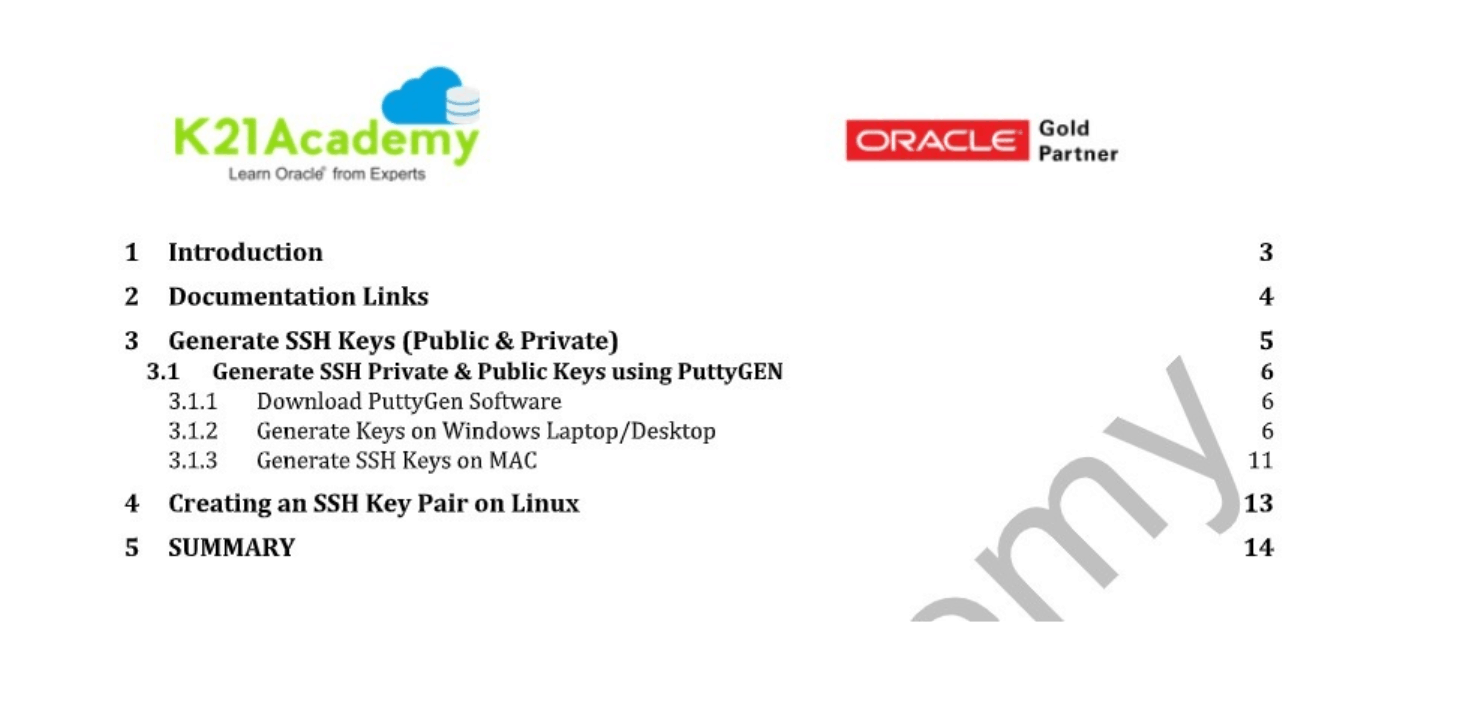
Oracle Cloud Services are built on the top of OCI, You will need an SSH key pair to access the Linux/Database or Exadata instances. An SSH key pair comprises a Private key and a Public key. You keep the private key on your personal computer and provide the Public key every time you launch an Instance.
Note: To know about how to create ssh key check here https://k21academy.com/oci51
4. Activity Guide IV: Create & Access User-Managed Database
The Database service offers autonomous and user-managed Oracle Database solutions.
The next step you should know about is User-managed solutions that are Bare metal, Virtual machine, and Exadata DB systems that you can customize with the resources and settings that meet your needs.
This Activity Guide helps you in creating Database in OCI & accessing via putty
Note: To know about how to provision database check here https://k21academy.com/clouddba60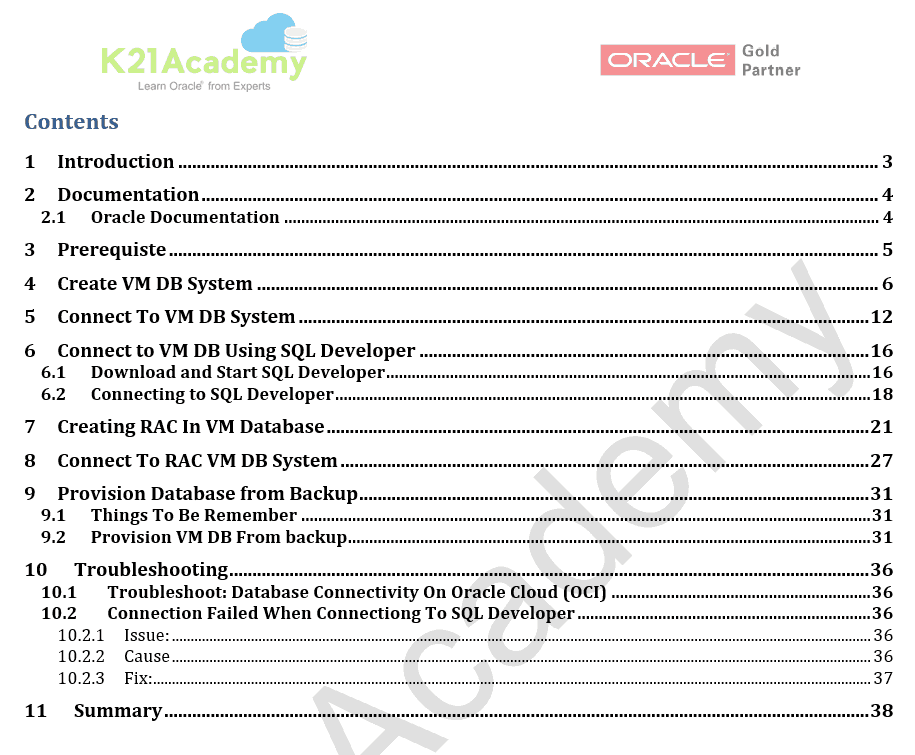
5. Activity Guide V: Create & Access Autonomous Database
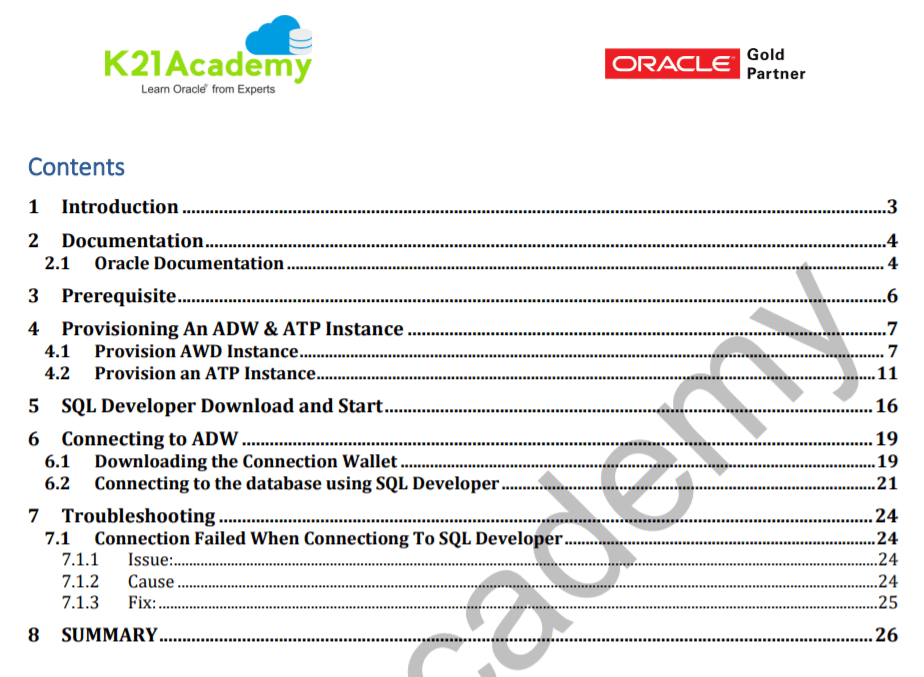
Oracle Cloud Infrastructure’s Autonomous Database Service is a fully managed, pre-configured database environment. You do not need to configure or manage any hardware or install any software. After provisioning, you can scale the number of CPU cores or the storage capacity of the database at any time without impacting availability or performance.
This Activity Guide helps you in creating and accessing an autonomous database via SQL Developer.
Note: To know more about how to provision Autonomous database on oracle cloud check here https://k21academy.com/clouddba31
6. Activity Guide VI: Create & Access Exadata DB System in OCI
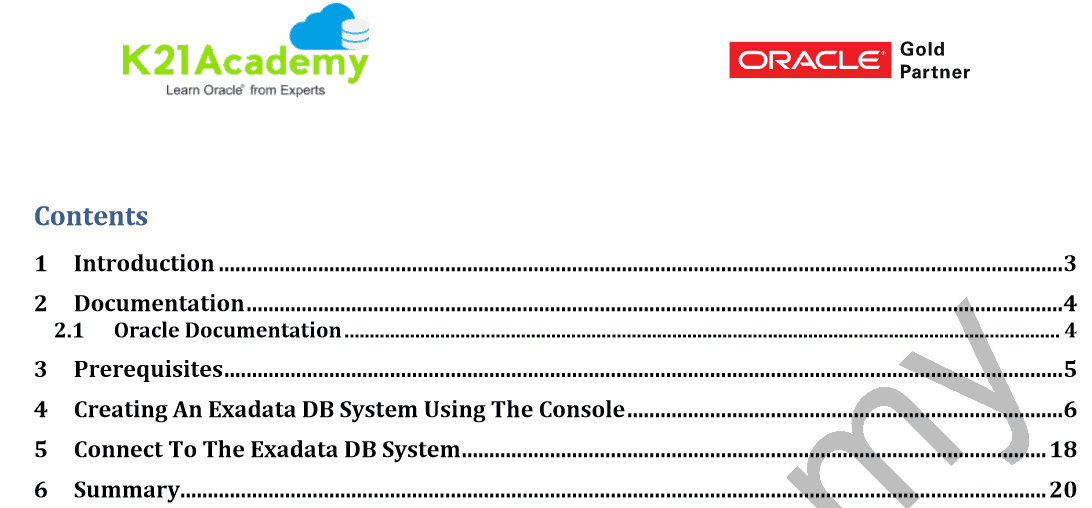
An Exadata DB system consists of a quarter rack, half rack, or full rack of compute nodes and storage servers, with high-speed, low-latency Band network.
In this Activity Guide, You will provision the Exadata DB System in OCI
Note: To know more about how to provision Exadata DB System on oracle cloud check here https://k21academy.com/clouddba62
7. Activity Guide VII: Administration Database (Start, Stop, Terminate, Cloning, Scale, Manage)
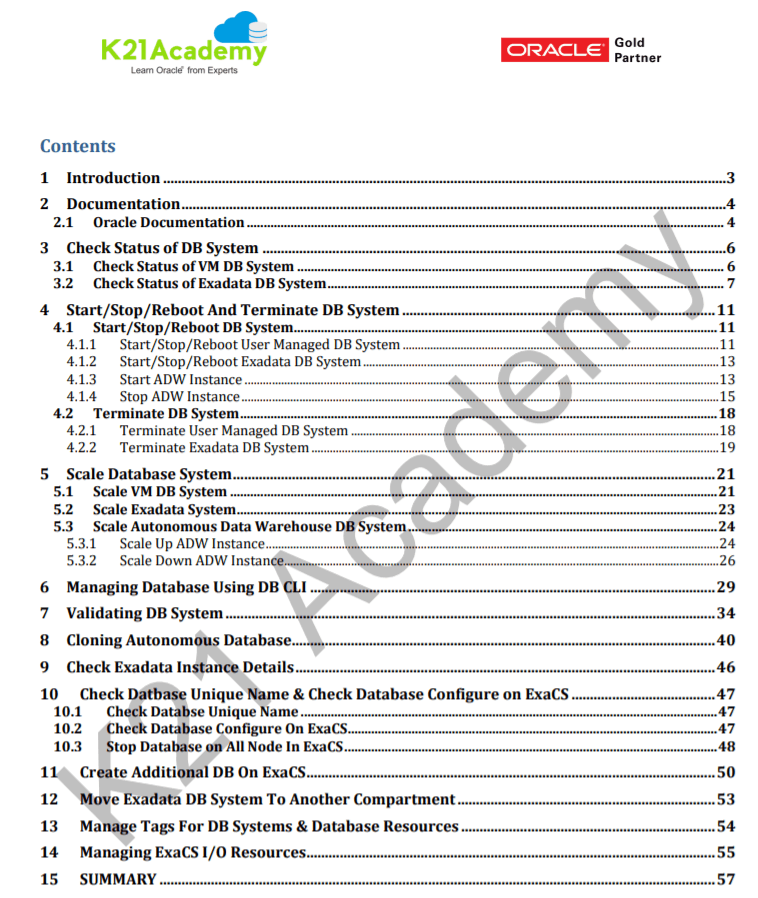
Then we learn how to Manage Database on Oracle Cloud Infrastructure (OCI), which includes Start /Stop Database, Scale Up & Scale Down database, and will also see how will you manage the database from DBCLI a command-line utility.
8. Activity Guide VIII: Monitoring Autonomous Database on OCI
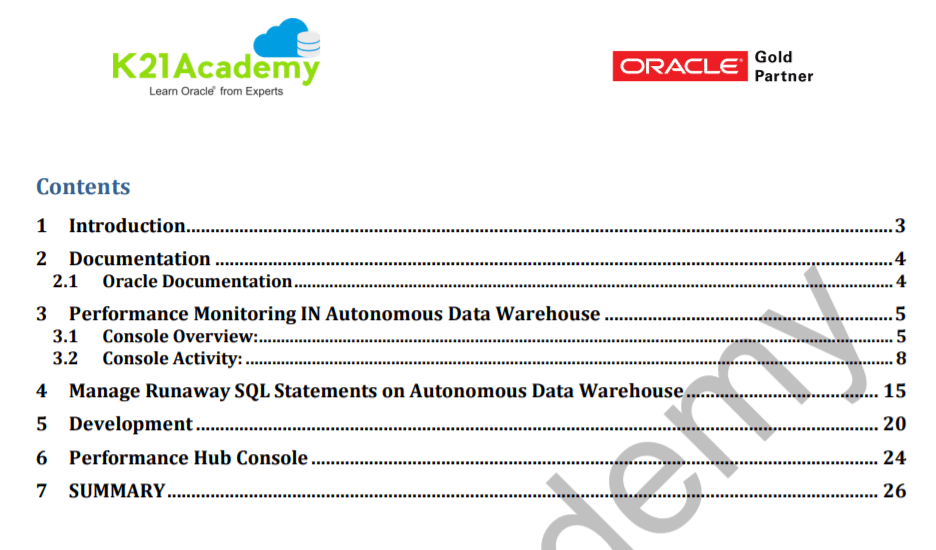
In this activity guide covered how to monitor the performance of the database, how to manage Runaway SQL Statements, and how to check the performance hub console.
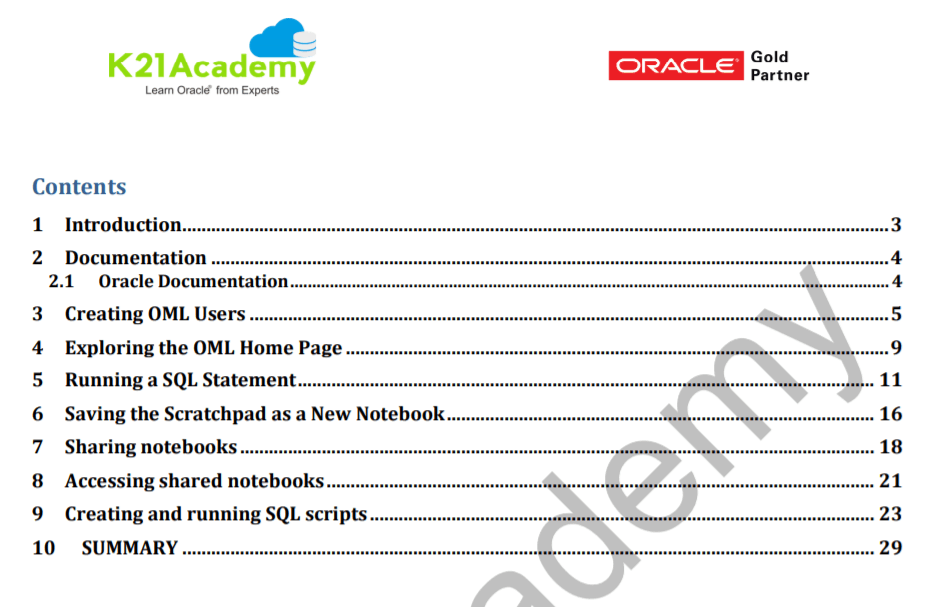
9. Activity Guide IX: Run SQL Statements in Oracle Machine Learning
In this guide, we will learn how to create Oracle machine learning users, Run SQL statement, share & access notebooks and create & run SQL statements.
10. Activity Guide X: Command Line Utilities (DBaasCli, OCI CLI, DBCLI)
In this guide, we will learn about the Alternate method for managing OCI resources.
Note: To know how to configure command-line Interface in OCI click here https://k21academy.com/oci54
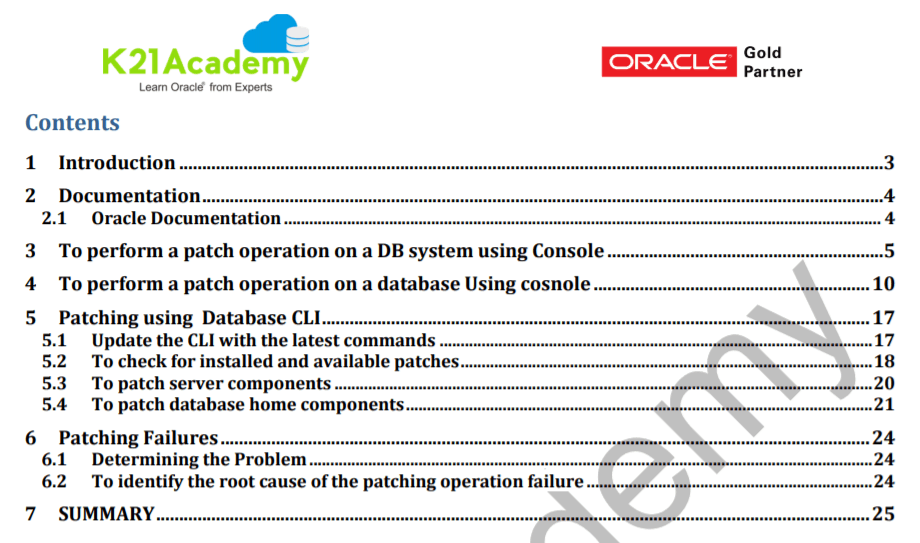
11. Activity Guide XI: Patching VM/BM DB System & Database On OCI
A patch is applied on the database to update, fix, or improve it. This includes fixing security bugs, patches usually being called bugfixes or bug fixes, and improving the functionality, usability or performance.
In this activity guide, you will be performing one of the common tasks for DBA’s, which is patching from Oracle Cloud Infrastructure Console and the command-line interface both.
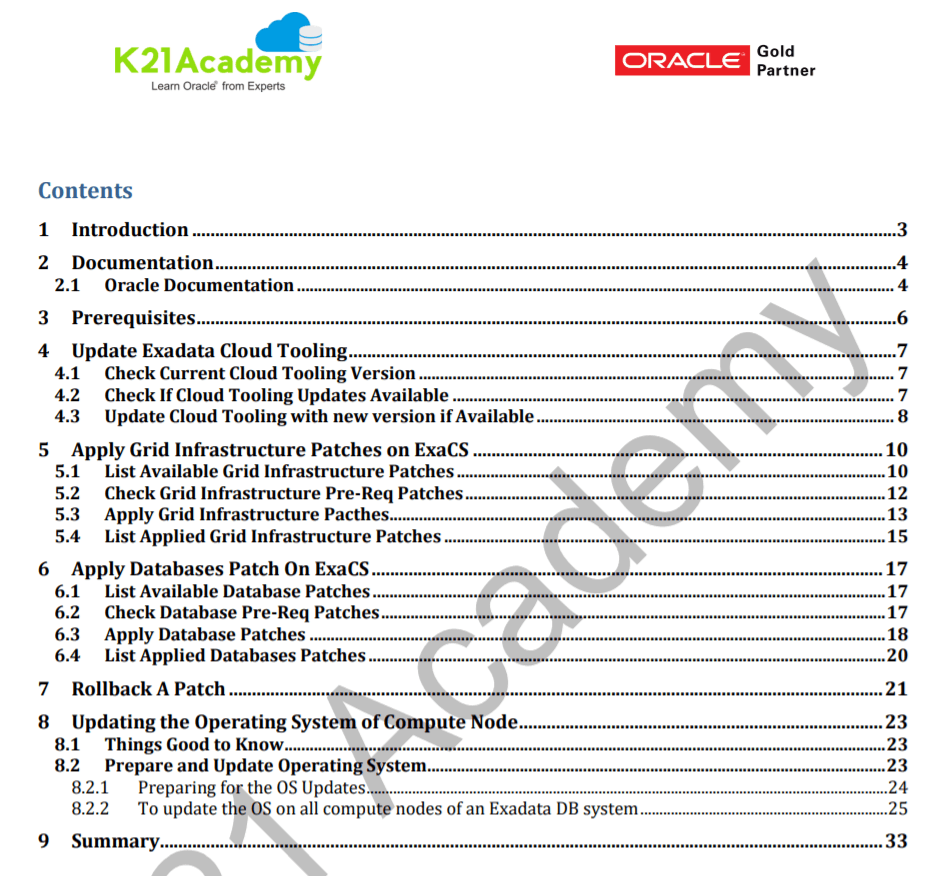
12. Activity Guide XII: Patching (Exadata Cloud Tooling, Grid, DB System, Operating System) in ExaCS
In this Activity Guide, you will apply a patch to Oracle Database Exadata Cloud Service, and roll back the patch as necessary.
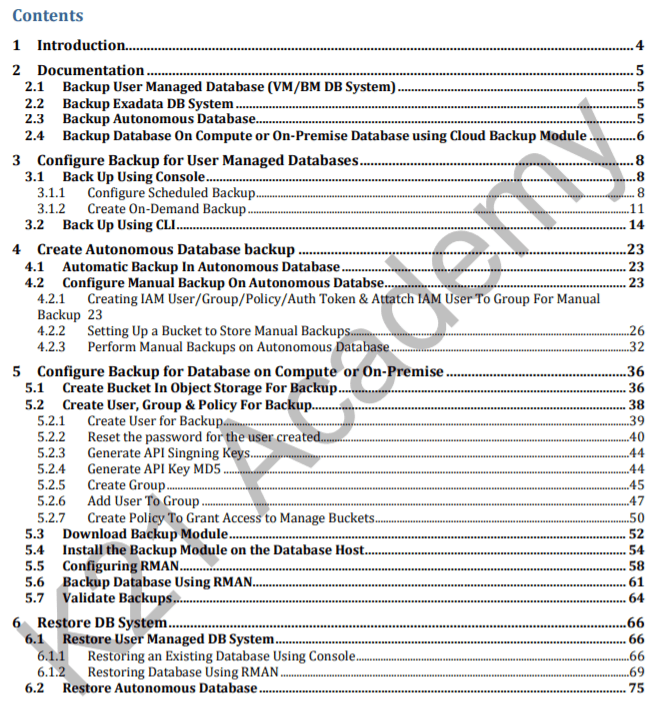
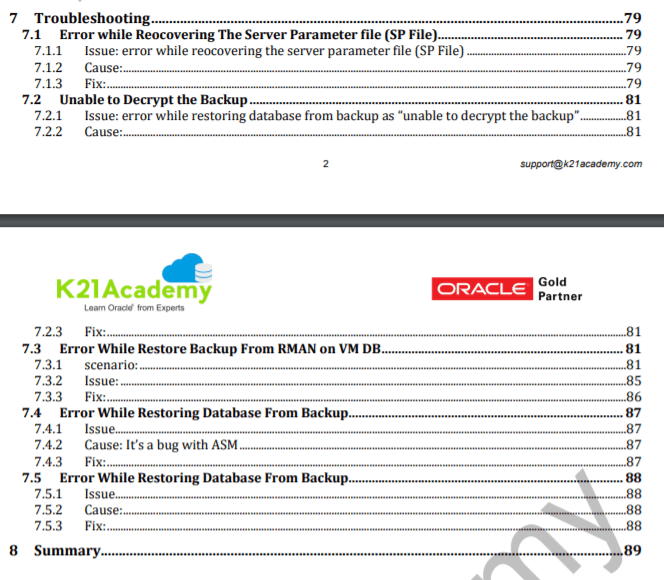
13. Lab Activity Guide XIII: Backup & Restore VM/BM & Autonomous DB System
Database backup is the process of backing up the stored data of database. It enables the creation of a duplicate instance or copy of a database in case the primary database crashes, is corrupted or is lost.
In this guide we will cover how you can Backup & Restore Database that is On Cloud to Cloud Object Storage, Creating an On-Demand Backup of Database, and Restoring from the Backup.
Note: To know more about backup & restore database click here https://k21academy.com/clouddba56
14. Activity Guide XIV: Backup & Restore Exadata DB System
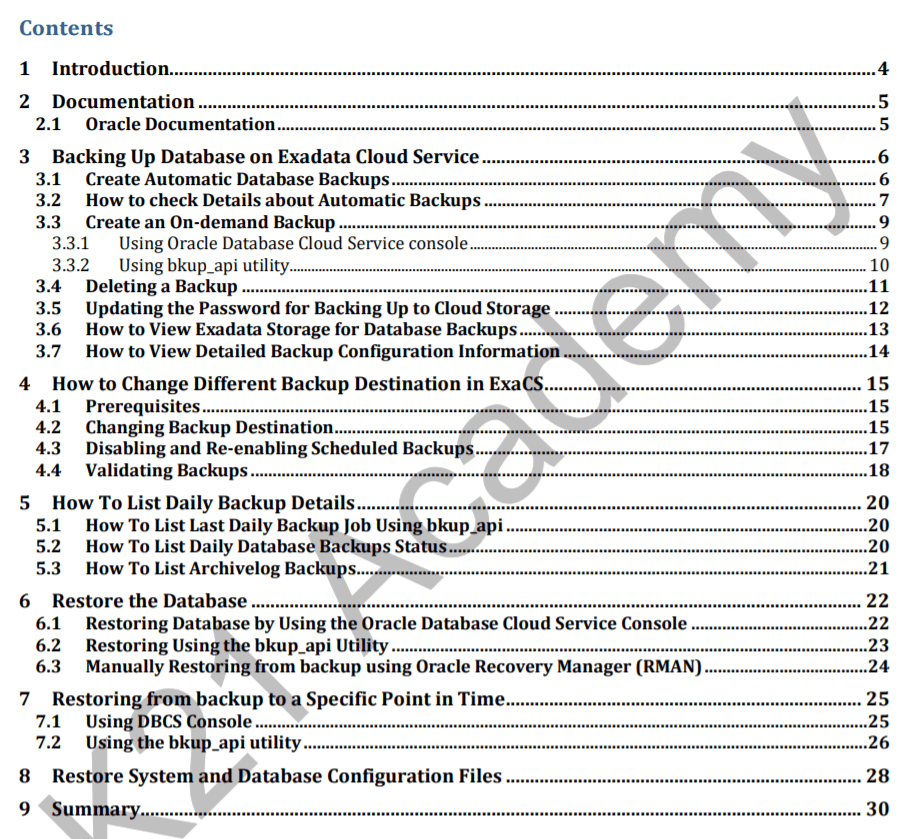
In this Activity Guide, You will see how you can Backup & Restore Database On Exadata Cloud Service, Restoring Database Using RMAN Utility & DBCS Console.
15. Activity Guide XV: Migrate an On-Premises Database Using a Standalone Backup In Oracle Cloud Infrastructure (OCI)
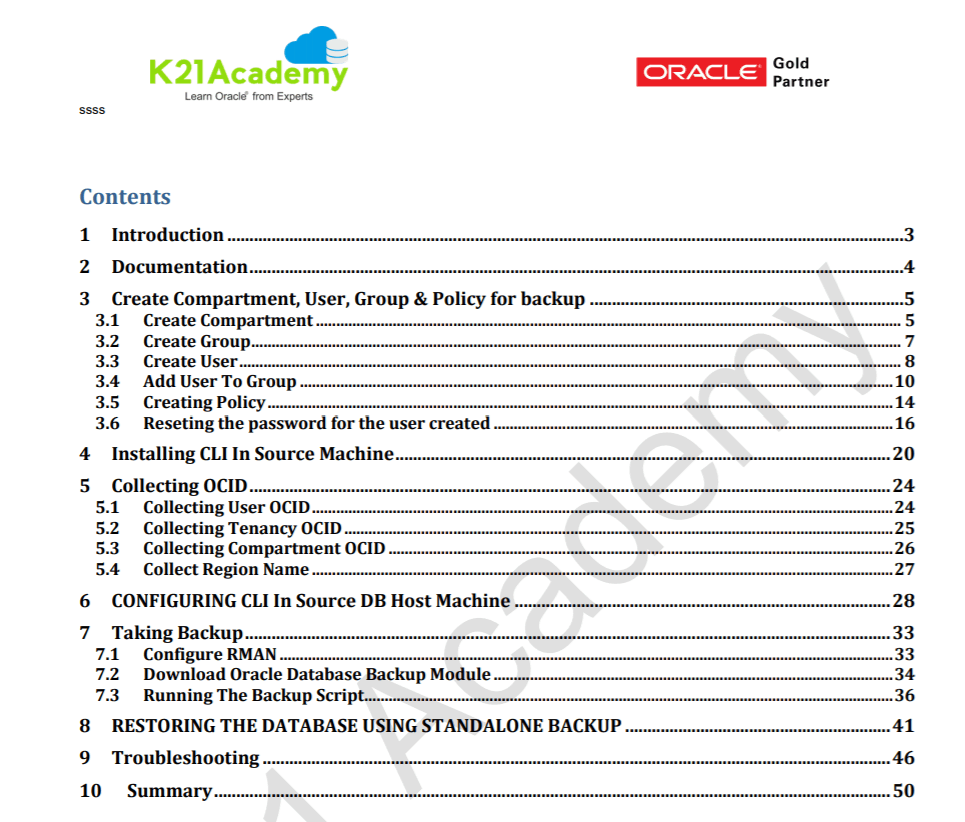
In this Activity Guide, You will see how to migrate an on-premises database using a standalone backup in Oracle Cloud Infrastructure (OCI), A variety of methods exist for migrating data from on-premises databases to databases in the DB System in OCI.
These include Data Pump export and import, exporting to external tables, remote cloning, and unplugging and plugging databases. Some of these methods support migrating on-premises 11g to cloud 11g, some support migrating on-premises 11g to cloud 12c, and some methods support migrating and upgrading on-premises 11gR2 to cloud12c.
16. Activity Guide XVI: Migrate On-Premise Database To Oracle Cloud Infrastructure using Datapump Transport tablespace
In this Activity Guide, You will see how to migrate an on-premises database to Oracle Cloud Infrastructure using Datapump Transport tablespace.
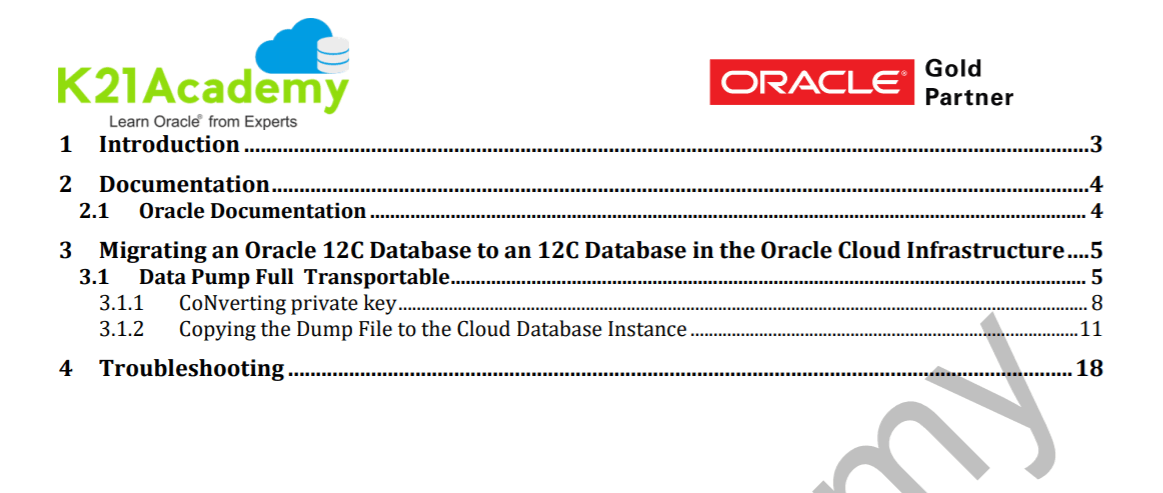
17. Activity Guide XVII: Migrate (Lift & Shift) Oracle Database Using Import Export into ADW
In this guide, we cover How we can Lift Shift On-Premise To Cloud Migration (OCI)Using DataPump Export/Import.
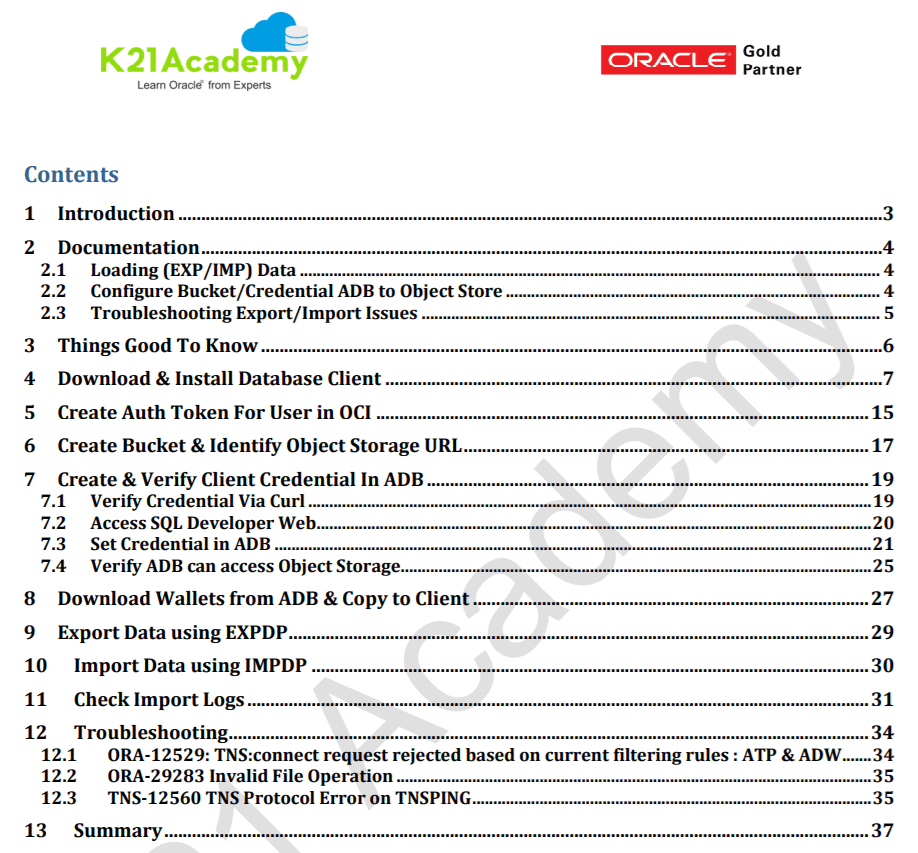
18. Activity Guide XVIII: Loading Data Into Autonomous Data Warehouse
Once you are done with provisioning ADW instance and connecting to the instance, then you should know How to Create Users and Groups and How to load data into your Autonomous Data Warehouse Instance.
In this Activity Guide, you will create the IAM User, group and required policy and then load the required data into your Autonomous Data Warehouse Instance using DBMS_CLOUD Utility after connecting via SQL Developer.
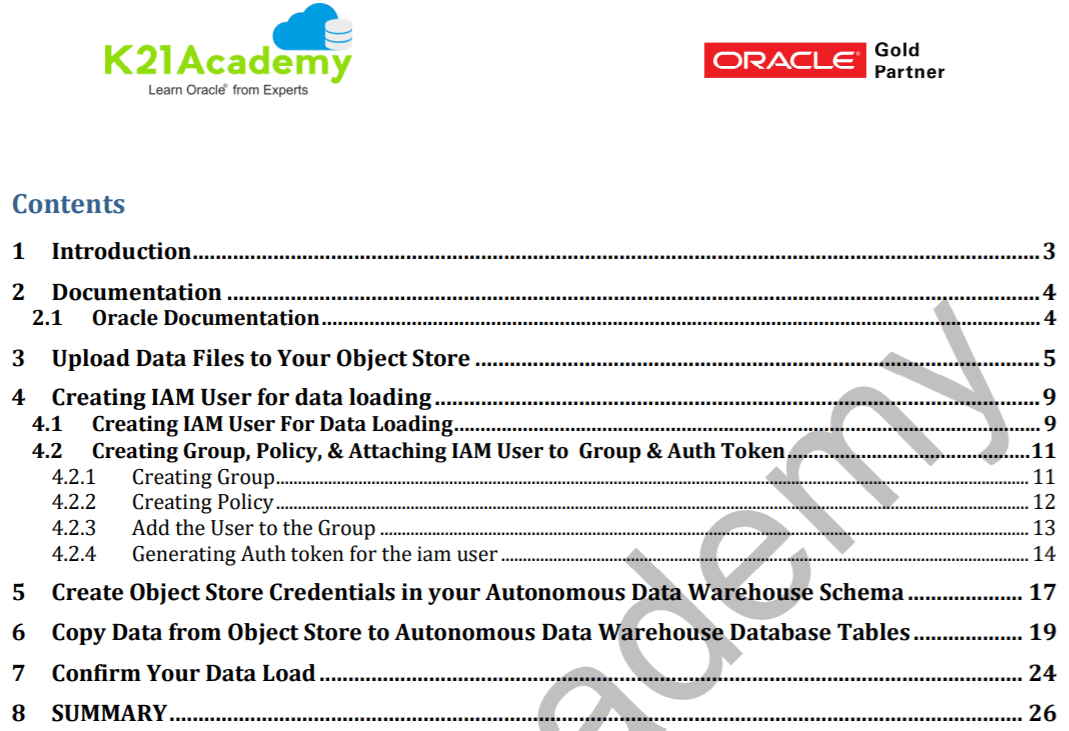
The above guide makes your learning & understanding the concepts of Oracle Database Cloud Service much easier and helps in qualifying Oracle database Cloud Service 1Z0-998-20 & Oracle Autonomous Database Cloud 2020 Specialist 1Z0-931-20 Certification in one go.
You can get all these guides when you register for DBA to Cloud DBA Training
If you are interested in our 8 Weeks DBA to Cloud DBA Program then please check our FREE Masterclass on How To Become Cloud Database Service Specialist
You’ll Get:
-
- Live Instructor-led Online Interactive Sessions
- FREE unlimited retake for next 1 Years
- FREE On-Job Support for next 1 Years
- Latest Updated Training Material (Presentation + Videos) with Hands-on Lab Exercises mentioned
- Recording of Live Interactive Session for Lifetime Access
- 100% Money Back Guarantee (If you attend sessions, practice and don’t get results, We’ll do full REFUND, check our Refund Policy)
Begin Your Cloud Journey
Begin your journey towards becoming an Oracle Cloud Expert and earn a lot more in 2024 by joining our FREE CLASS. You will also know more about the Roles and Responsibilities, Job opportunities for OCI Architects, Admins in the market, and what to study Including Hands-On labs you must perform to get the Higher Paying jobs.
Click on the below image to Register for Our FREE Class on MASTERING ORACLE CLOUD FOR DBAs, APPs DBAs, ARCHITECTS & SYS ADMINS


![Microsoft Agentic AI Business Solutions Architect [AB-100] | K21 Academy](https://test.k21academy.com/wp-content/uploads/2025/11/Microsoft-Agentic-AI-Business-Solutions-Architect-AB-100-Exam-Overview1.png)


